Watch LoadSnap
working.
Start with the full demo for the side of the trade you are on. Under it, 75 short videos, one per feature, each narrated and captioned in the same words. Search them by what you are trying to do, or by something you would expect to hear said.
The demos
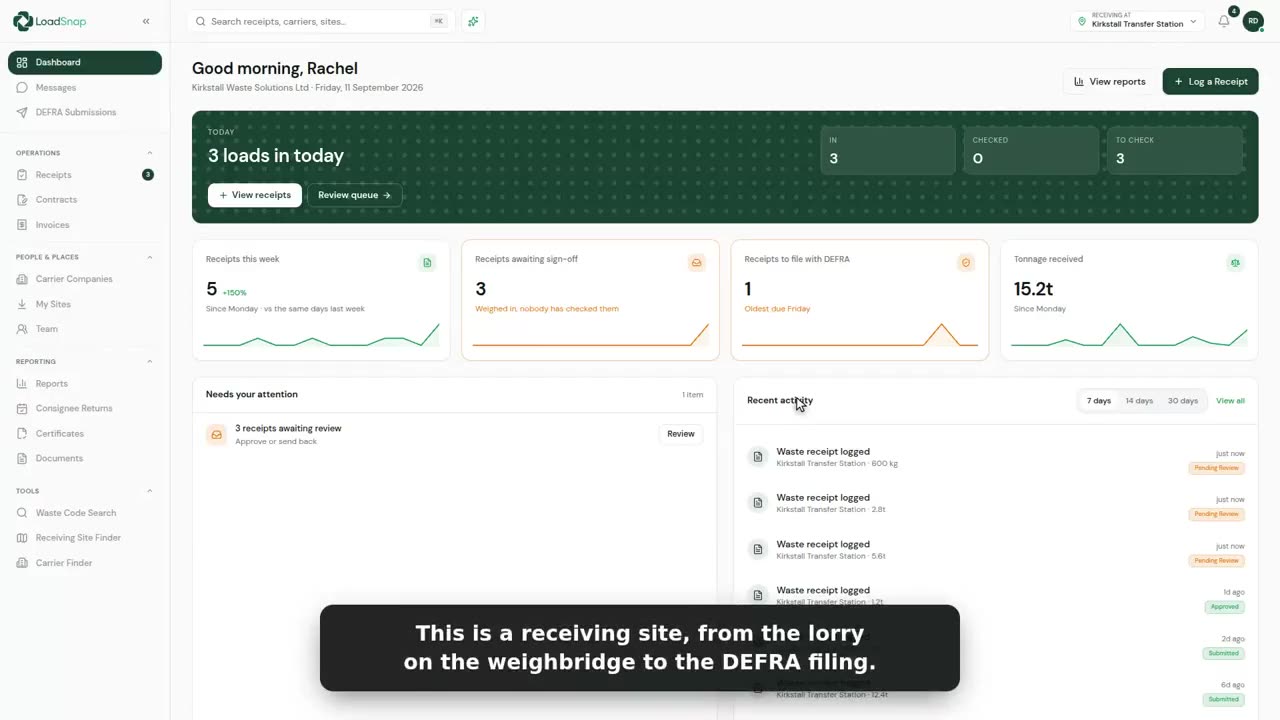
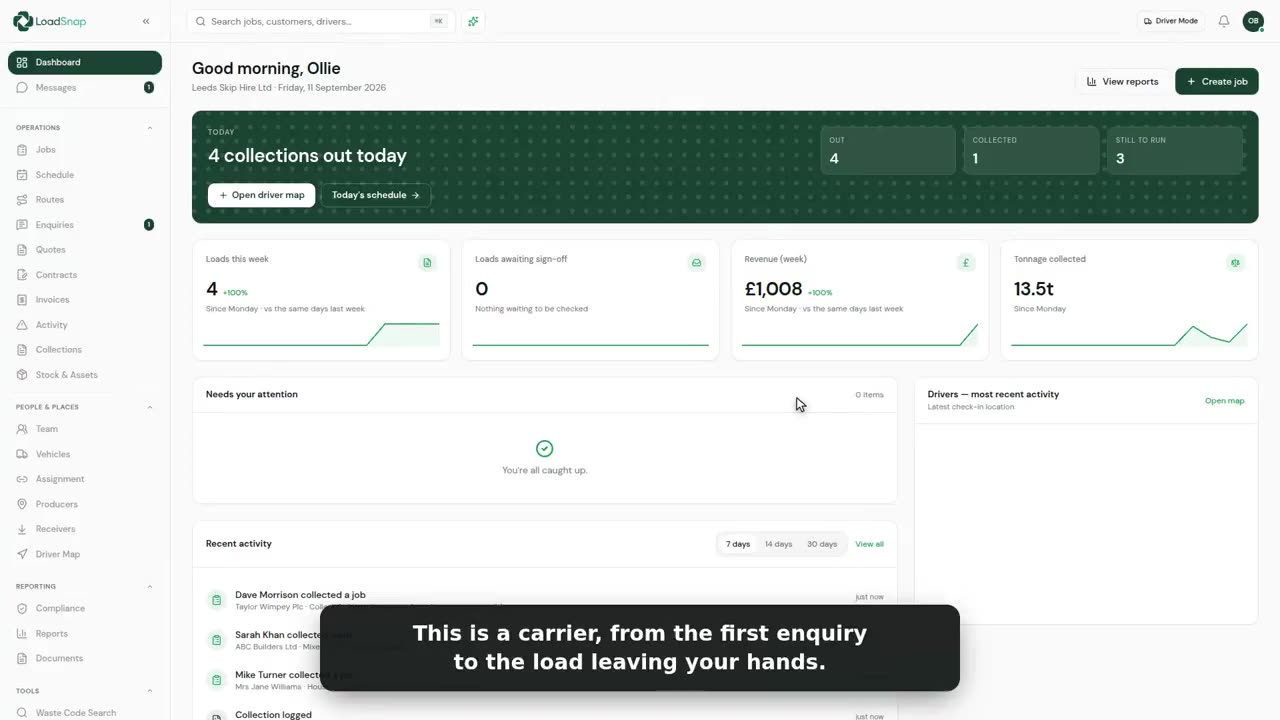
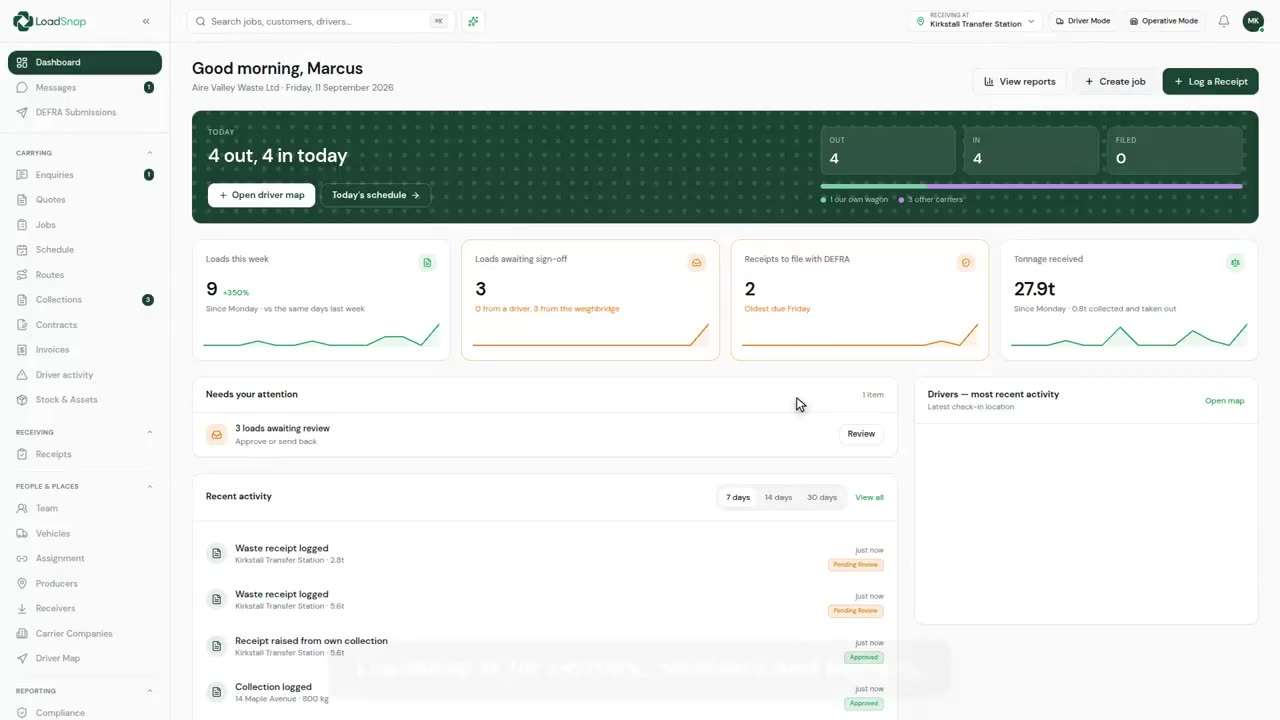
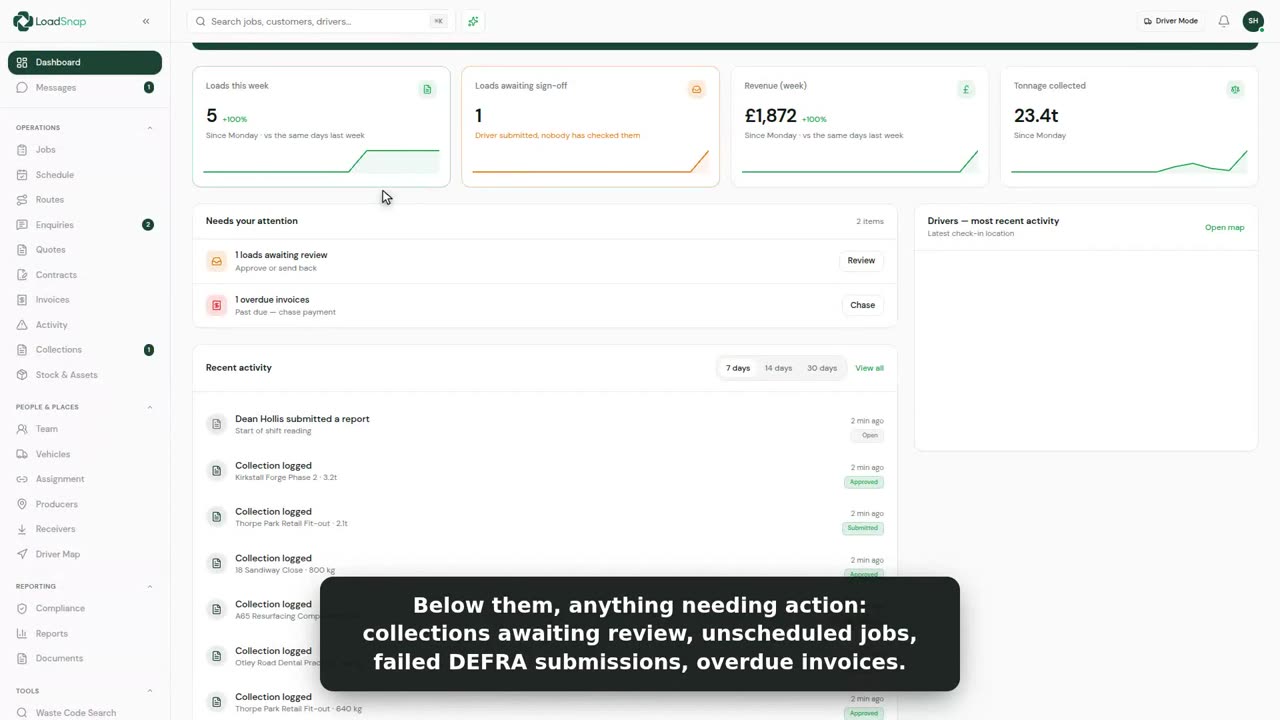
Three tours of the whole thing, one for each kind of firm. Four minutes at most.
Winning work
 0:41
0:41Enquiries
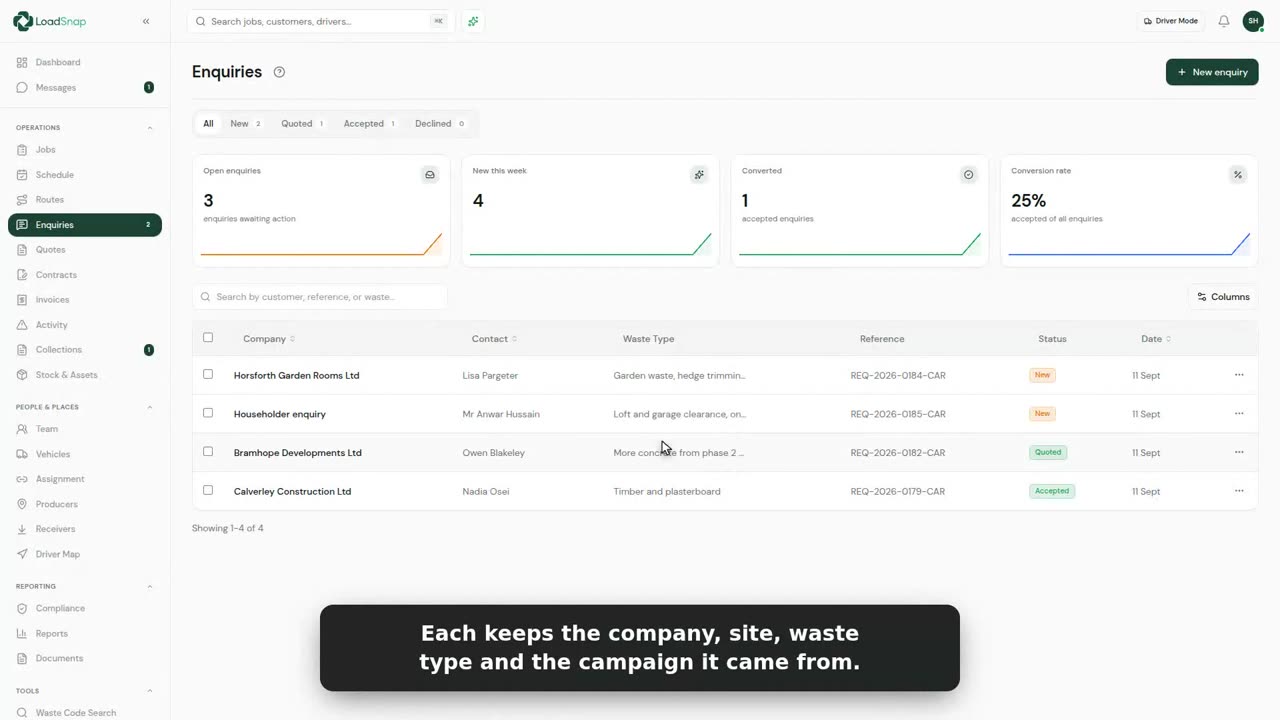
Enquiries are work coming in before it is a job.
 0:50
0:50Quotes
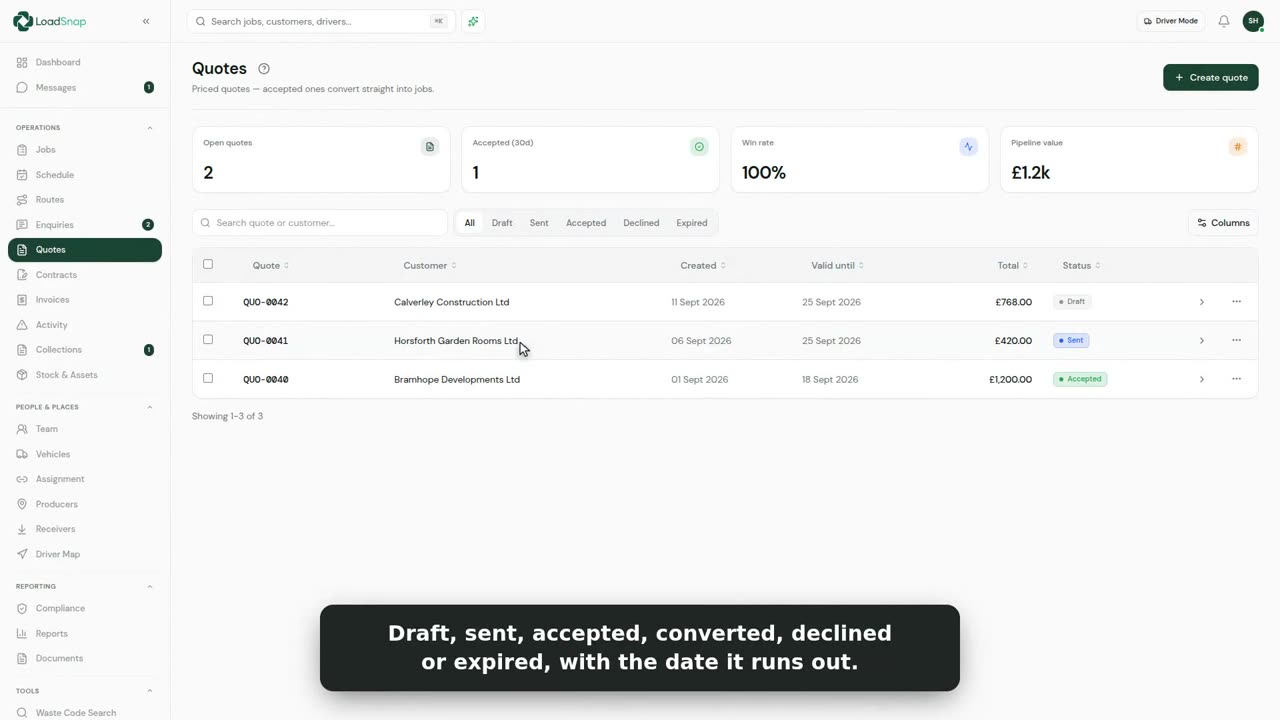
Every quote is in one list: drafts, ones sent, and ones accepted, with the date each runs out.
 0:41
0:41Contracts and recurring work
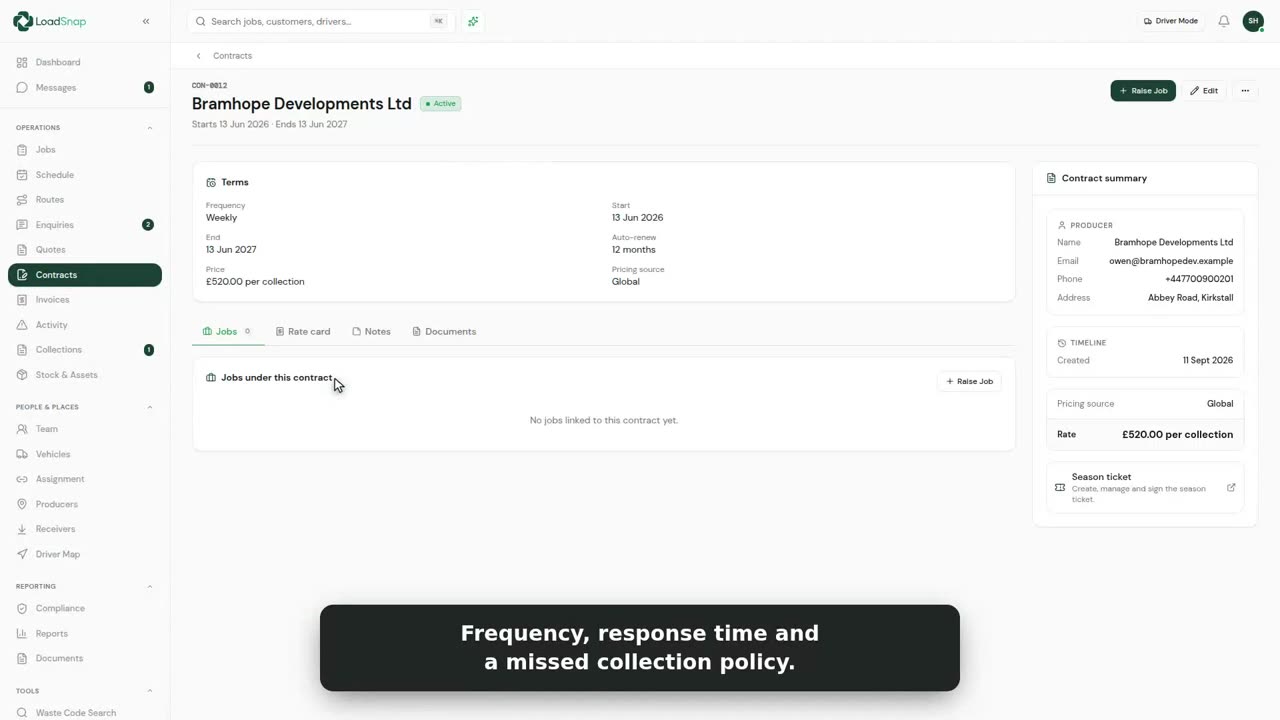
A contract is the standing agreement with one customer, for work that comes round again.
 0:42
0:42Rate cards and surcharges
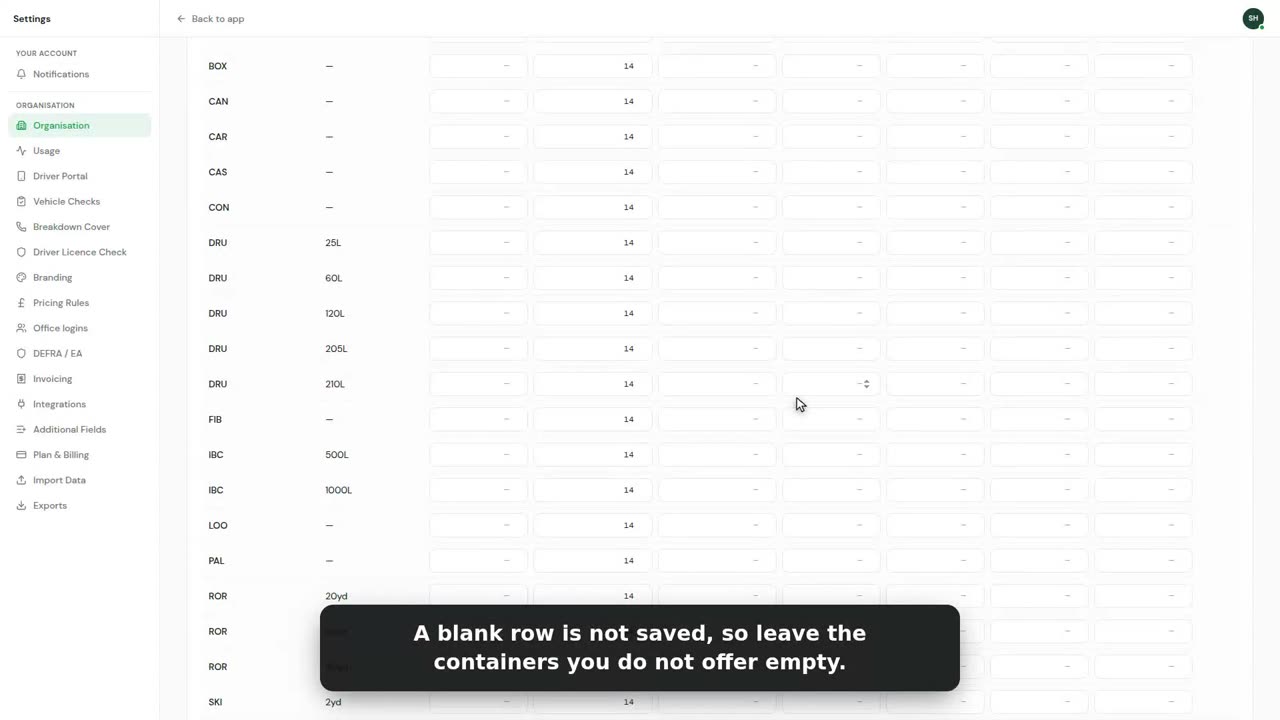
Your prices live in Settings, under Prices. You set them once, not on every job.
 0:51
0:51Taking bookings online
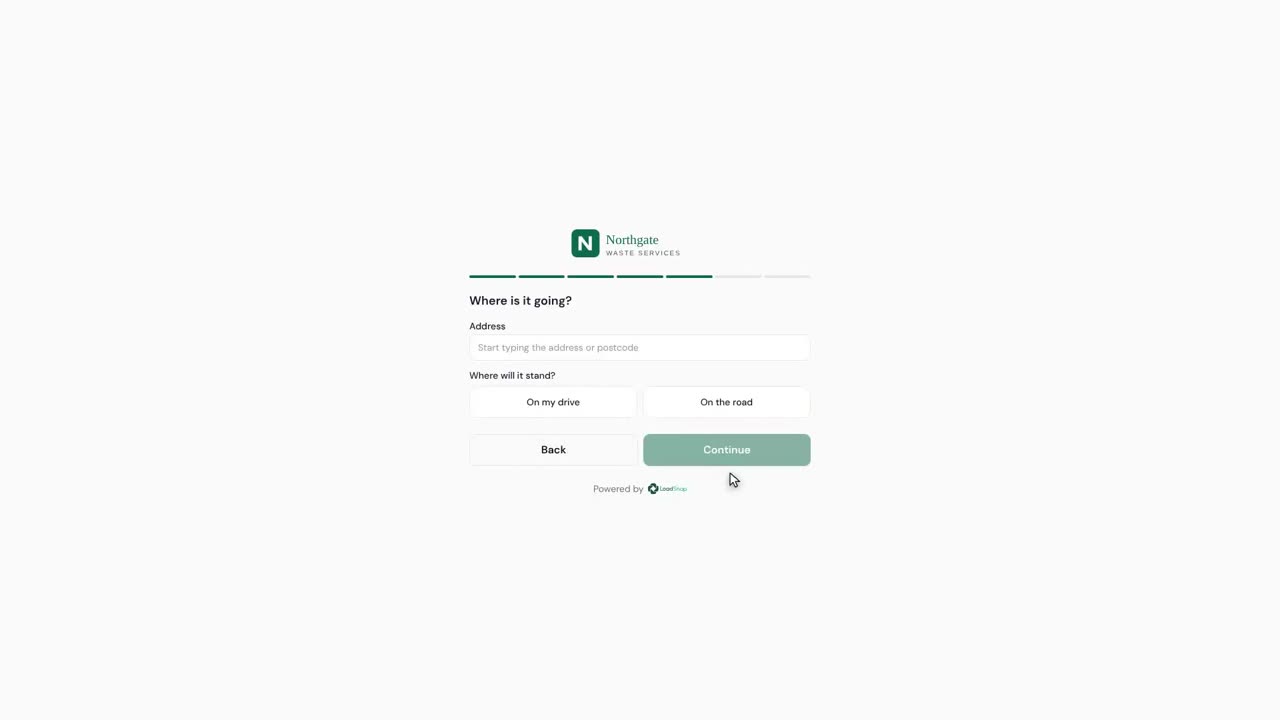
This is your own booking page, with your skips and your prices on it.
 1:40
1:40Work that comes from a broker
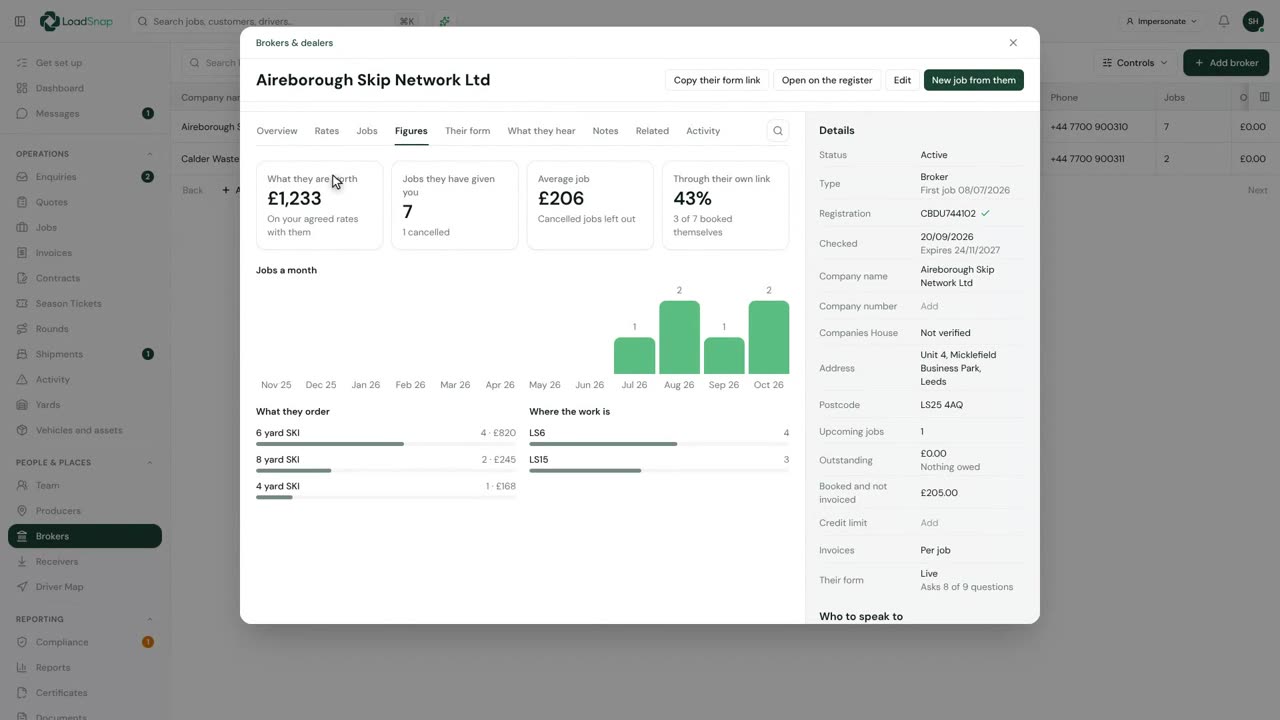
Brokers are the firms that sell the container and hand the work to you.
Jobs
 1:08
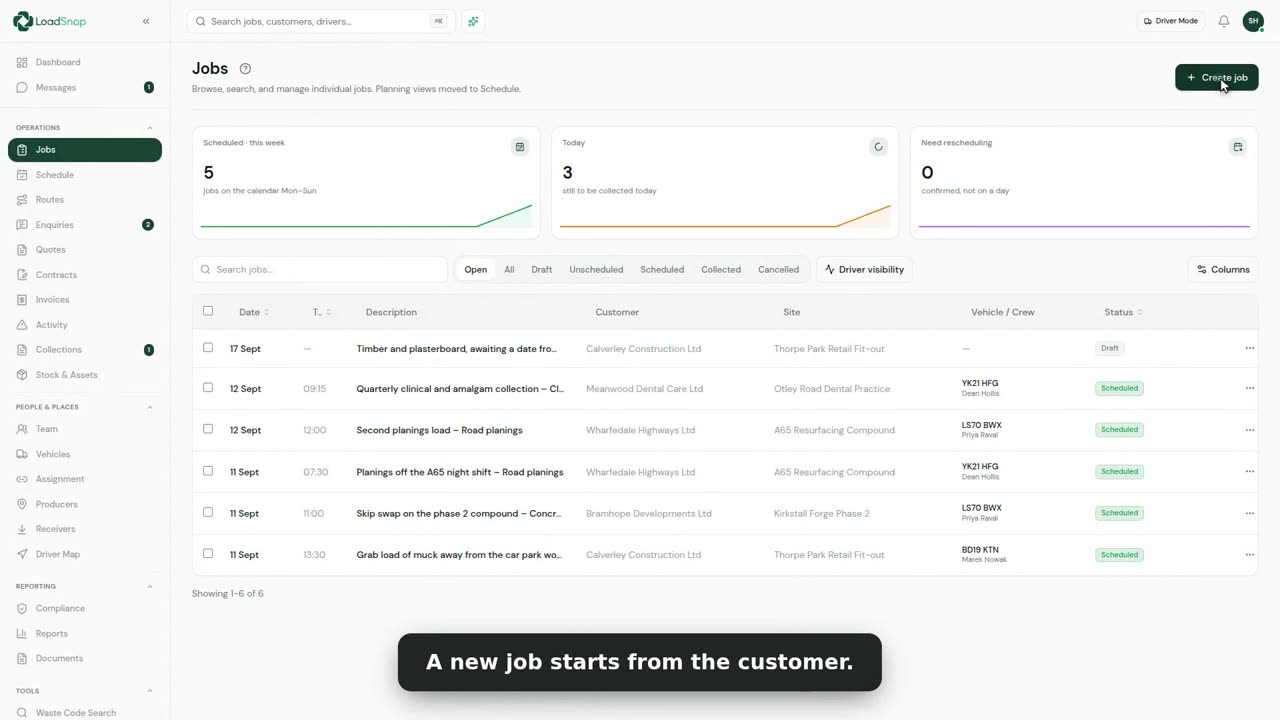
1:08Creating a job end to end
Every job starts from Create job, at the top of the jobs list.
 0:51
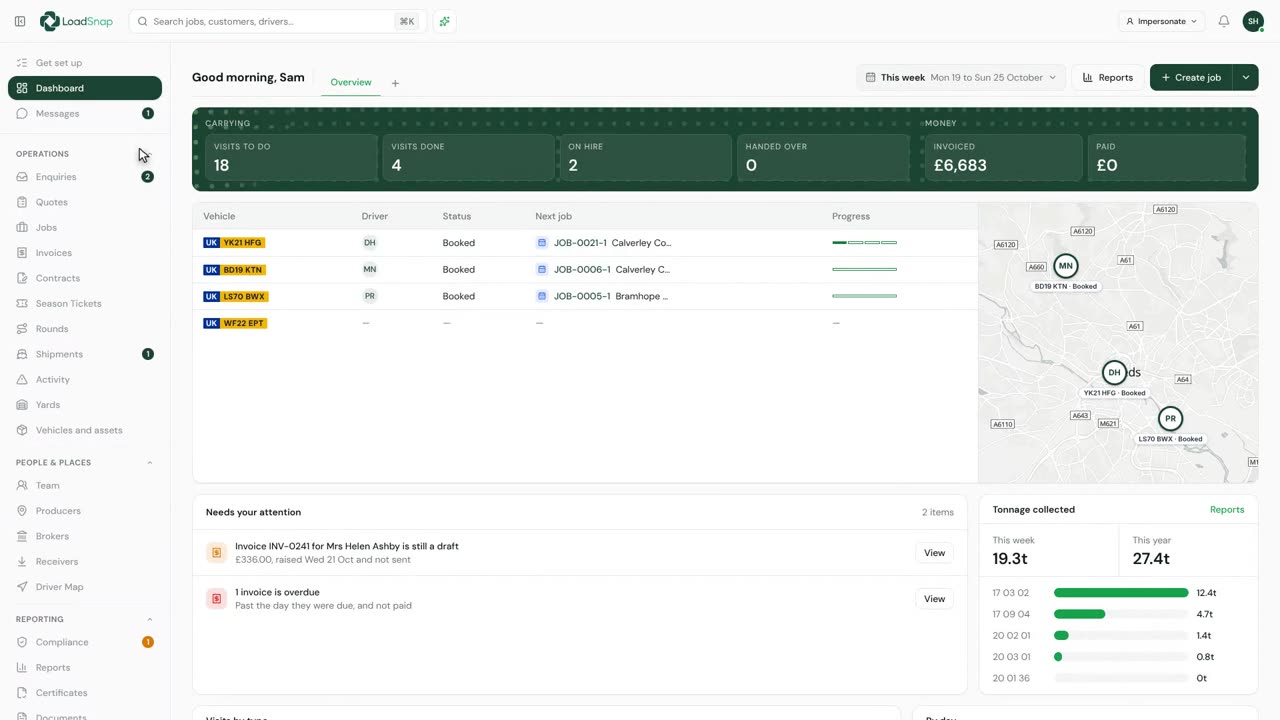
0:51Job types and how they change Create job
Job types are in Settings, under Your records. Each one is a kind of work you take on.
 0:34
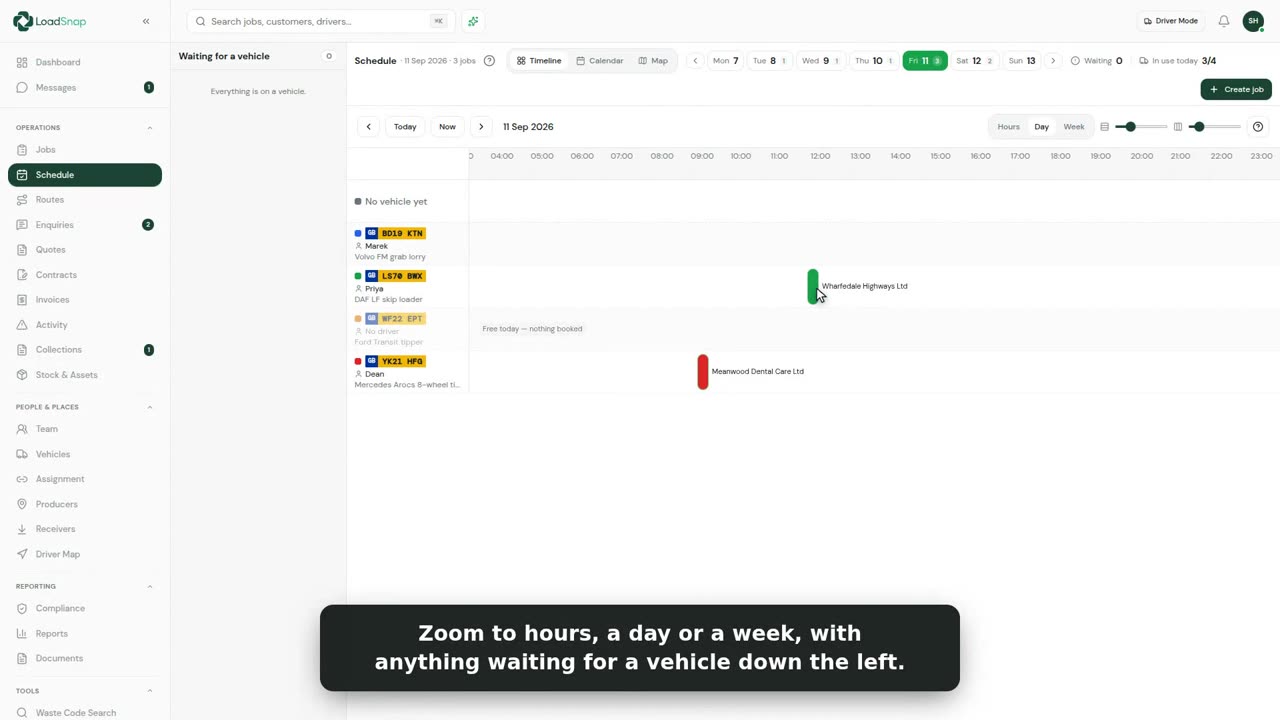
0:34Scheduling a job
Jobs are scheduled on the Timeline, one of the views across the top of Jobs.
 0:45
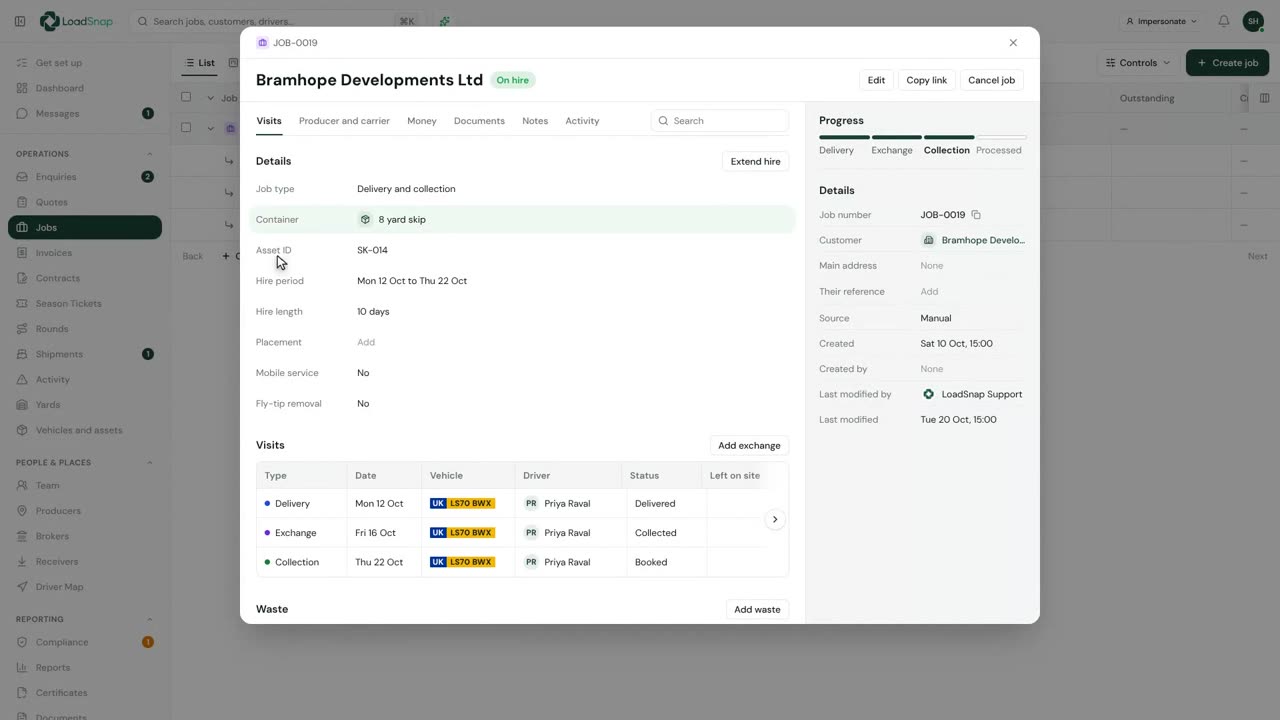
0:45A job and its visits
A job is the booking with the customer. Each trip a vehicle makes for it is a visit.
 0:44
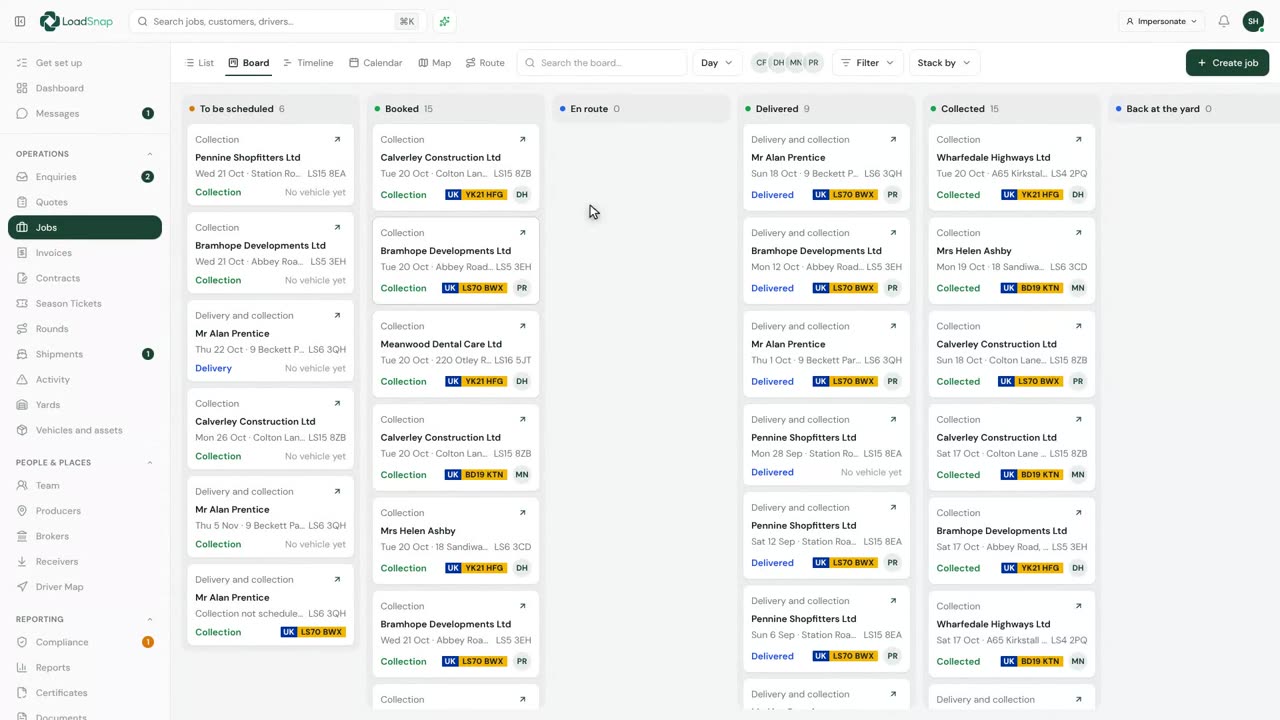
0:44The Board and Map views of your jobs
Jobs can be worked from a list, a board, or a map.
 0:41
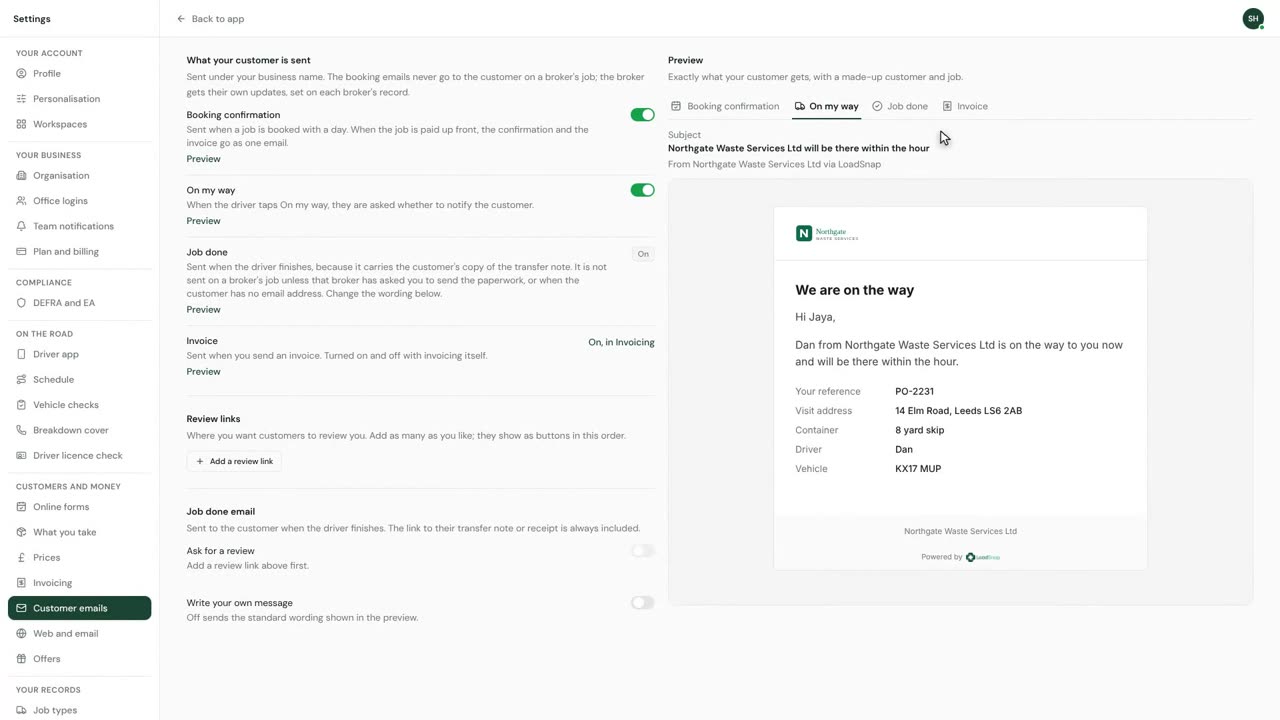
0:41The emails your customer gets about a booking
Customer emails, in Settings, holds every email your customer gets about a booking.
 0:30
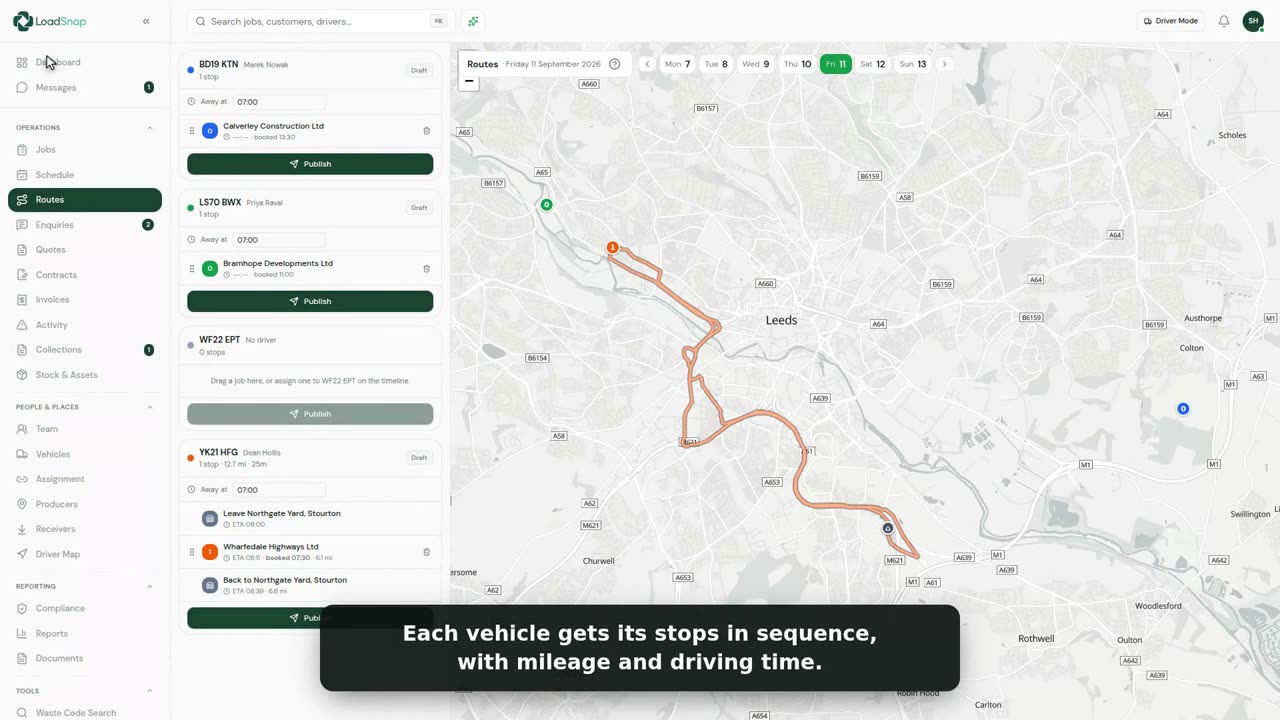
0:30Route planning and optimisation
The Route view on Jobs works out the order of each vehicle's day by itself.
 0:24
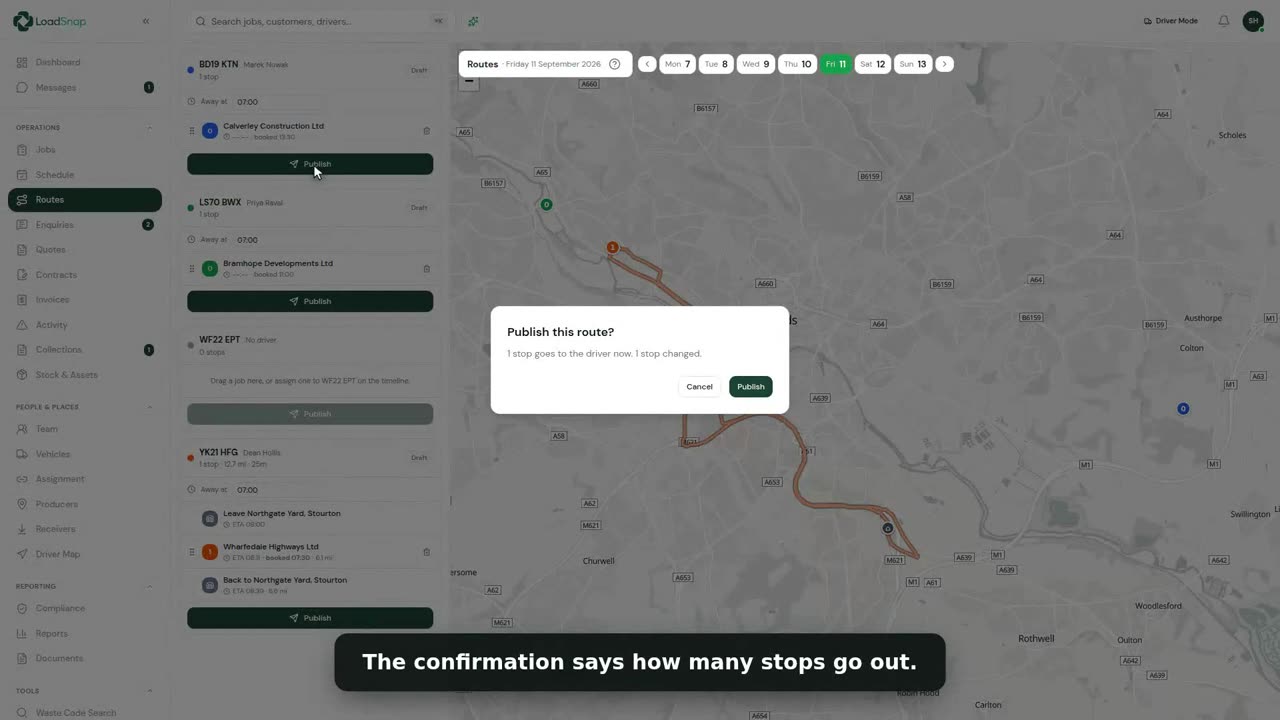
0:24Publishing the day to drivers
There is no publish button. A route is live the moment it is worked out.
 0:39
0:39Rounds
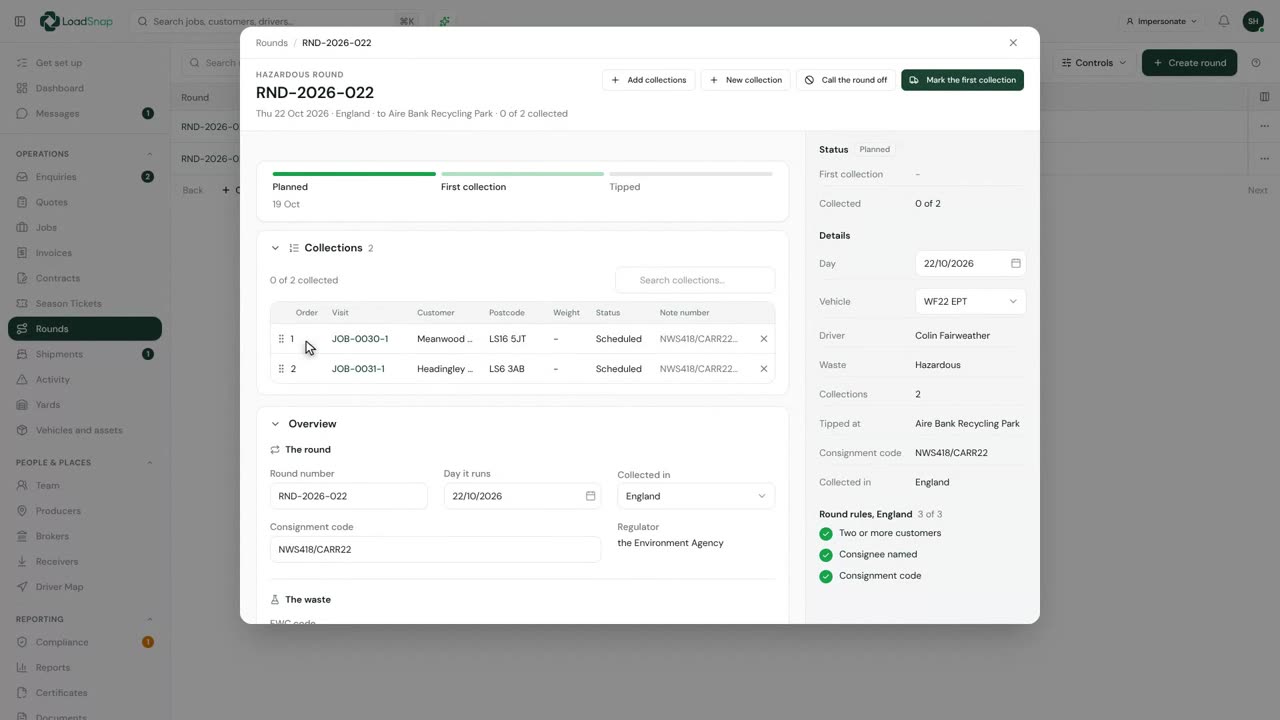
A round is several collections on one vehicle, on one day, to one tip, all one kind of waste.
 0:46
0:46Your own fields on the record
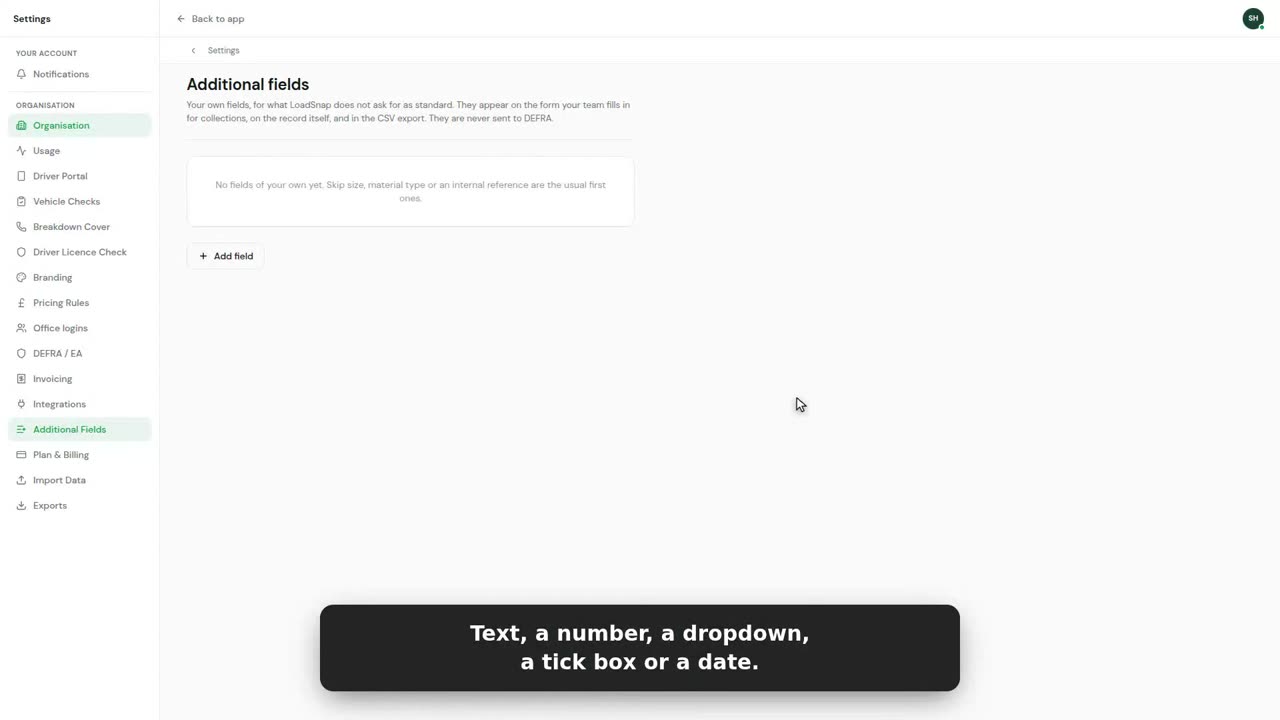
Settings, under Fields, lists every question your team is asked on a collection.
 0:45
0:45The run board on the office wall
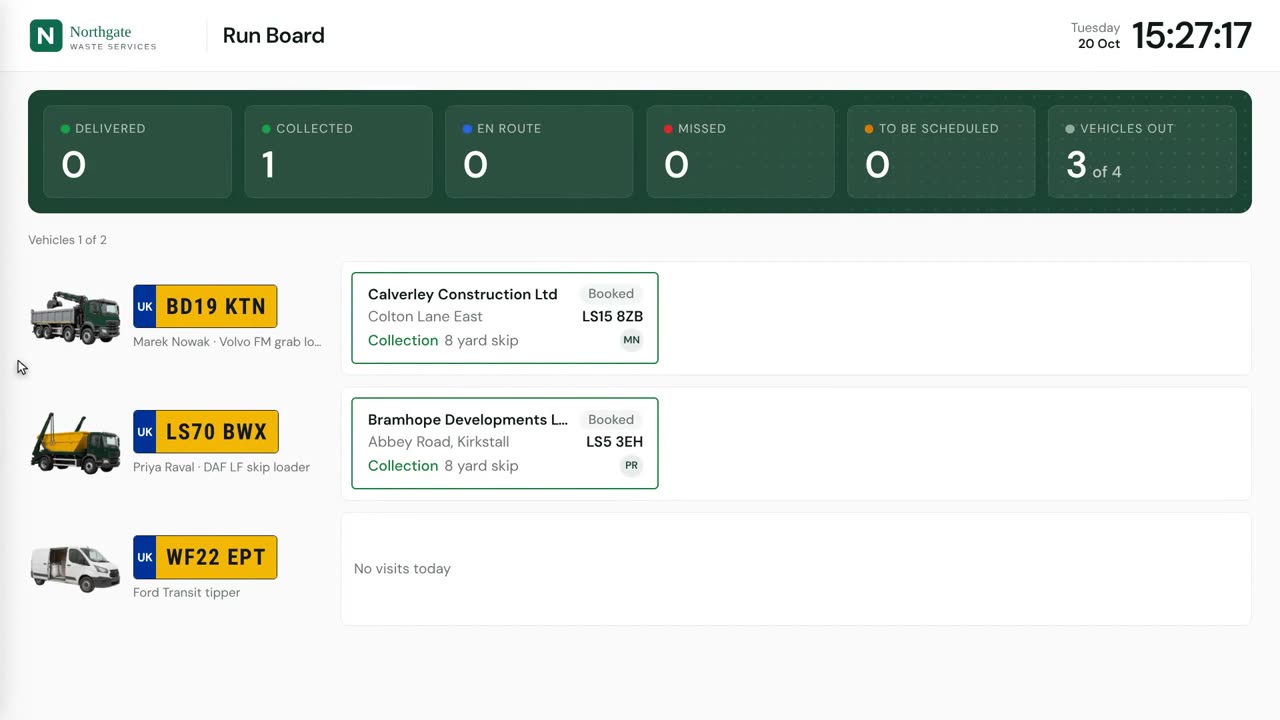
The Wallboard is the day on a screen, for the wall of the office.
Drivers
 0:33
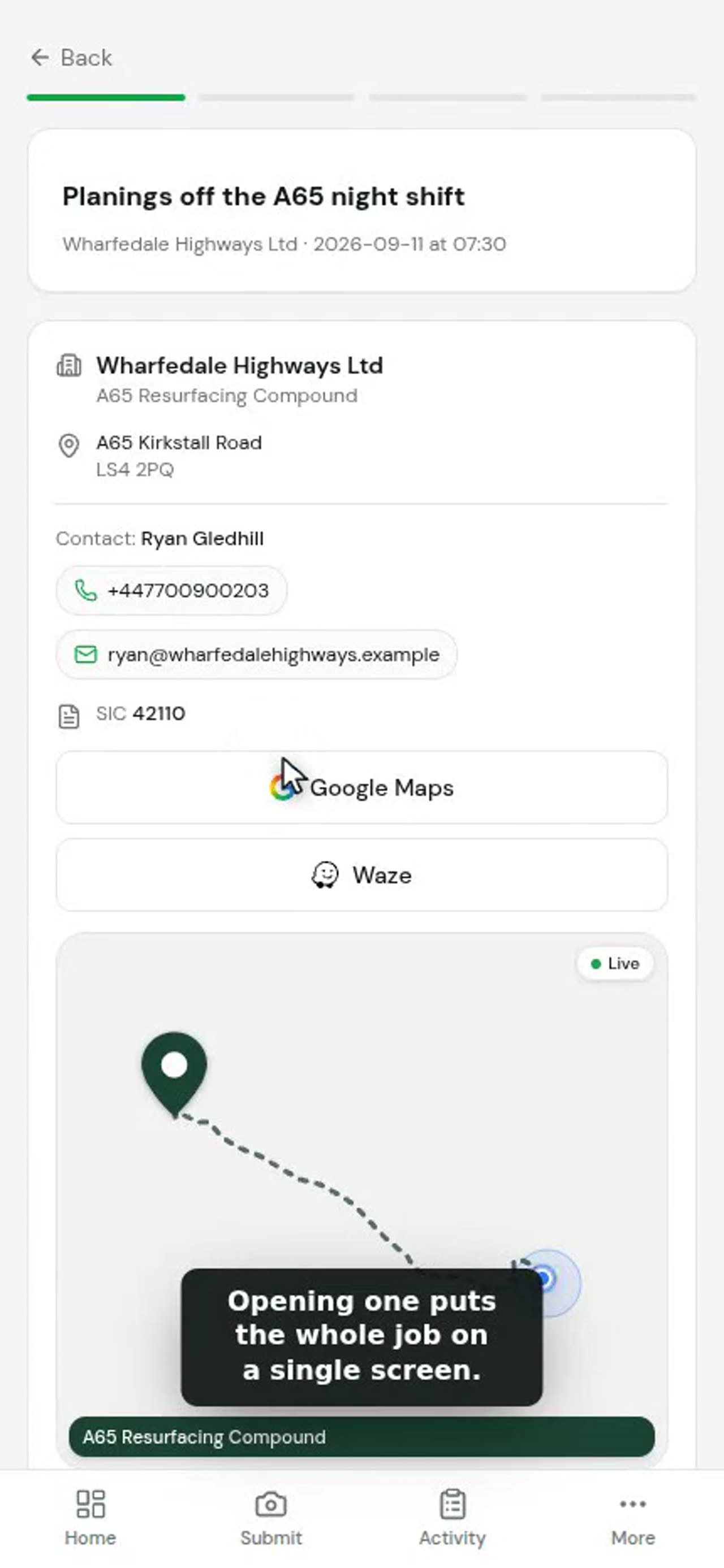
0:33The driver app
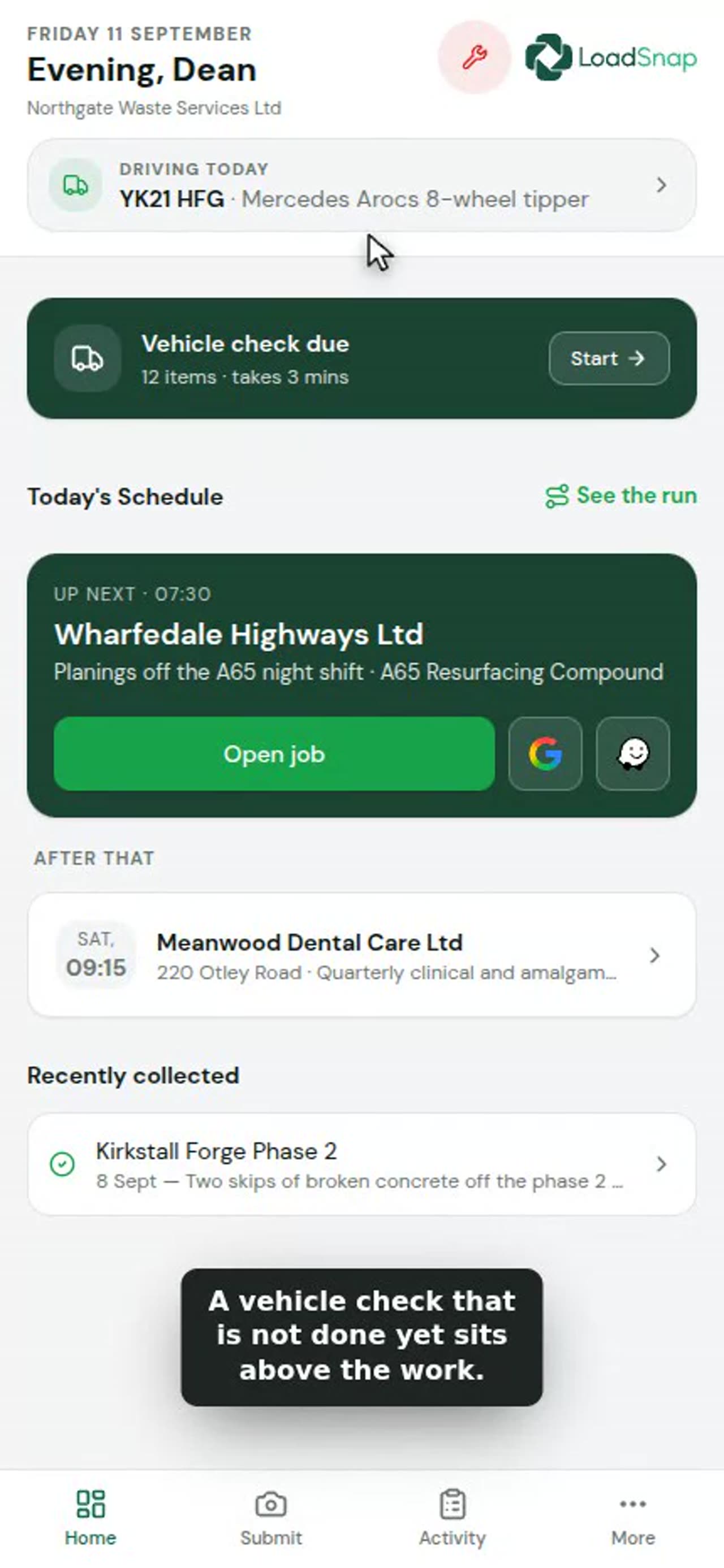
Drivers can download LoadSnap from their app store, or just use it in their phone's browser.
 0:41
0:41A driver's day
The driver's day opens on the jobs the office has booked for their vehicle, in order.
 0:44
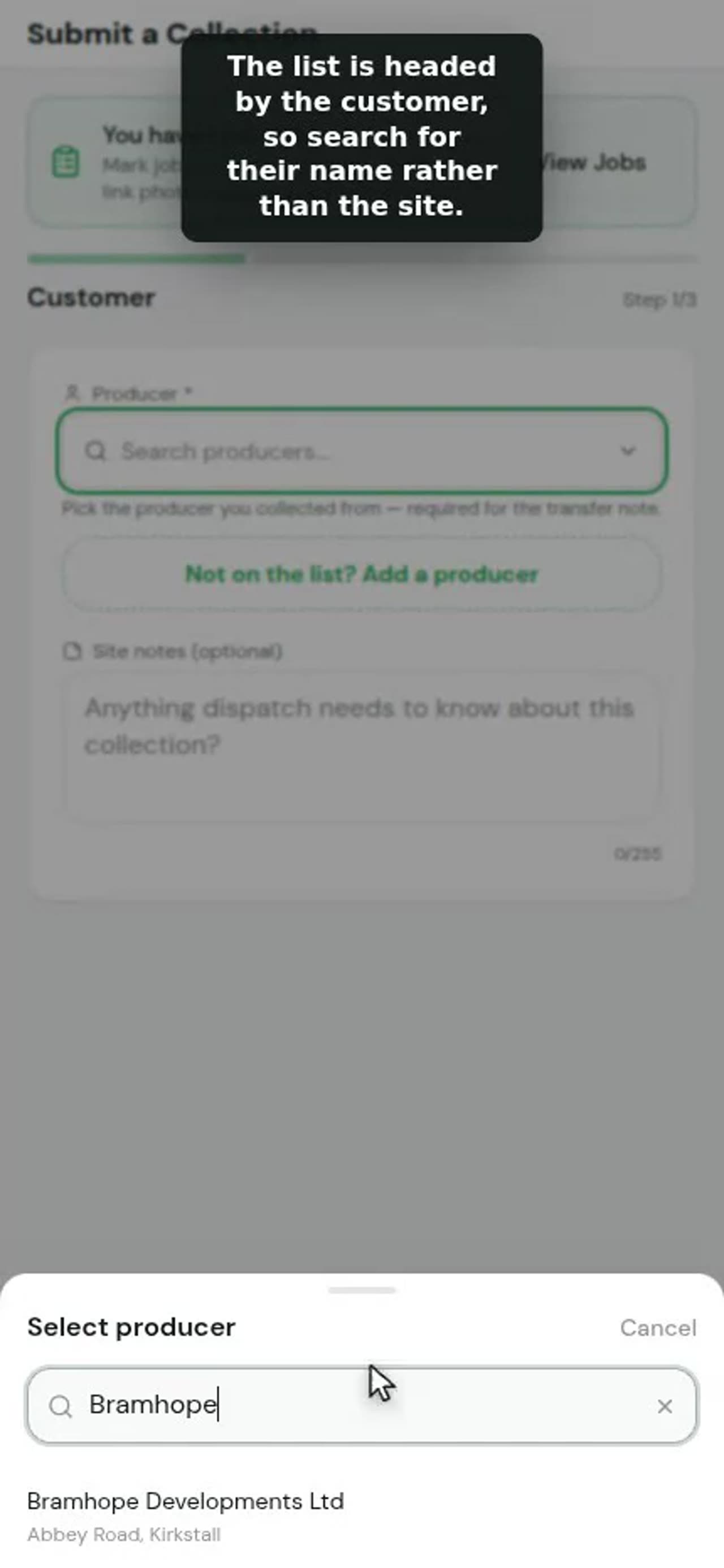
0:44Submitting an ad-hoc collection
An ad-hoc collection is a load nobody booked. The driver records it from Collect.
 0:33
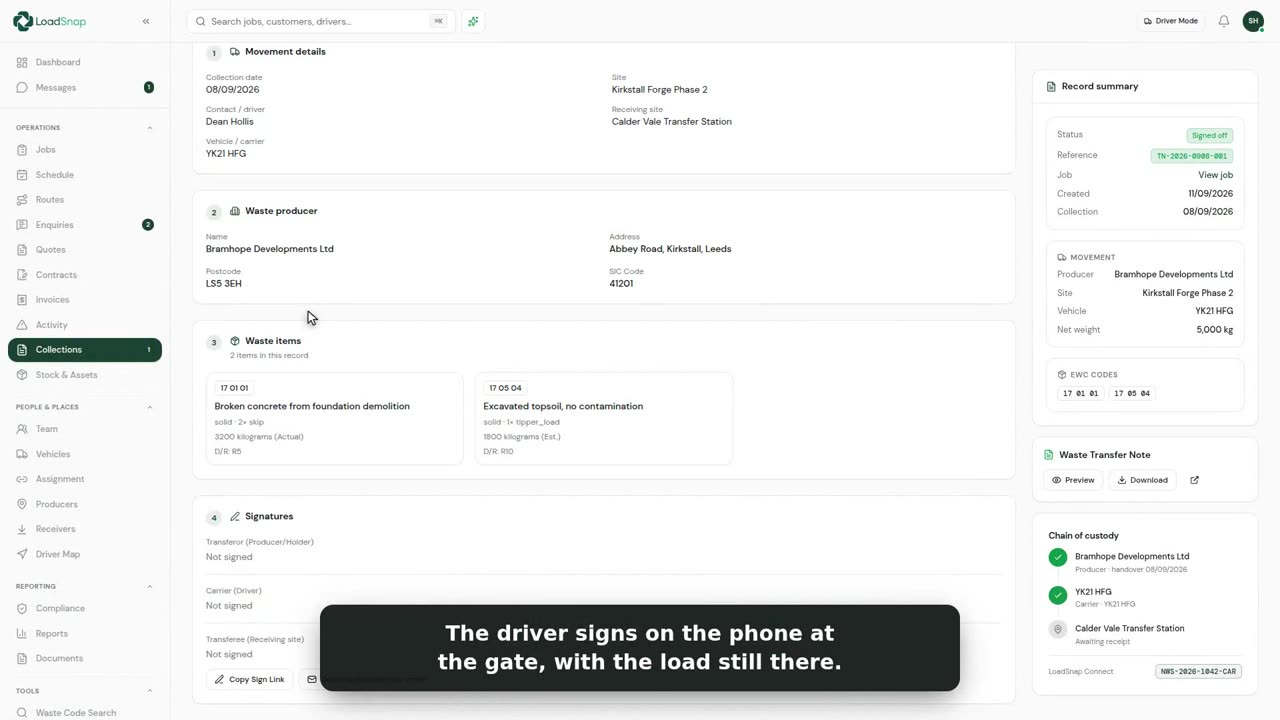
0:33Signatures and location on the record
Every collection the driver records carries two signatures: the customer handing the waste over, and the driver taking it.
 0:35
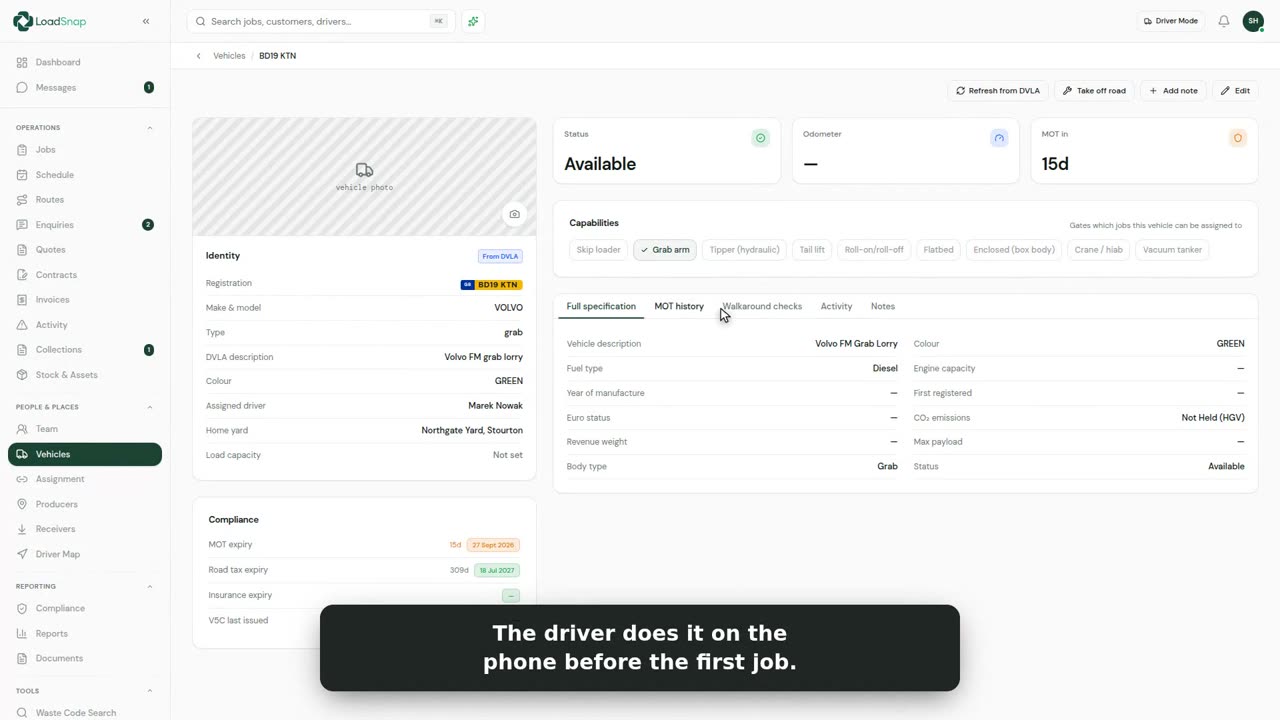
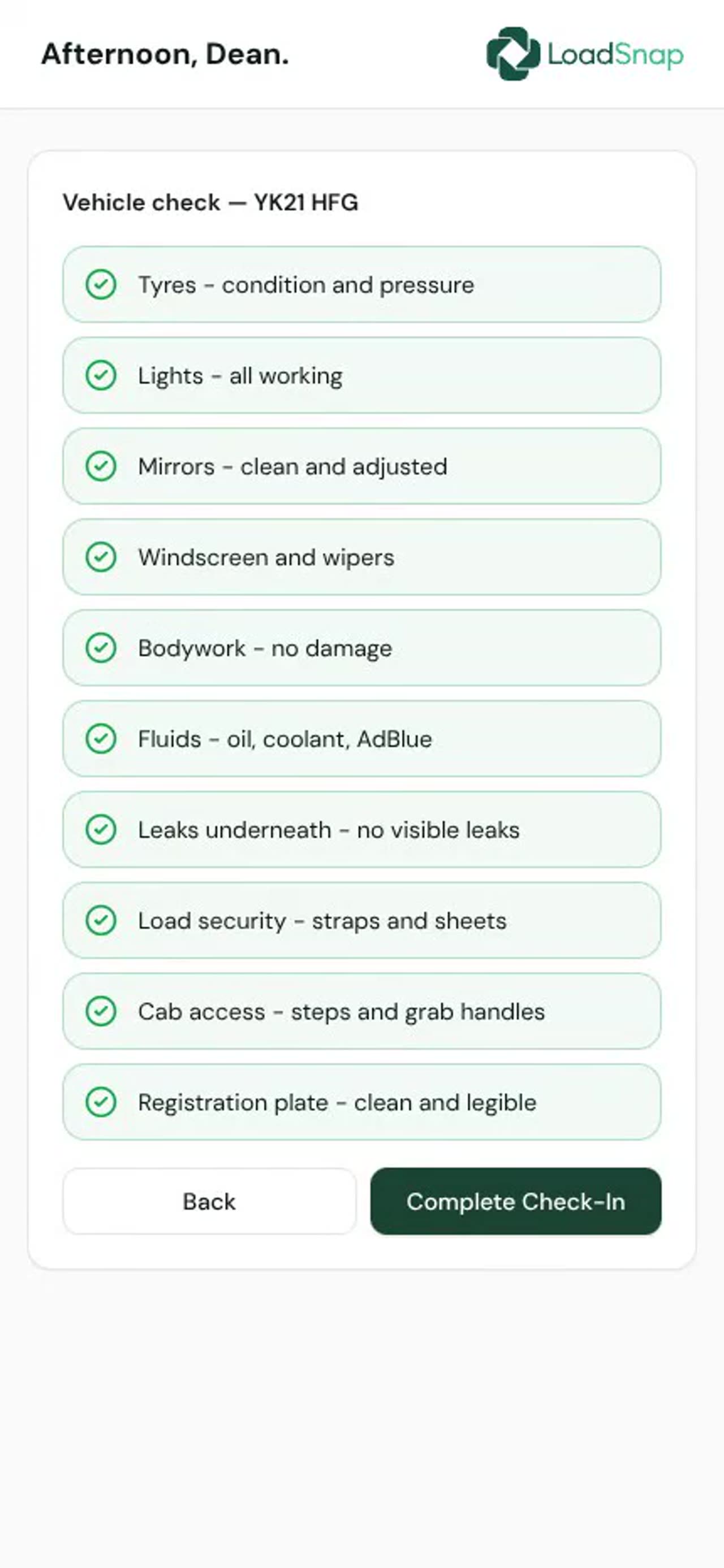
0:35Vehicle safety checks
Vehicles and assets lists the fleet, with each vehicle's MOT date and its last walk-round check.
 0:34
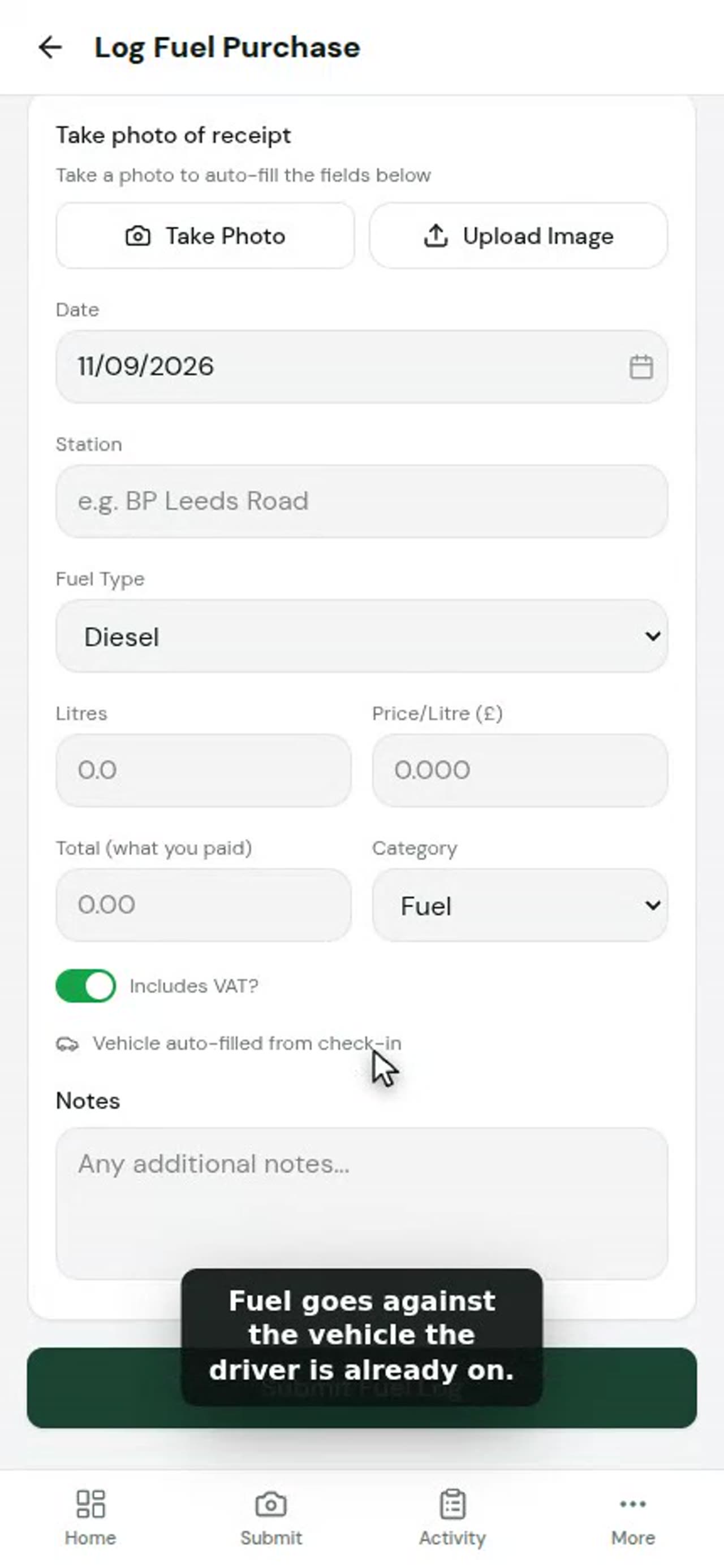
0:34Fuel and expenses from the cab
Fuel and expenses are logged in the cab, from the Activity tab.
 0:33
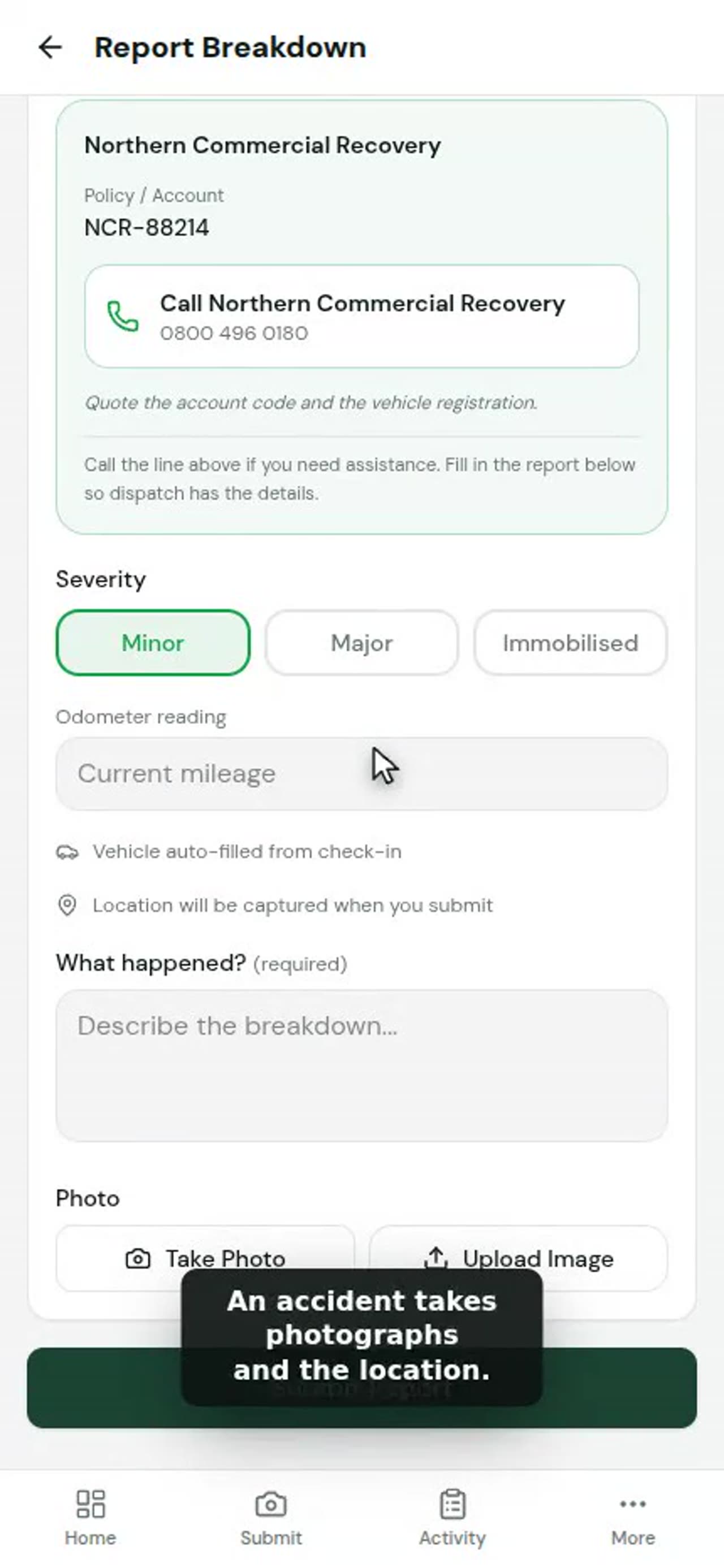
0:33Breakdowns, accidents and odometer
When the day stops going to plan, the driver reports it from the Activity tab.
 0:40
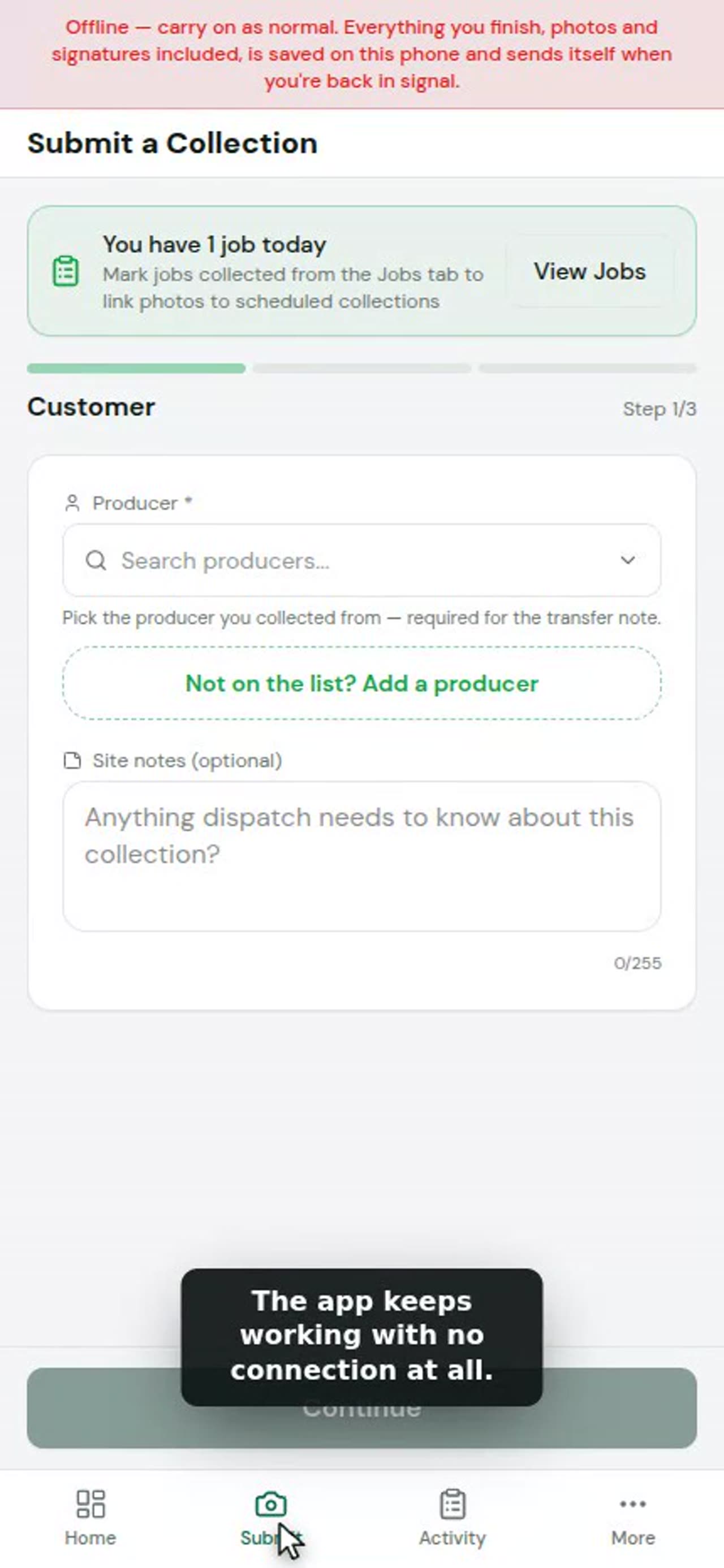
0:40Working with no signal
Sites lose signal. Here a driver records a collection, and the signal goes just as they send it.
 0:44
0:44Checking in from a link
A driver who does not use the app is sent a link instead. It opens on their own phone, with nothing to install.
 0:30
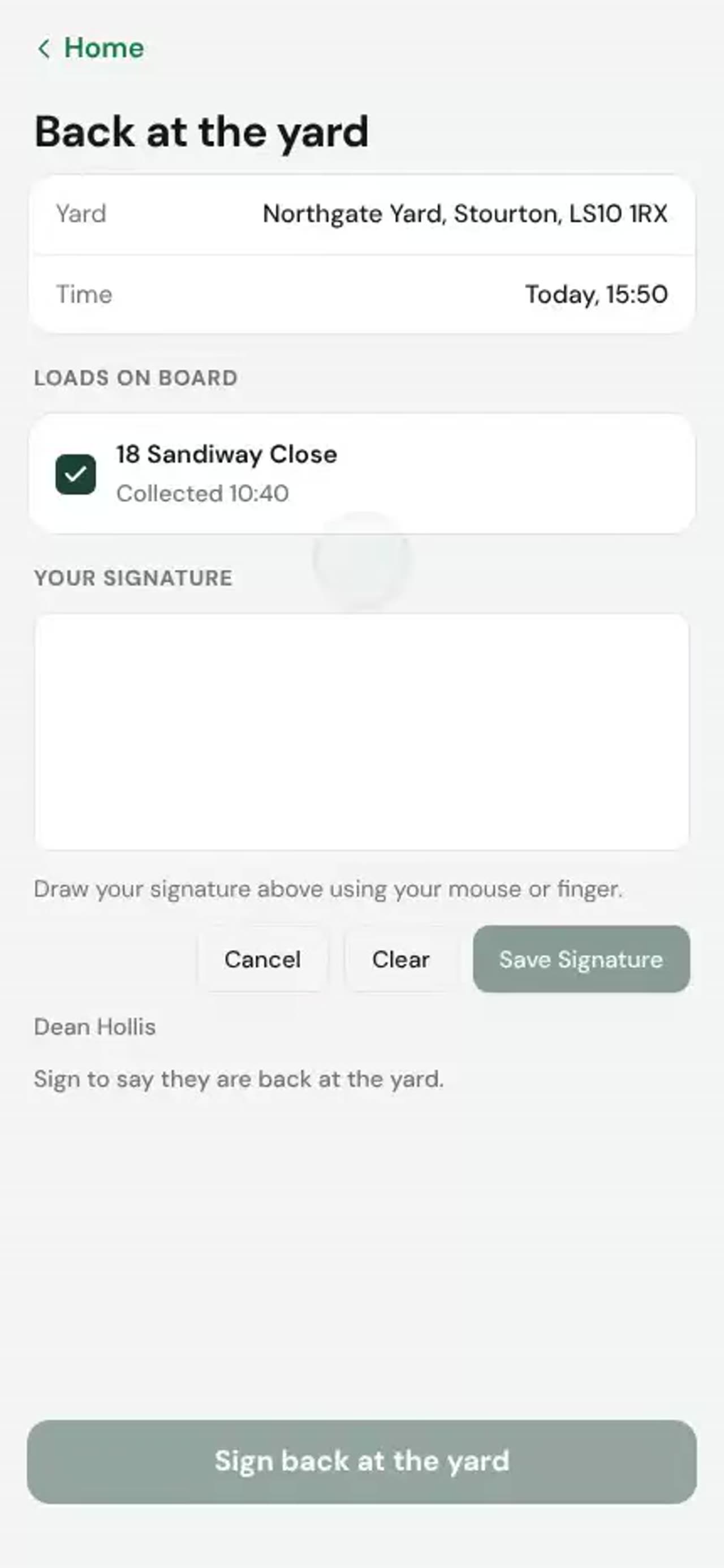
0:30Back at the yard
A driver collects a load in the morning and brings it back to the yard.
 0:35
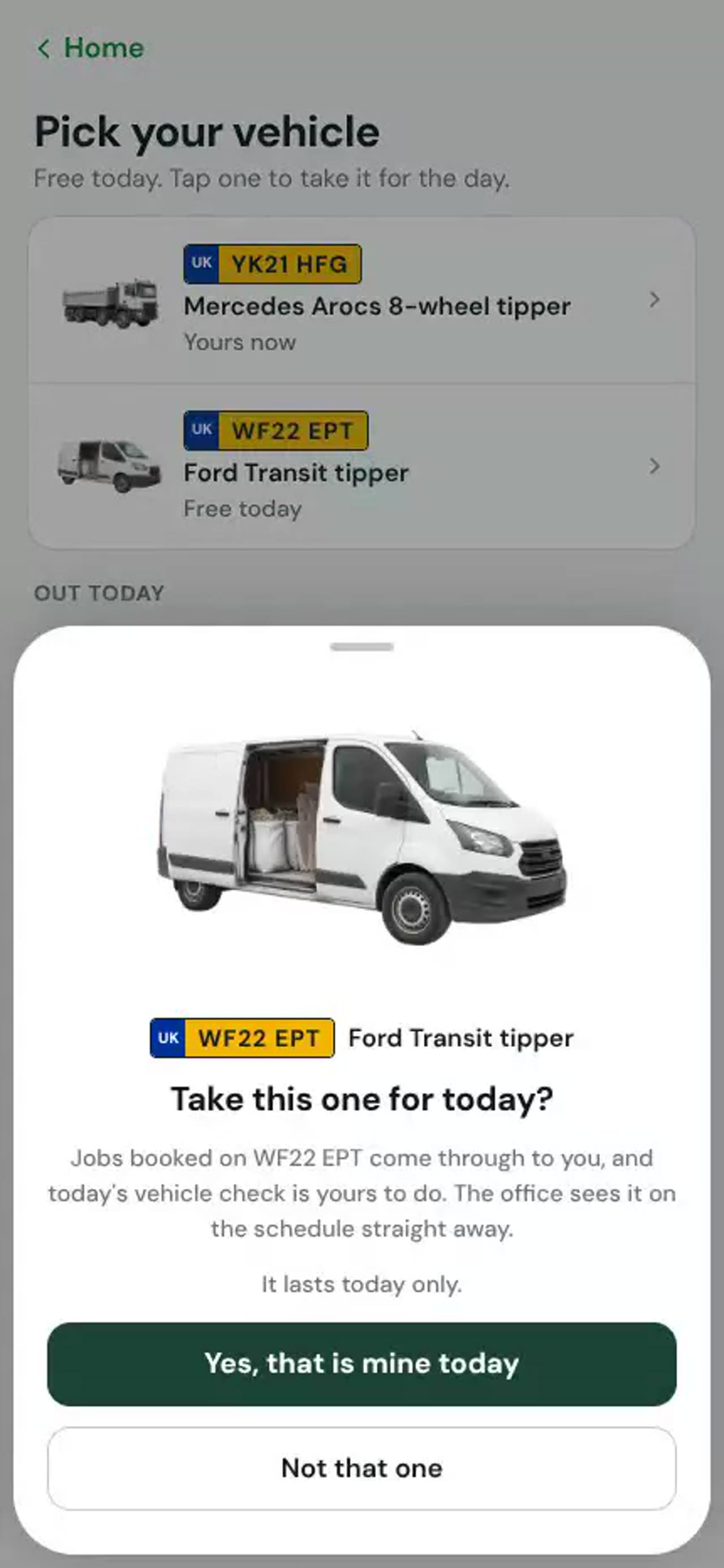
0:35Picking and handing back a vehicle
Where the firm allows it, drivers pick their own vehicle for the day.
 0:40
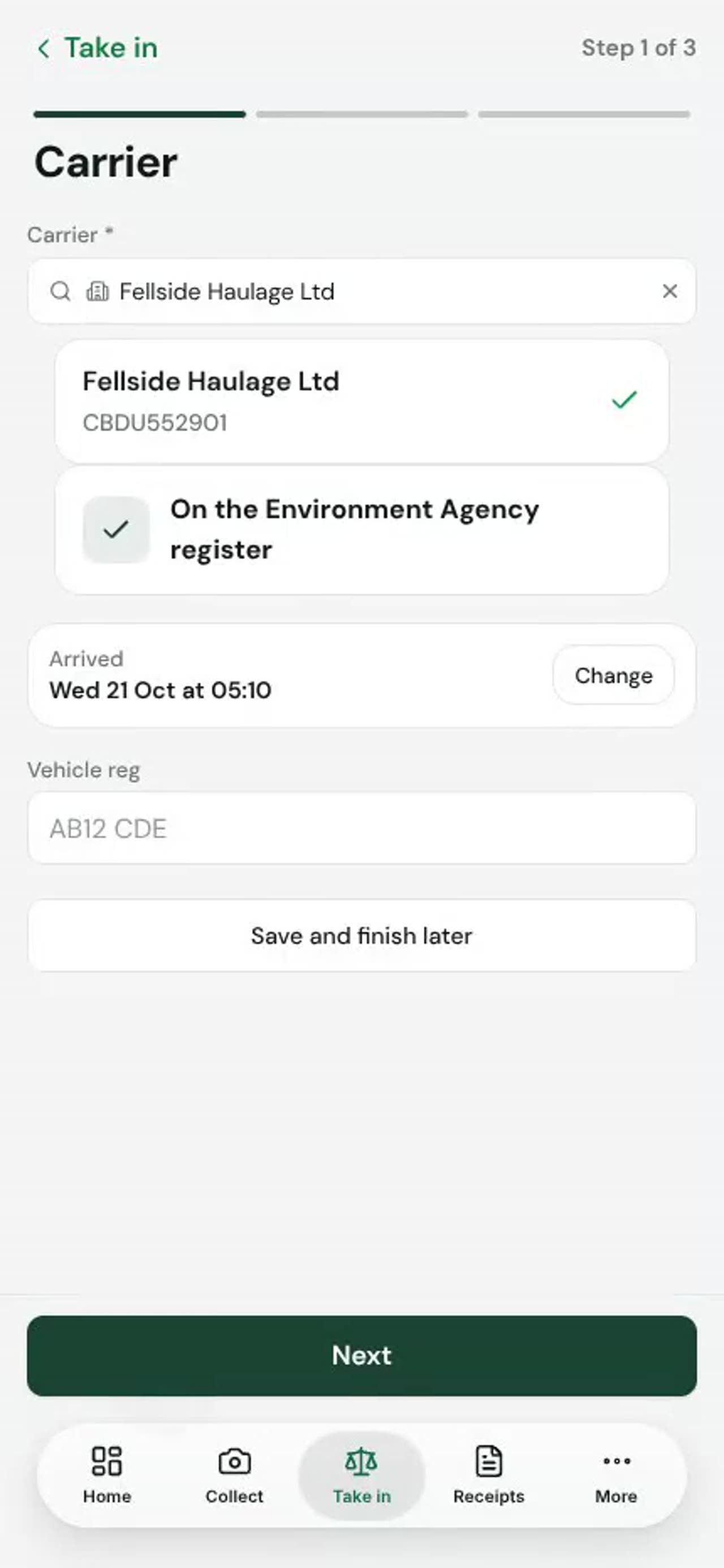
0:40The gate on the driver app
For a firm that takes waste in as well as carrying it, the gate is on the driver app.
Receiving
 0:42
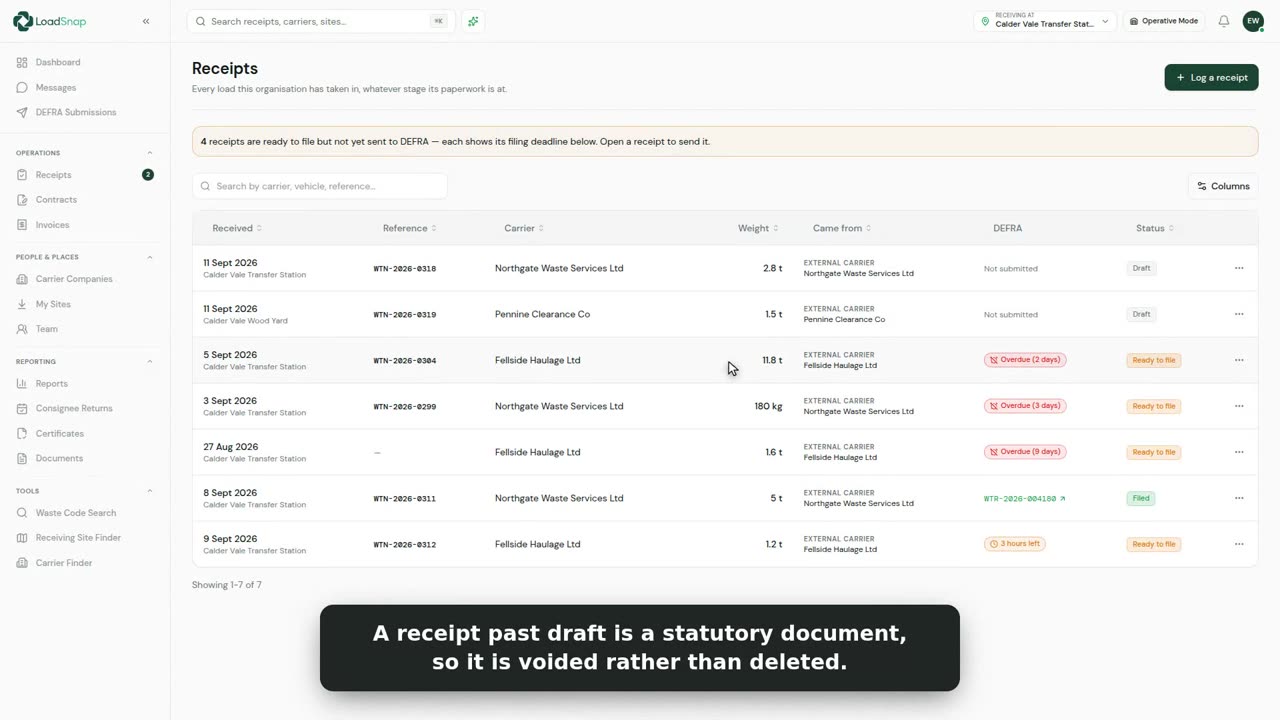
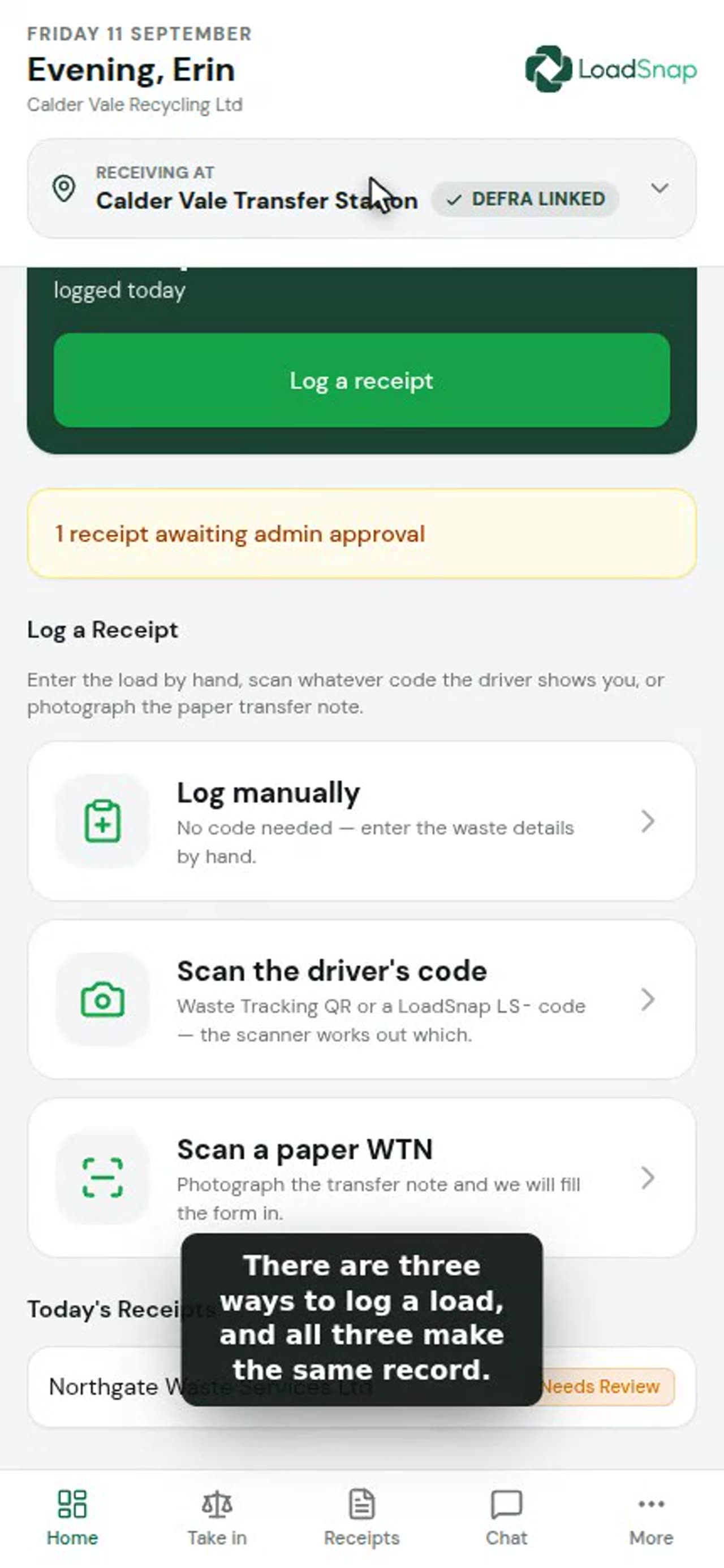
0:42Receiving a load at your site
Receipts lists every load taken in at your site: who brought it, the waste codes, the weight and where it is up to.
 0:59
0:59The operative terminal at the gate
The gate terminal runs on the phone or tablet at the weighbridge. It names the site it is taking waste in for.
 0:40
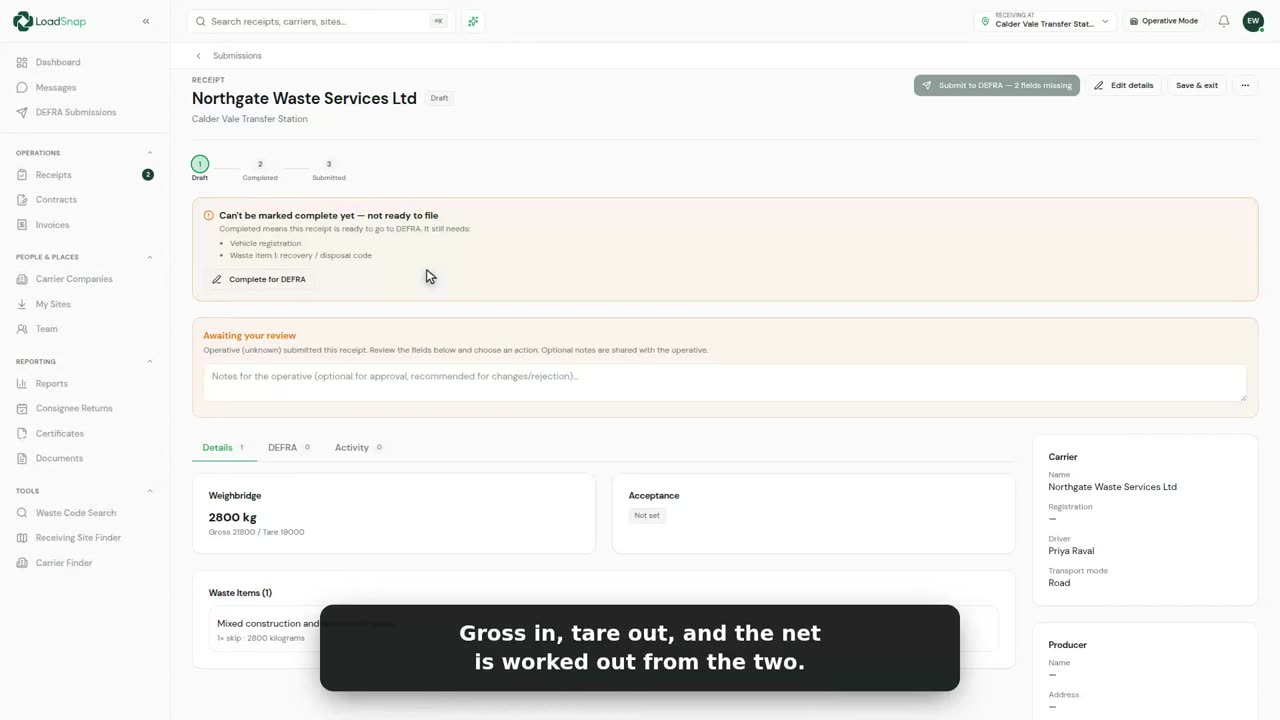
0:40Weighbridge capture
Every receipt carries the weight the site took, not the driver's estimate.
 0:43
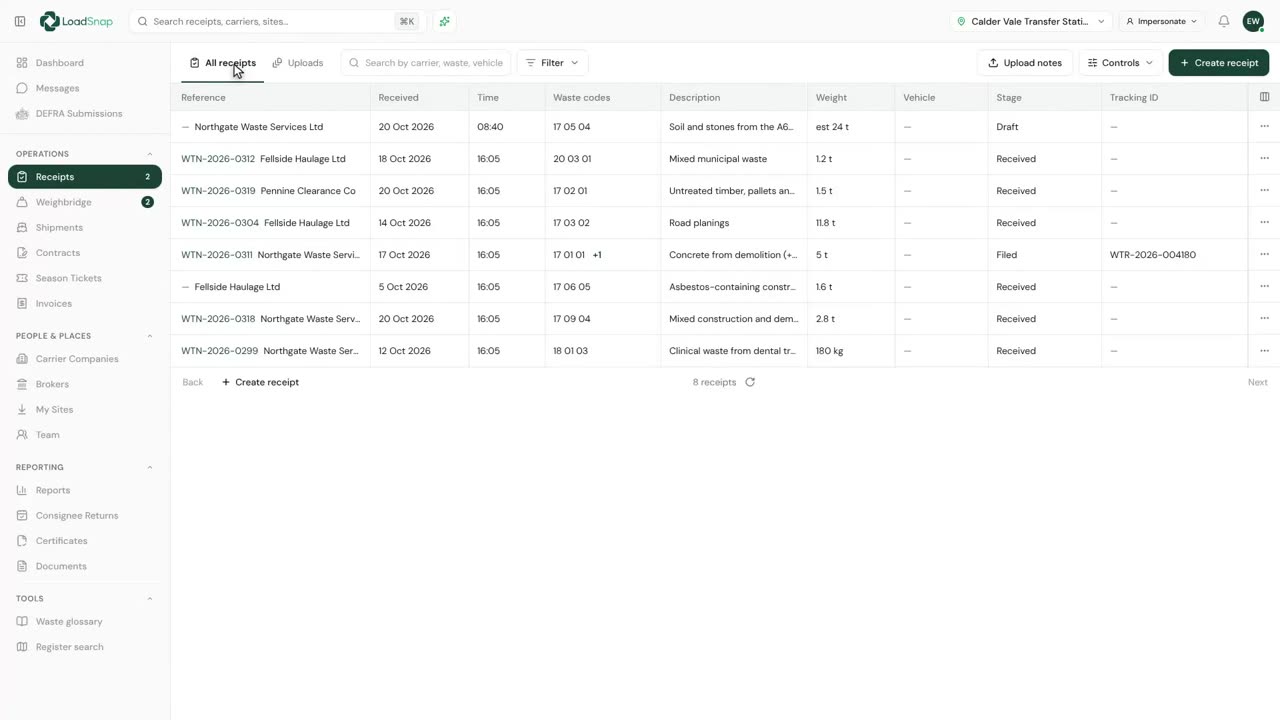
0:43Paper notes in bulk, split and duplicate
Receipts has an Uploads tab for paper notes that arrive in a pile.
 0:37
0:37One filing per load
Most loads at a receiving site arrive with a carrier who has already written them down once.
Compliance
 0:42
0:42Waste transfer notes
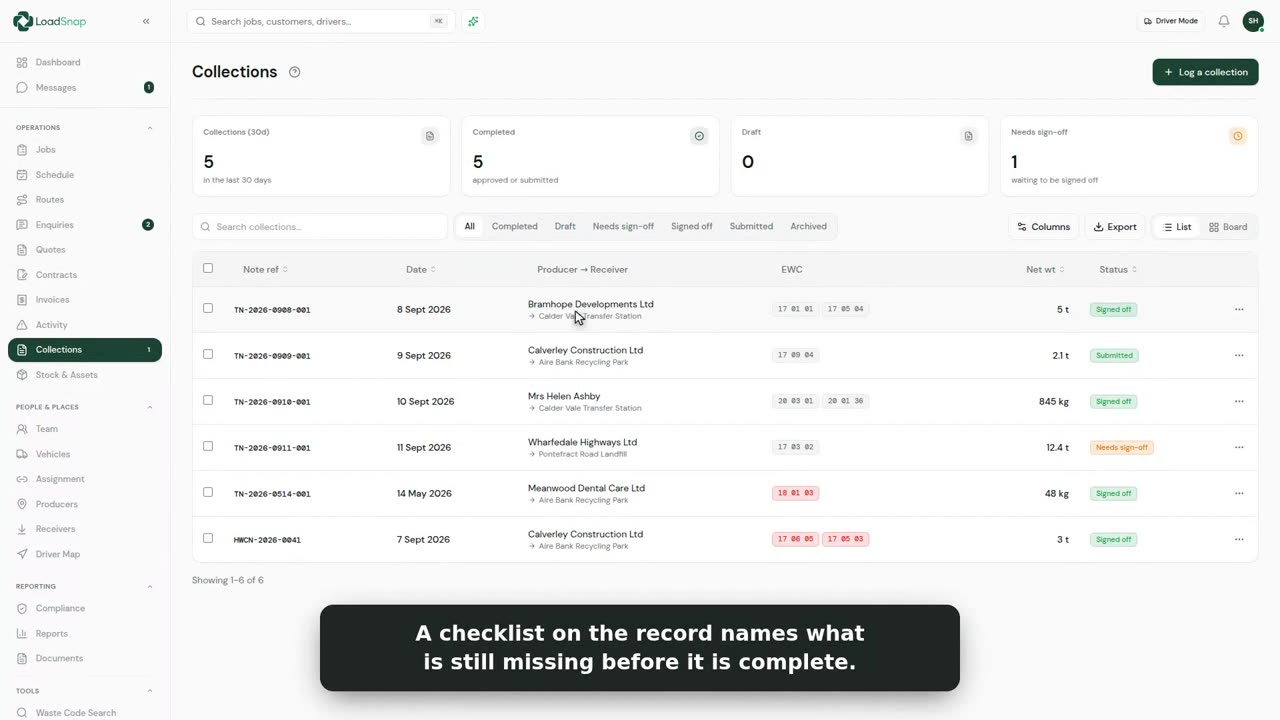
Every collection makes its own waste transfer note. Nobody types it up afterwards.
 0:36
0:36Hazardous consignment notes
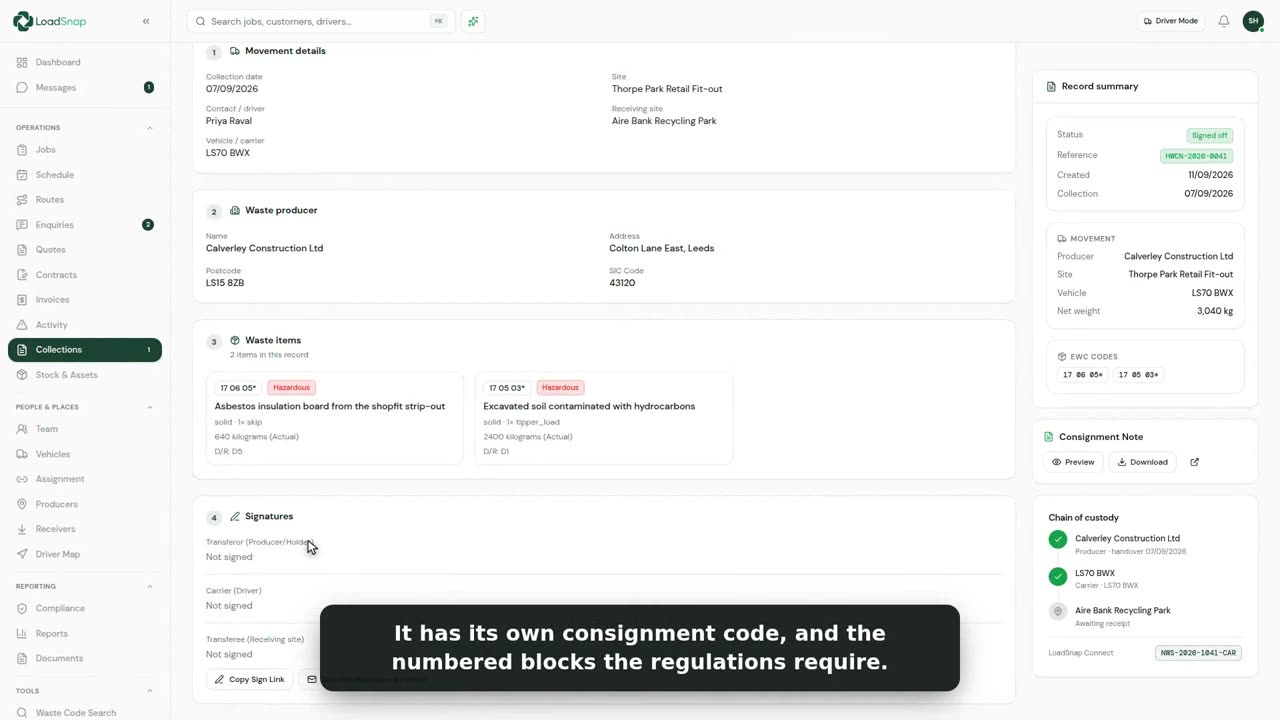
Hazardous waste travels under a consignment note, not a transfer note.
 0:40
0:40Season tickets
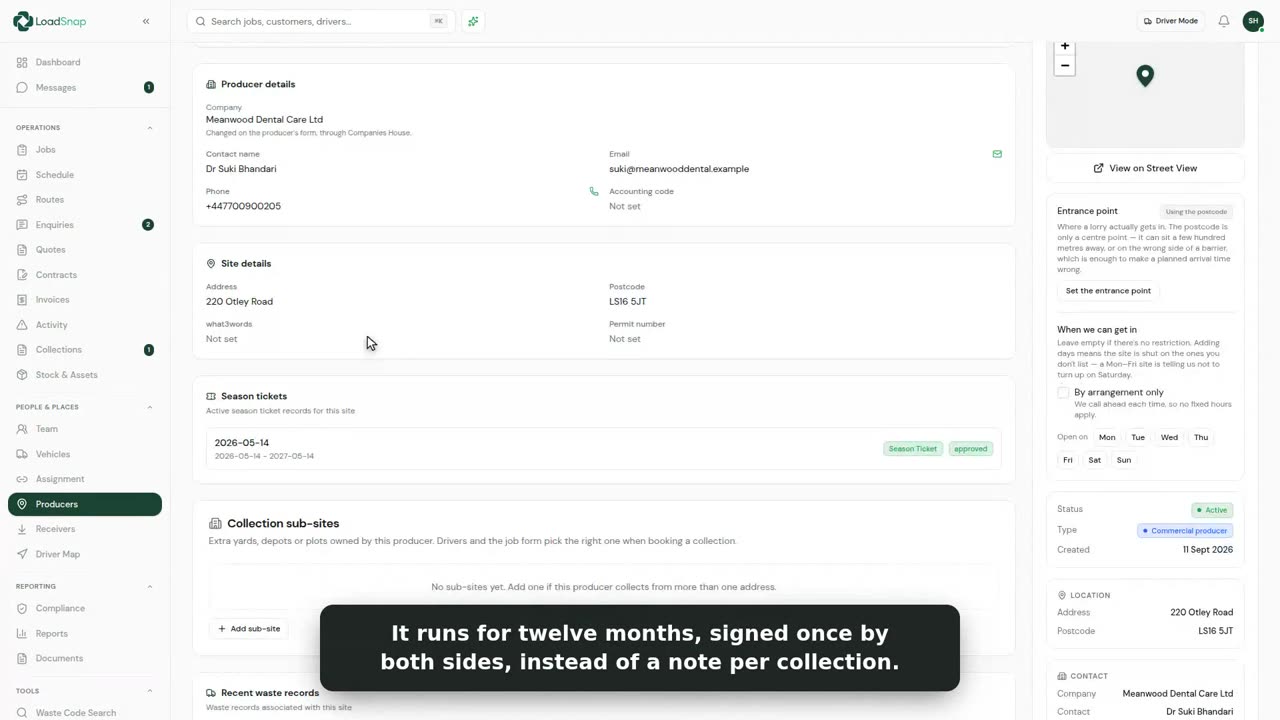
A season ticket covers the same waste from the same producer, collected again and again.
 0:28
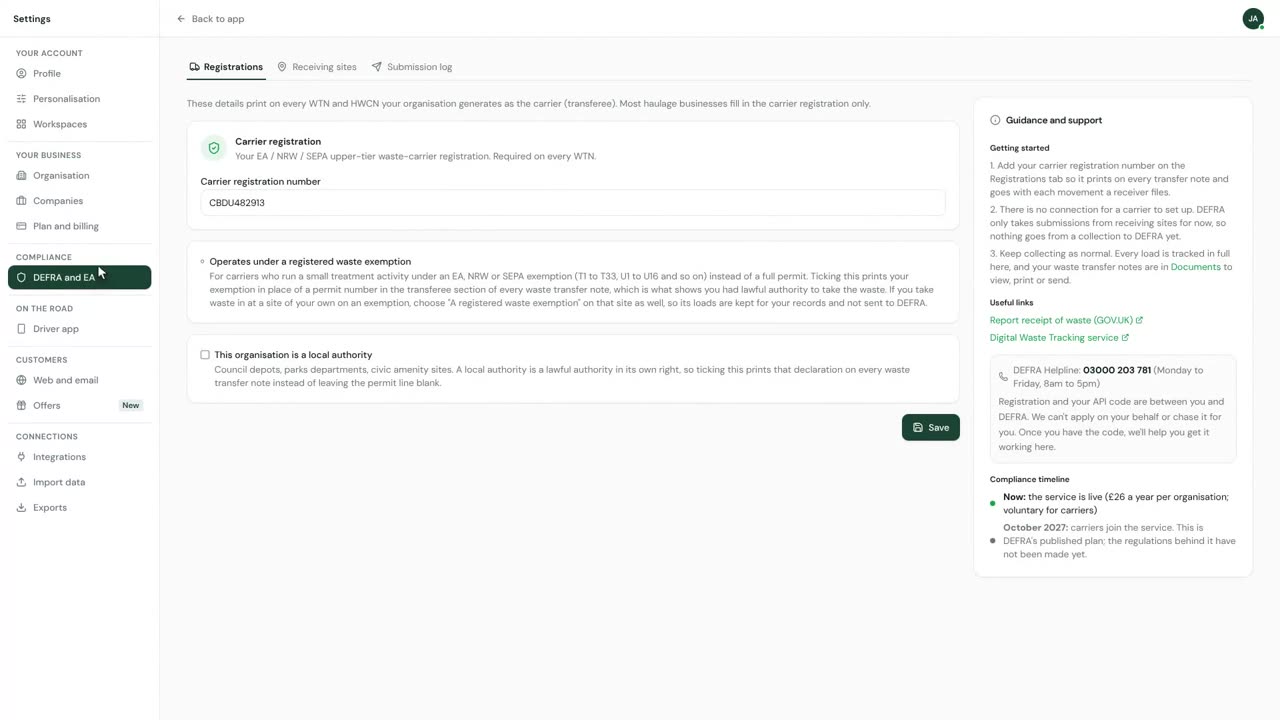
0:28DEFRA submissions
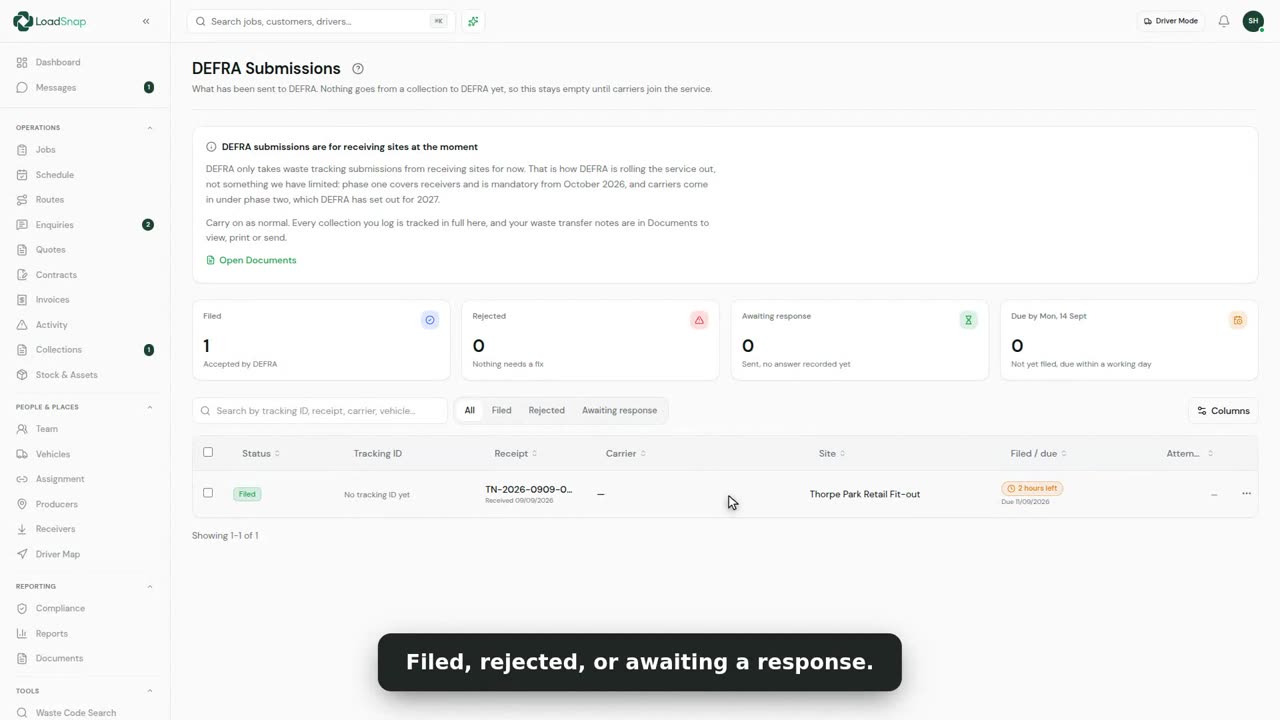
A receiving site files the loads it takes in with DEFRA, and they are all listed here.
 0:34
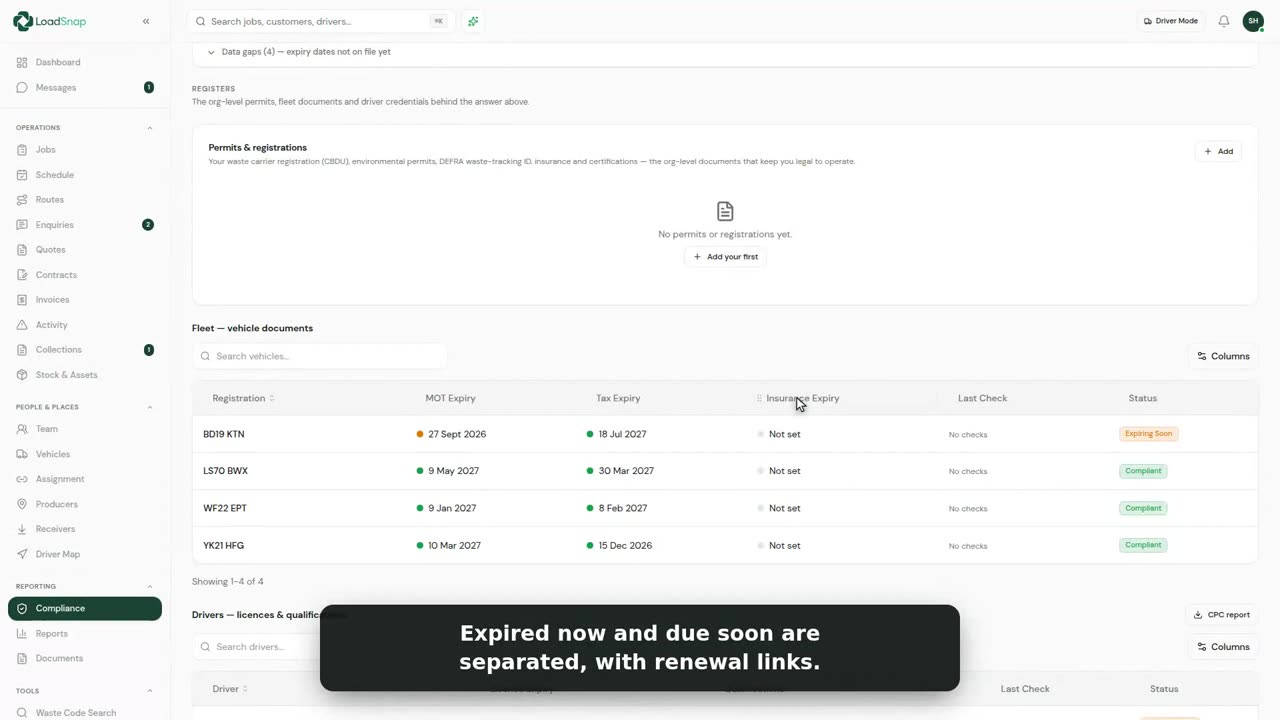
0:34The compliance dashboard
Compliance keeps everything that keeps you legal to operate in one place.
 0:26
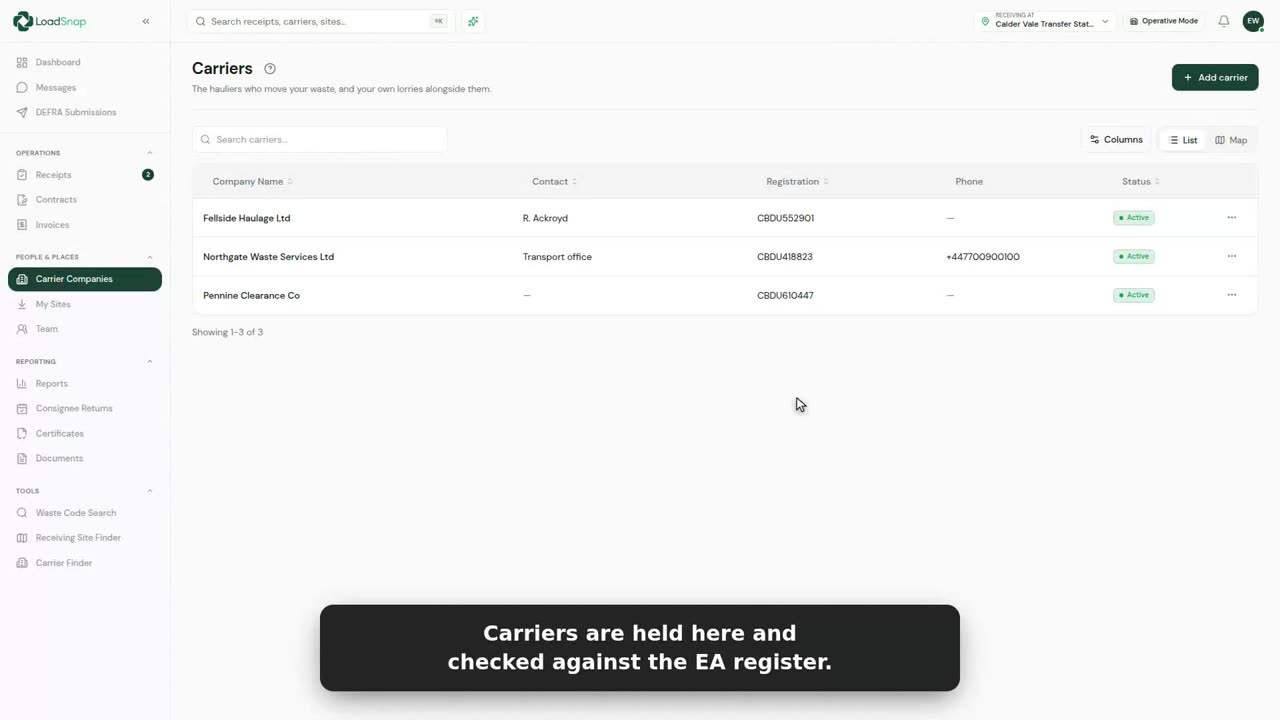
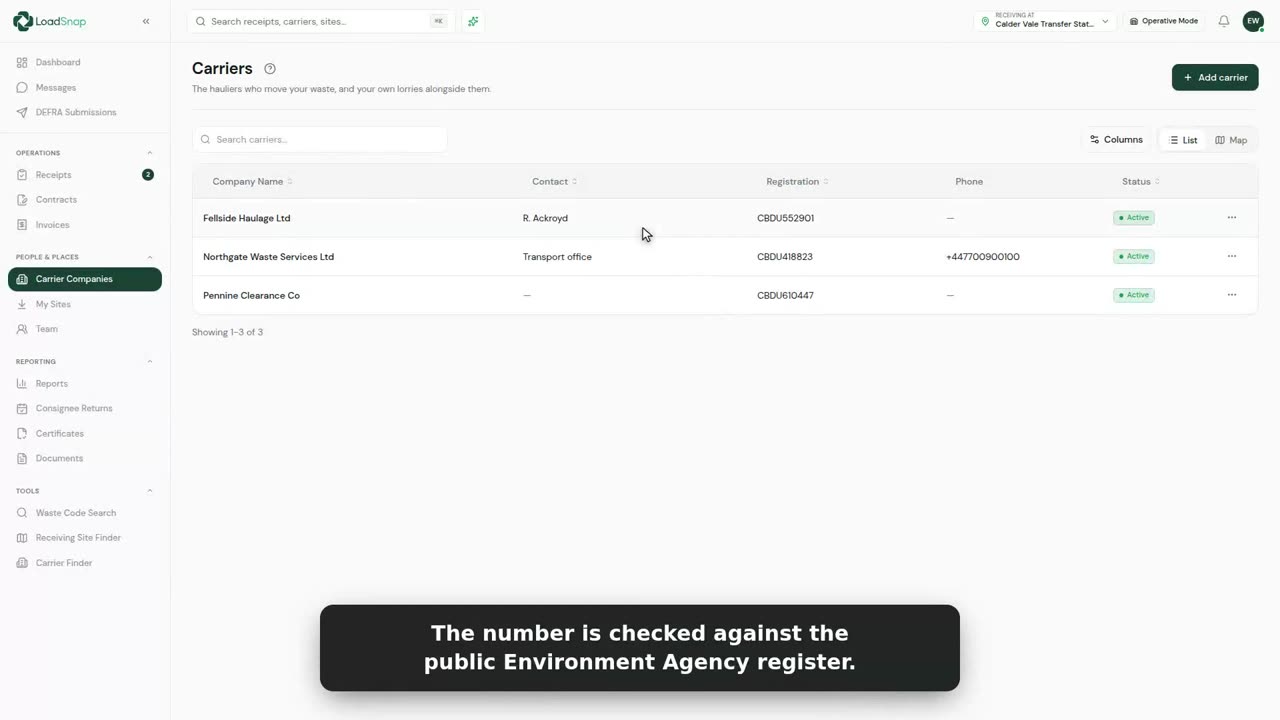
0:26Carrier and permit checks
Carrier Companies lists every firm that brings waste to your site.
 0:27
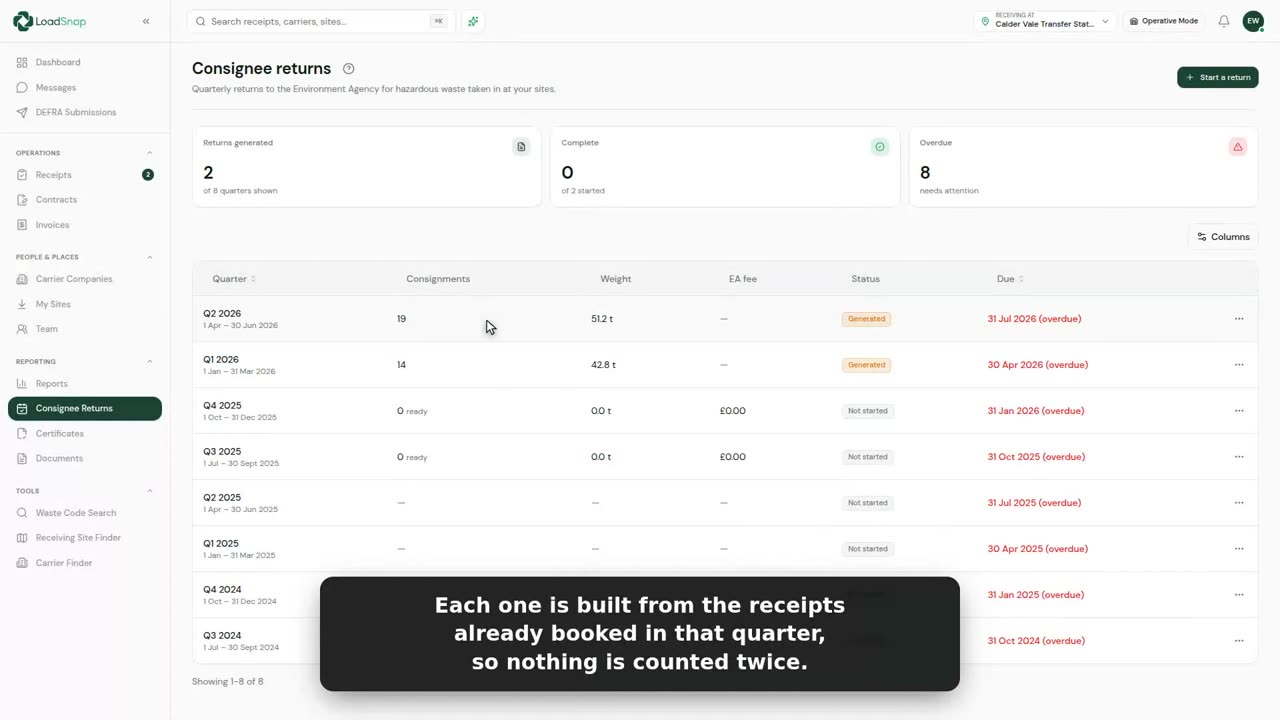
0:27Consignee returns
A permitted site sends the Environment Agency a return every quarter for the hazardous waste it takes in.
 0:36
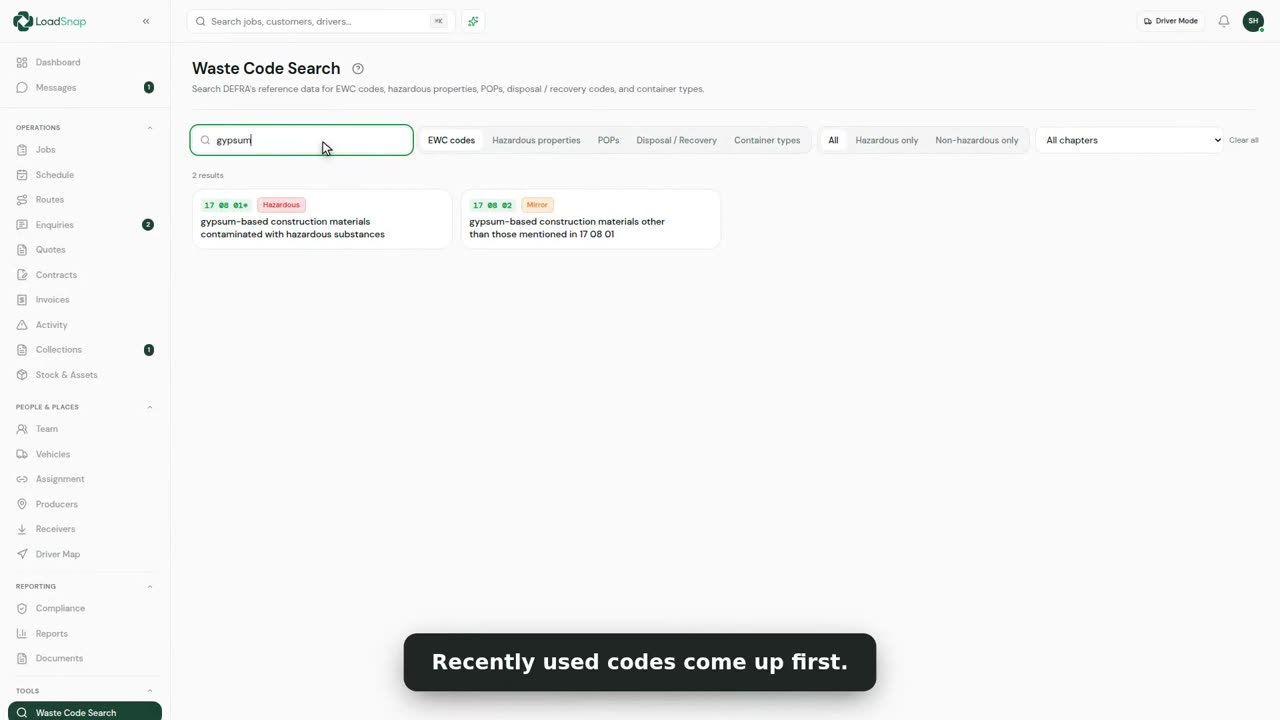
0:36Waste code search
The Waste glossary holds every waste code, with the ones you used last at the top.
 0:36
0:36Certificates of destruction
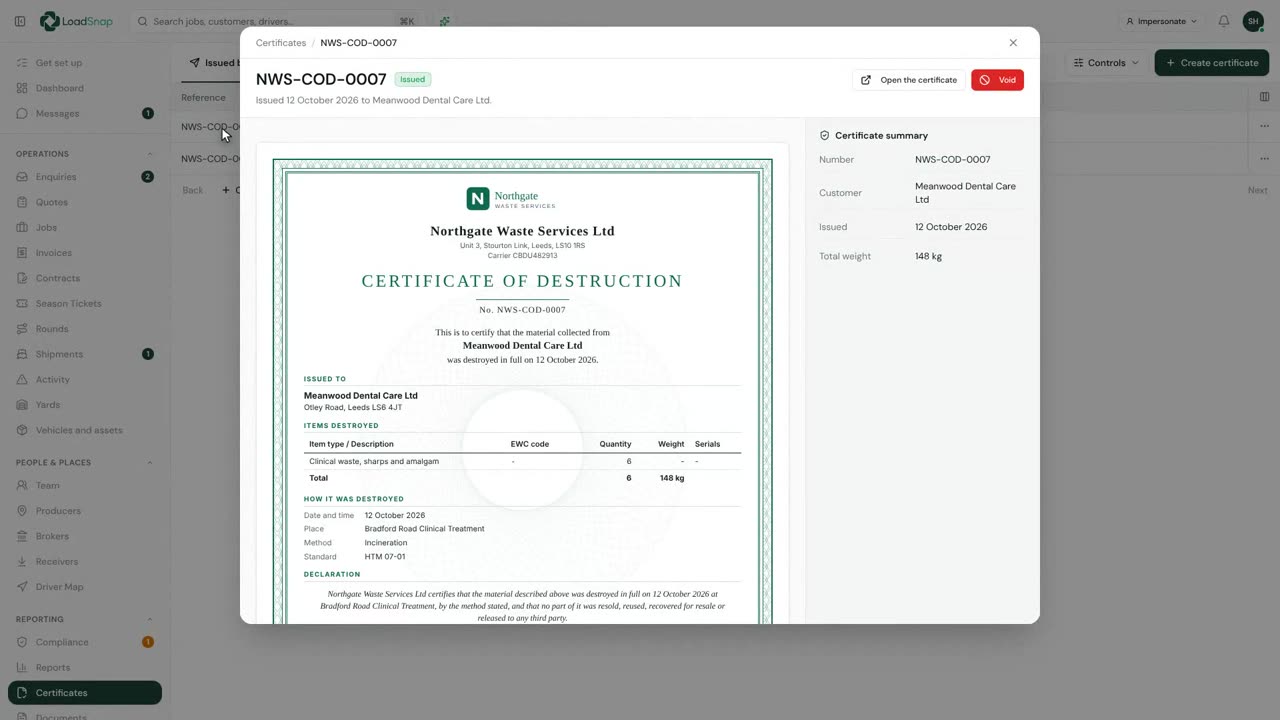
A certificate of destruction proves material was destroyed, not just collected.
 0:24
0:24The document archive
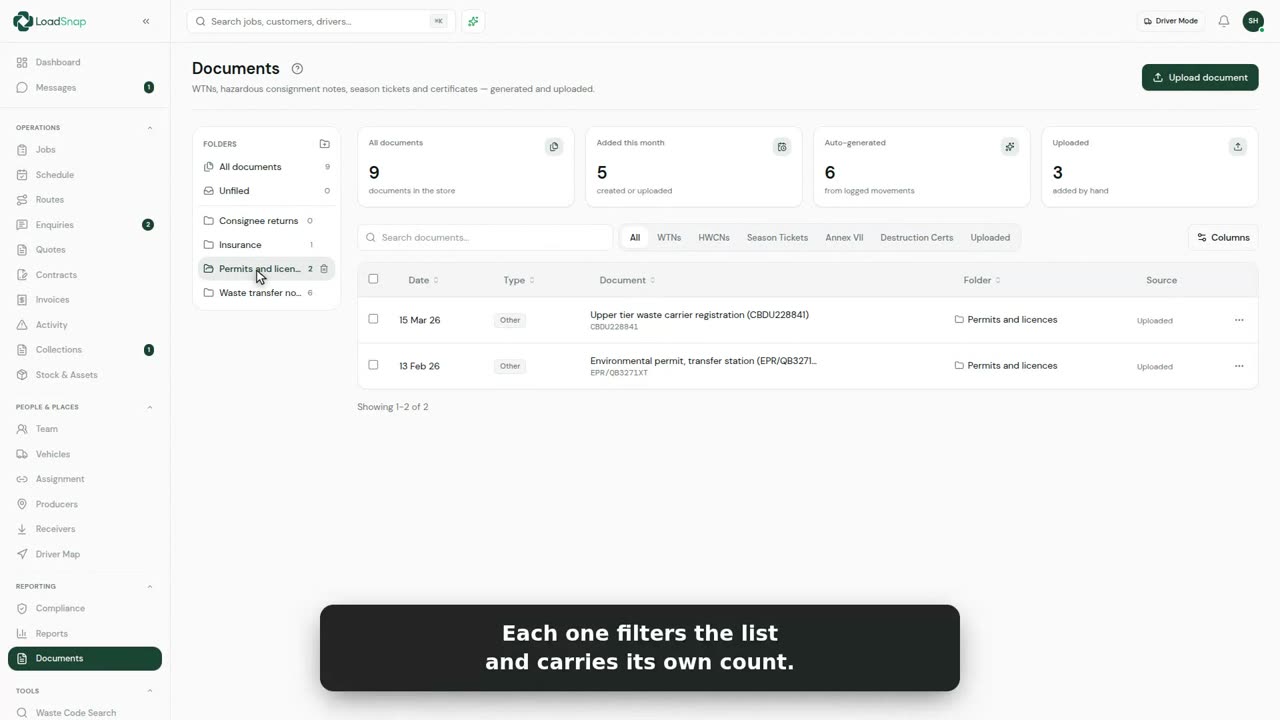
Every note LoadSnap makes files itself here, beside the papers you upload.
 0:33
0:33Shipping waste abroad
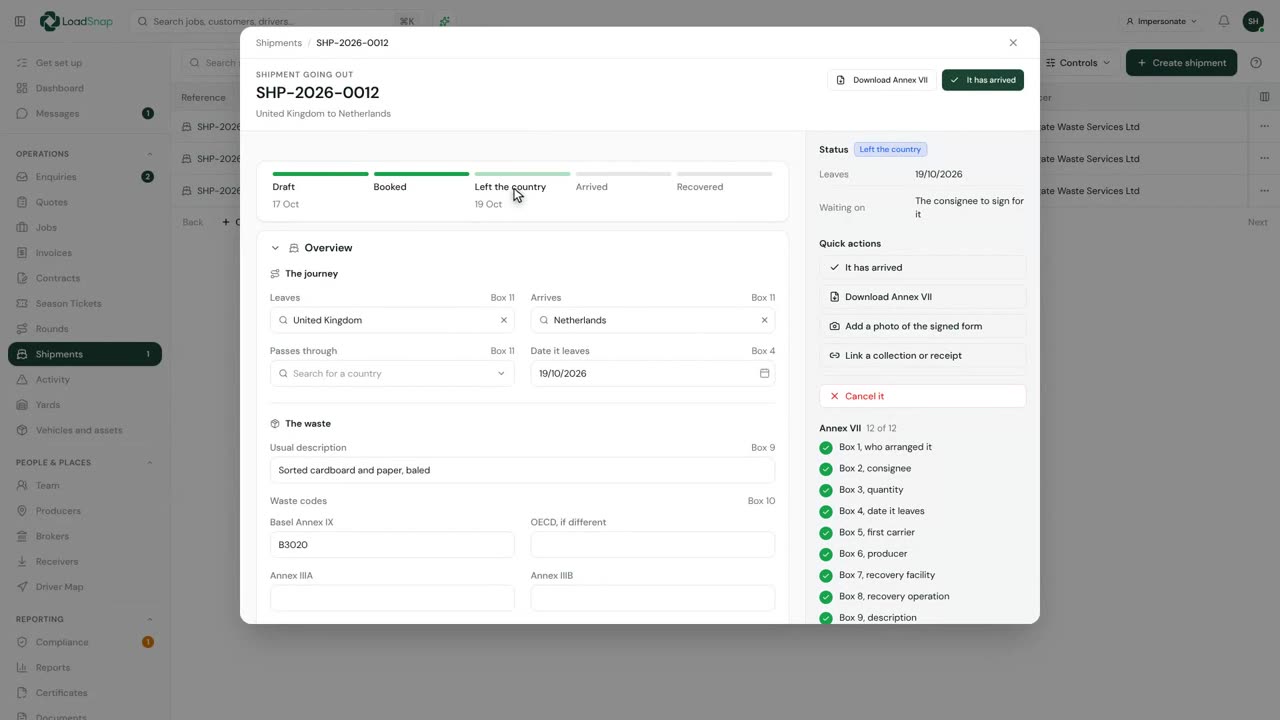
Shipments is for waste you send abroad, with the Annex VII form it travels on.
 1:16
1:16WEEE item types, approved sites and schemes
WEEE starts with your item types. Open Jobs, click the gear beside the title, and choose Item types.
Fleet
 0:37
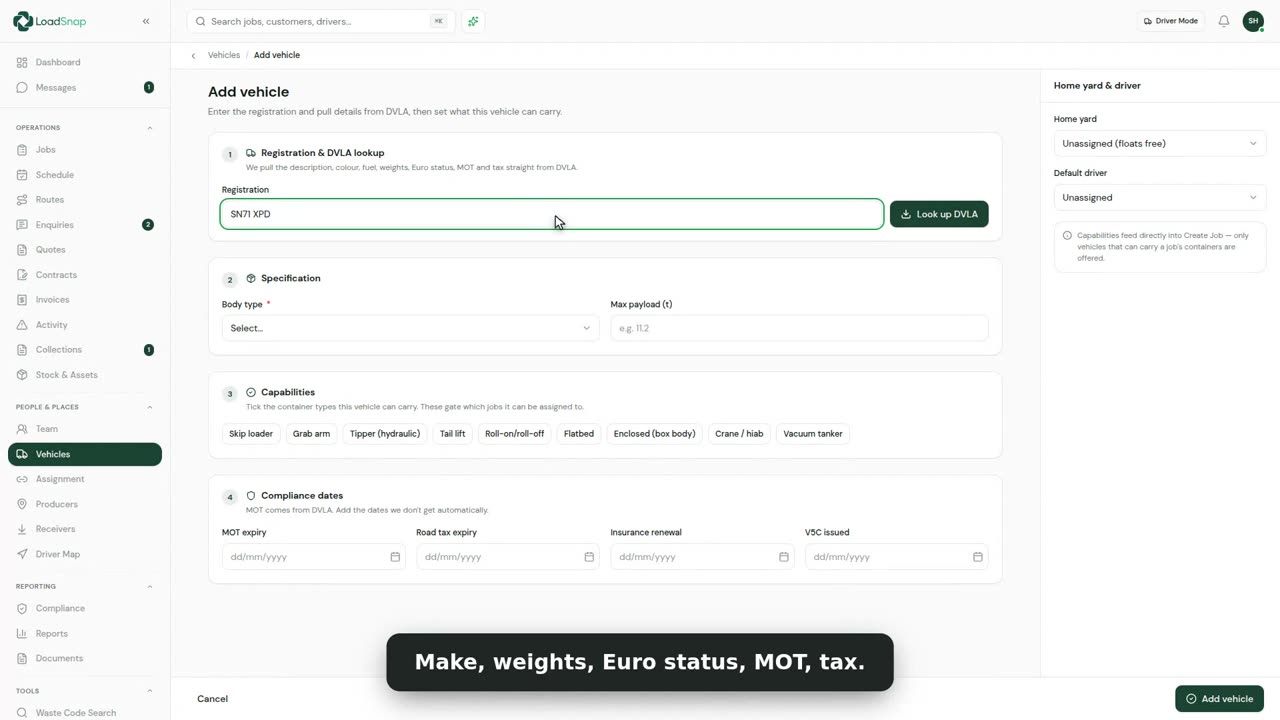
0:37Adding a vehicle
Vehicles and assets holds your fleet, and what each vehicle can carry.
 0:33
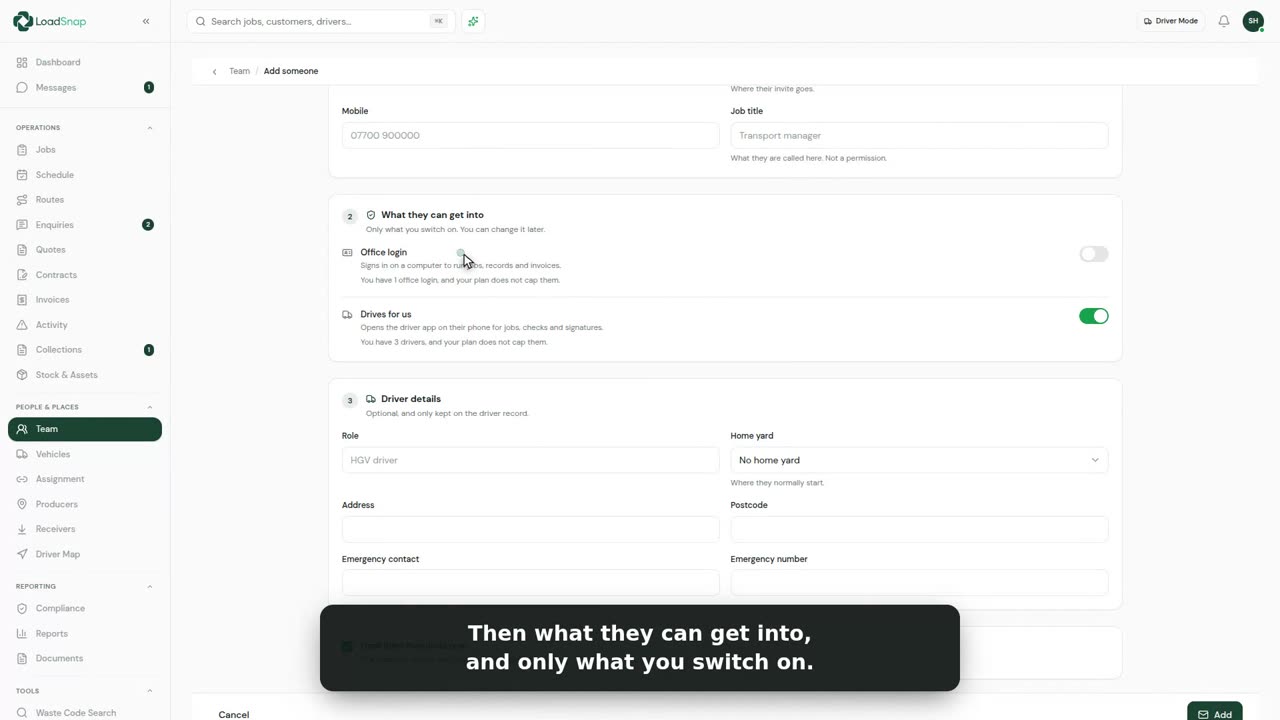
0:33Adding someone to the team
One form adds anybody who works for you.
 0:22
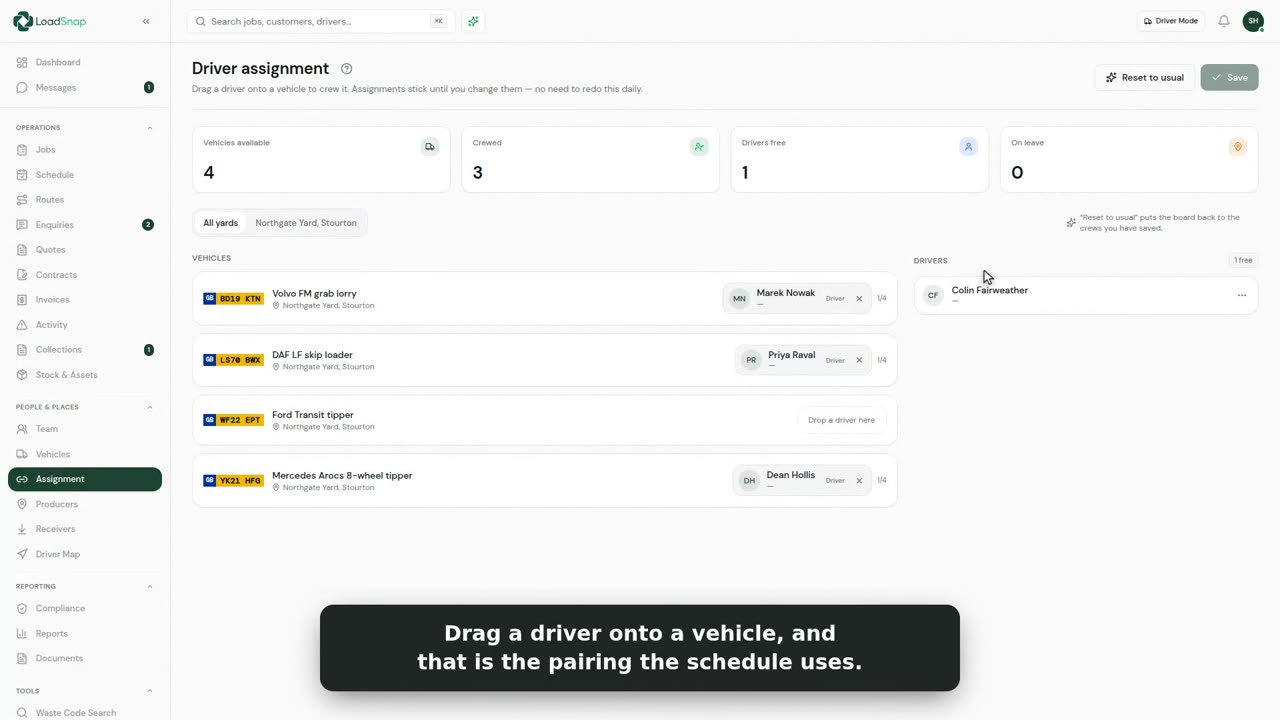
0:22Assigning drivers to vehicles
Assignment shows every vehicle on the day, and who is driving it.
 0:37
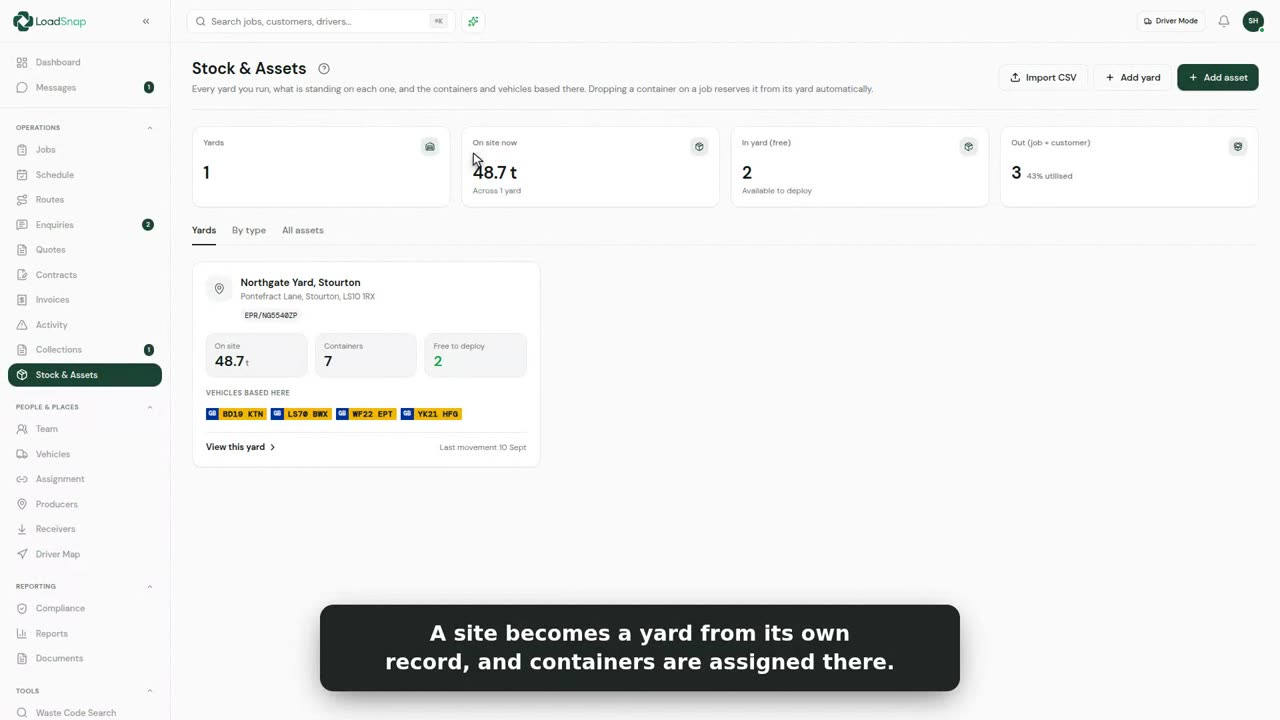
0:37Stock, yards and containers
Vehicles and assets holds every skip, RoRo and bin you own, each with its own number.
 0:27
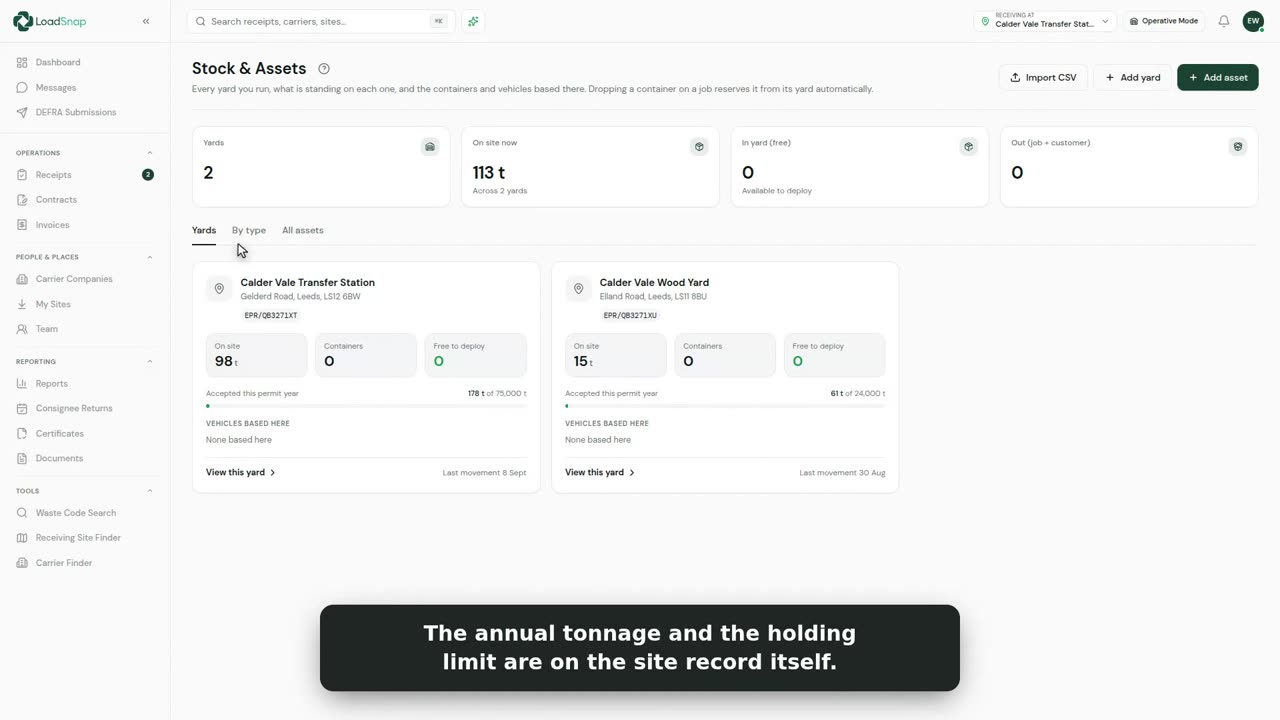
0:27Permit headroom
A permit sets two limits: how much can be on the yard at once, and how much can come in each year.
 0:25
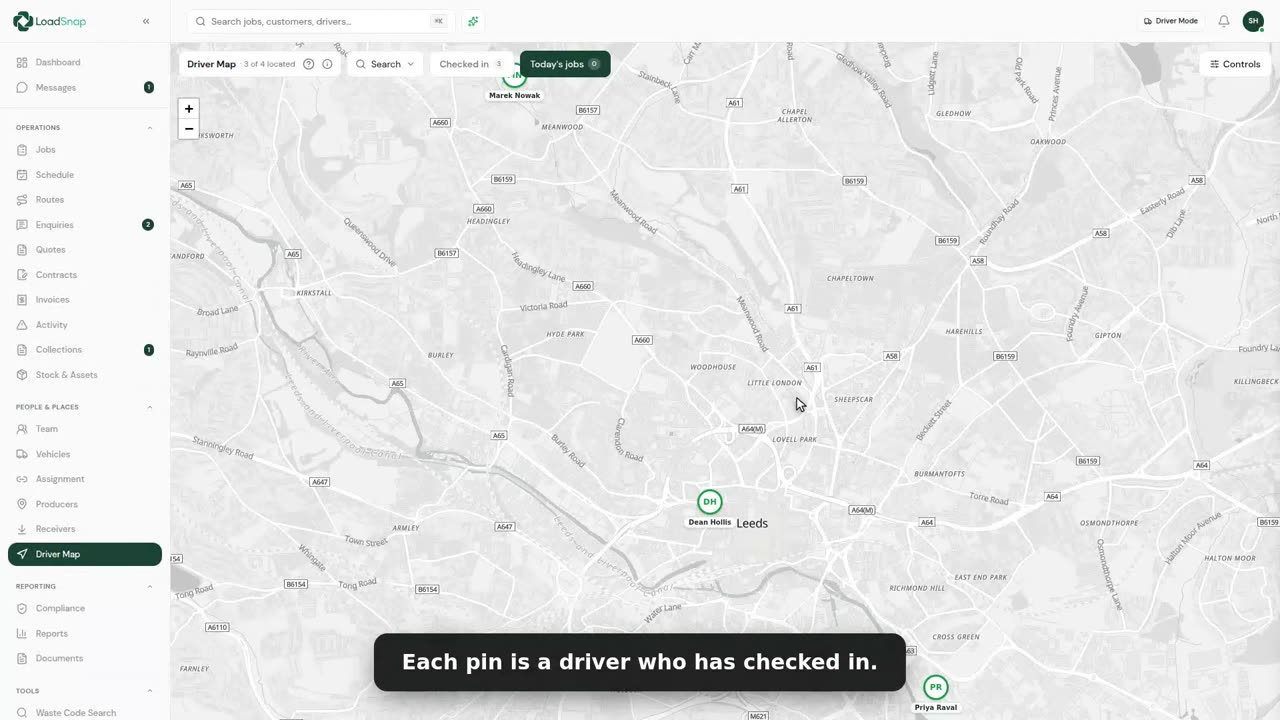
0:25The driver map
Driver Map shows where each driver last reported from, sent by the driver app.
 0:32
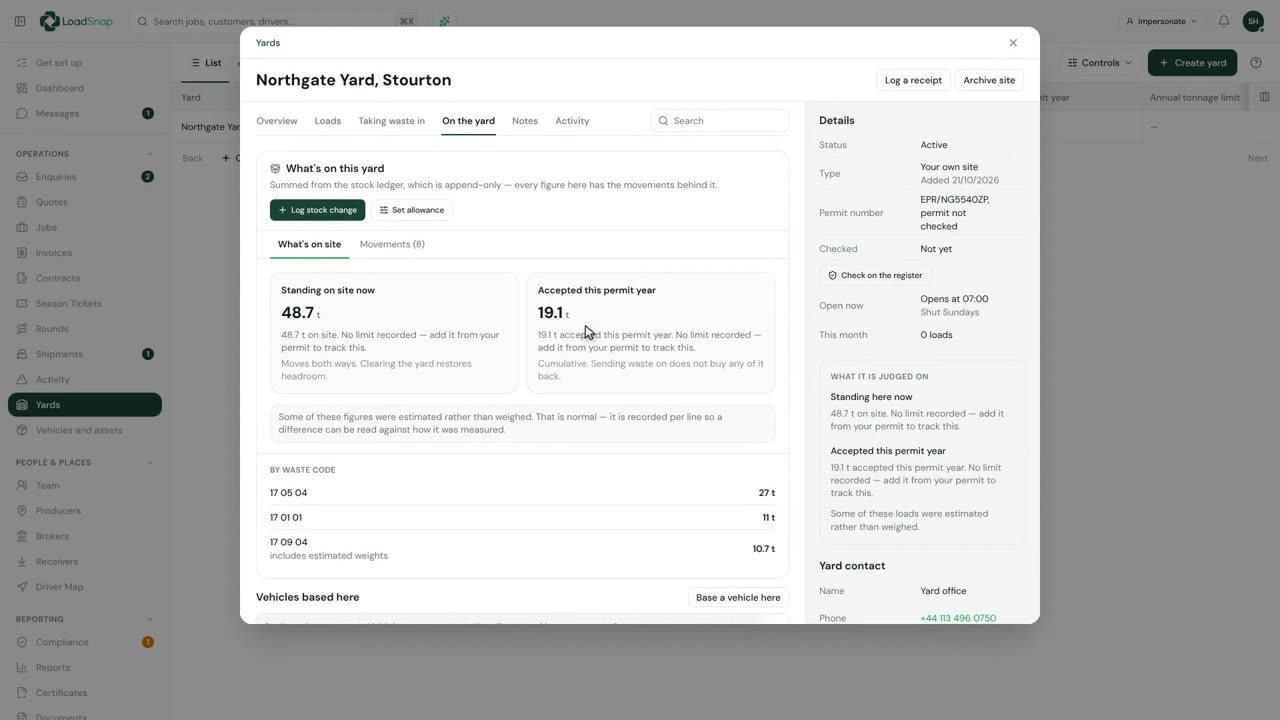
0:32Your yards and what is on them
Yards lists your own sites, with the permit, what is on site now and what came in this permit year.
 0:28
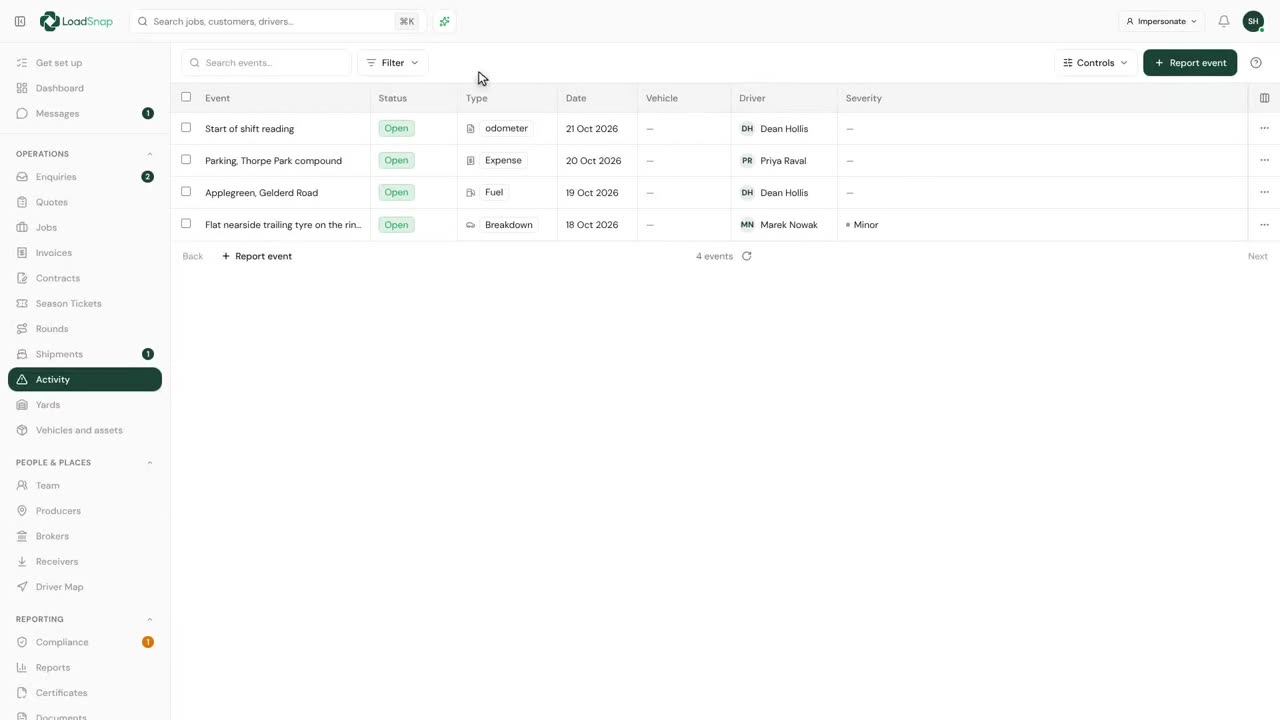
0:28The activity log
Activity is everything your drivers report from the road, in one list.
Money
 0:37
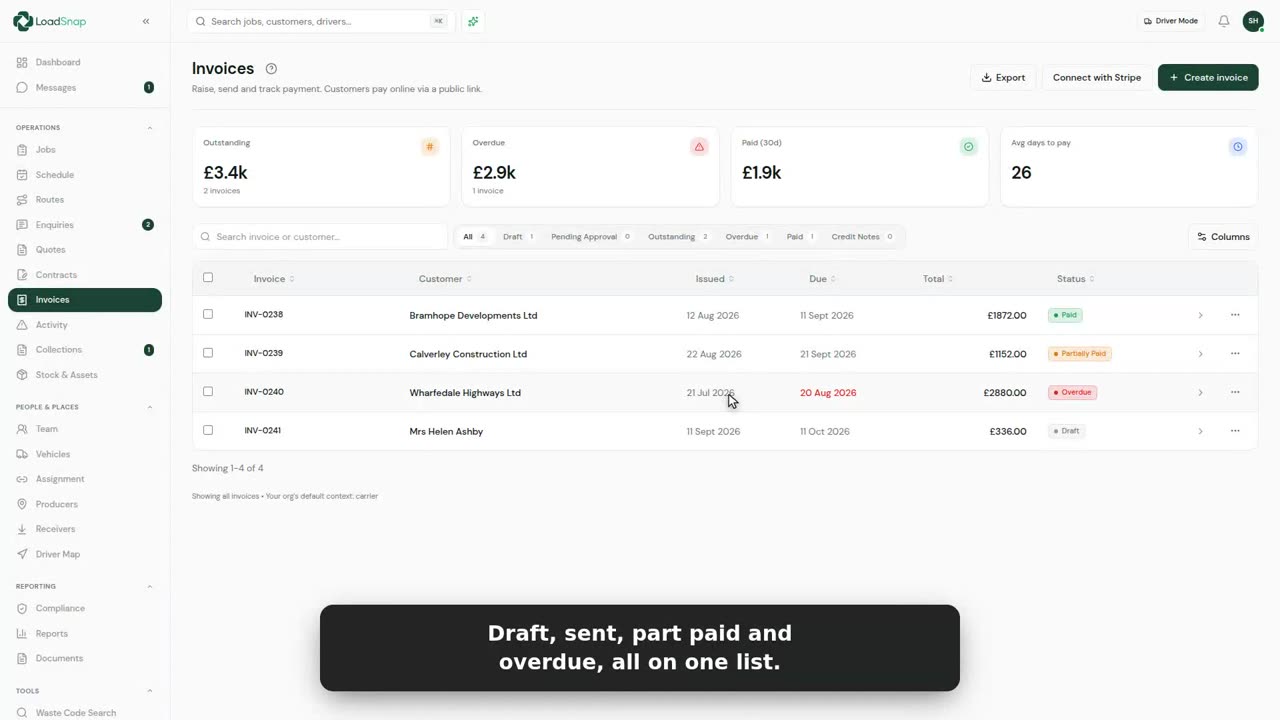
0:37Raising an invoice
Every invoice you raise is on one list.
 0:38
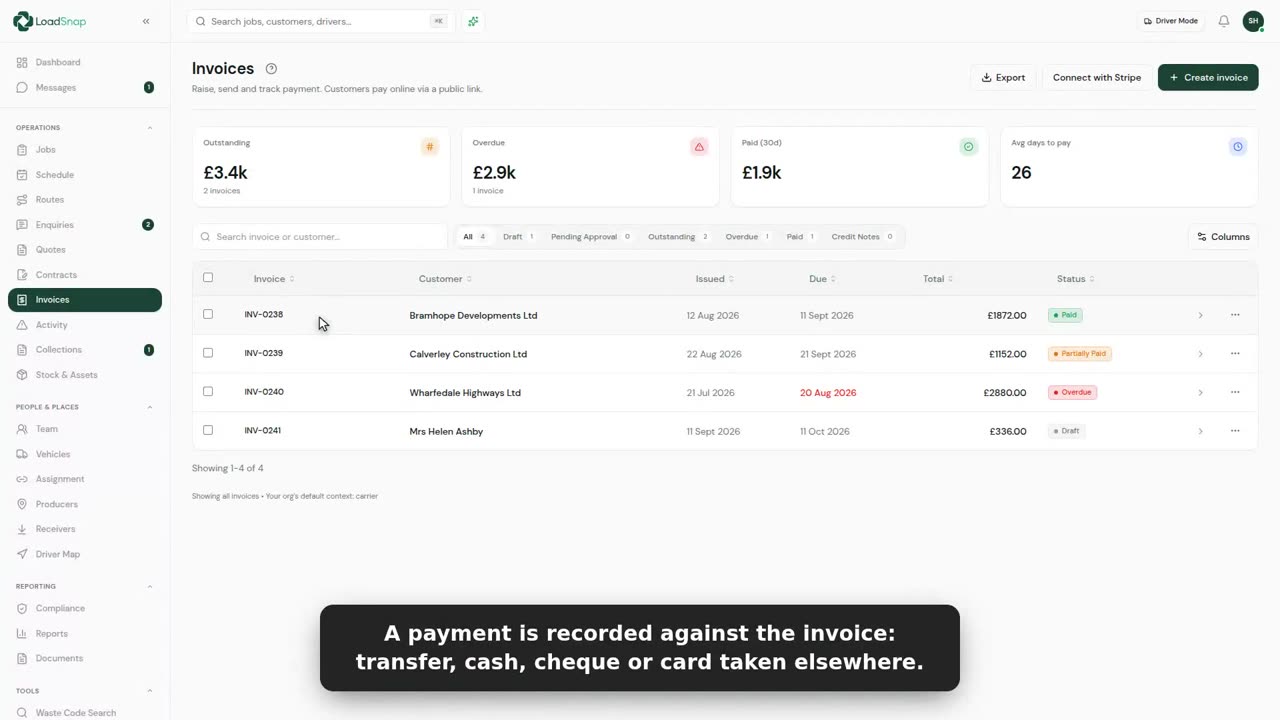
0:38Part payments and chasing
Money in is recorded against the invoice it pays.
 0:33
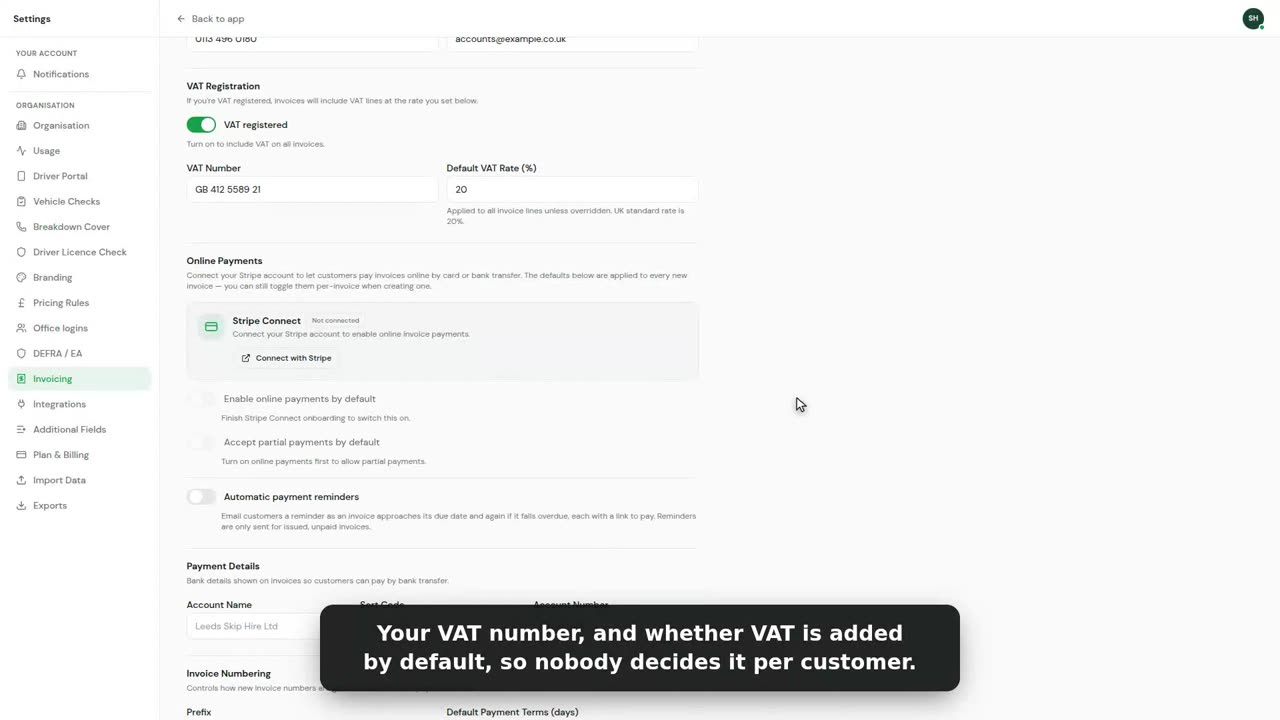
0:33VAT and nominal codes
How your invoices are set up lives in Settings, under Invoicing.
 0:36
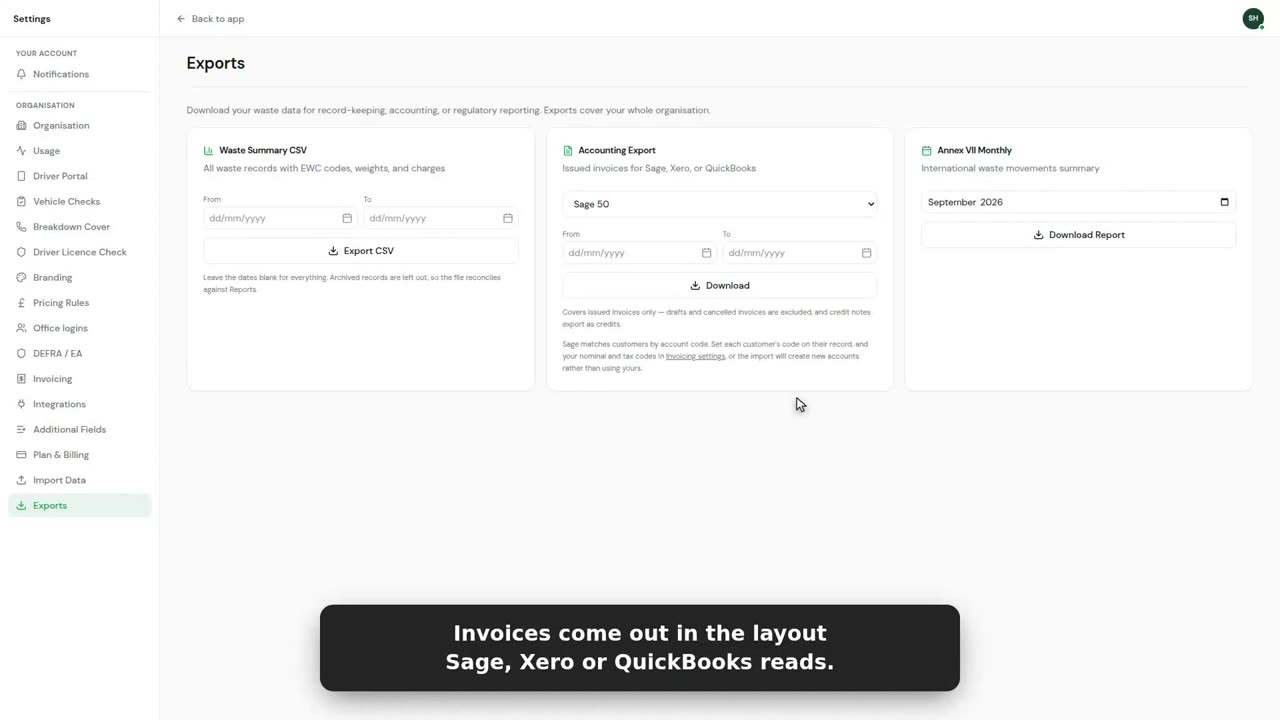
0:36Sage, Xero and QuickBooks export
Your invoices go to Sage, Xero or QuickBooks as a file each one imports.
 0:42
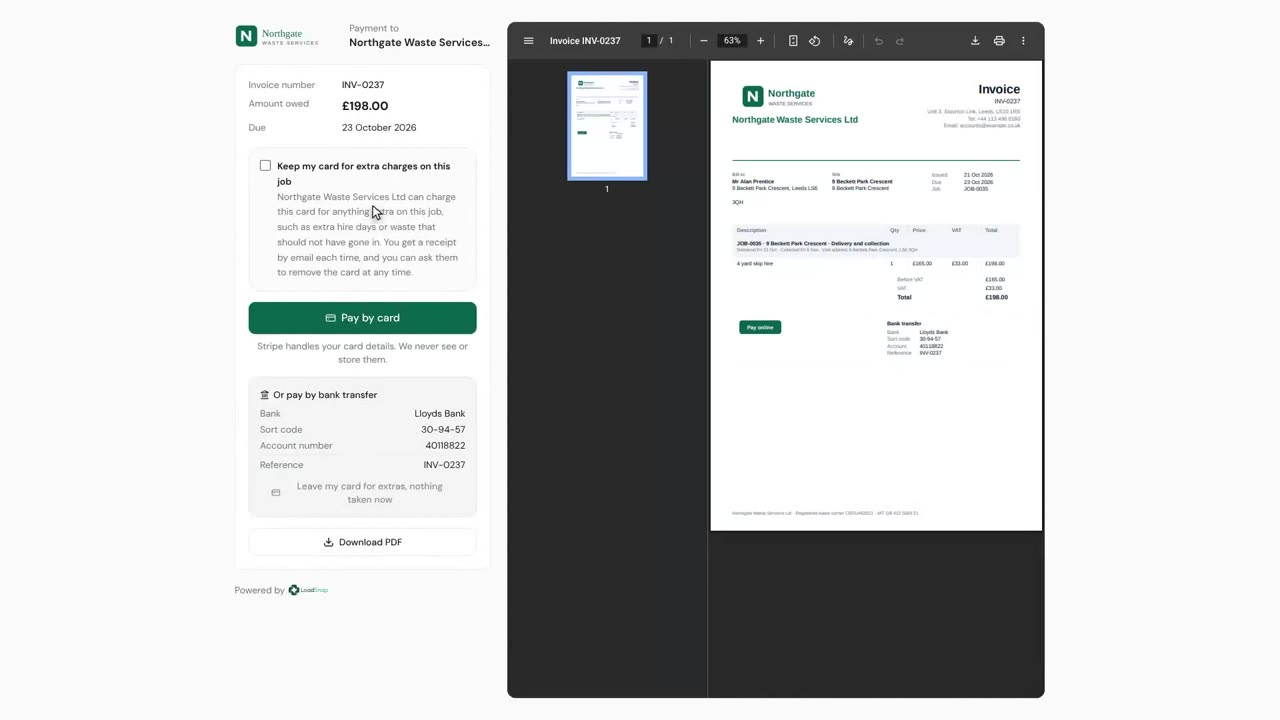
0:42Keeping a card for extra hire days
A customer who pays a job by card can let you keep the card for extras on that job.
 0:37
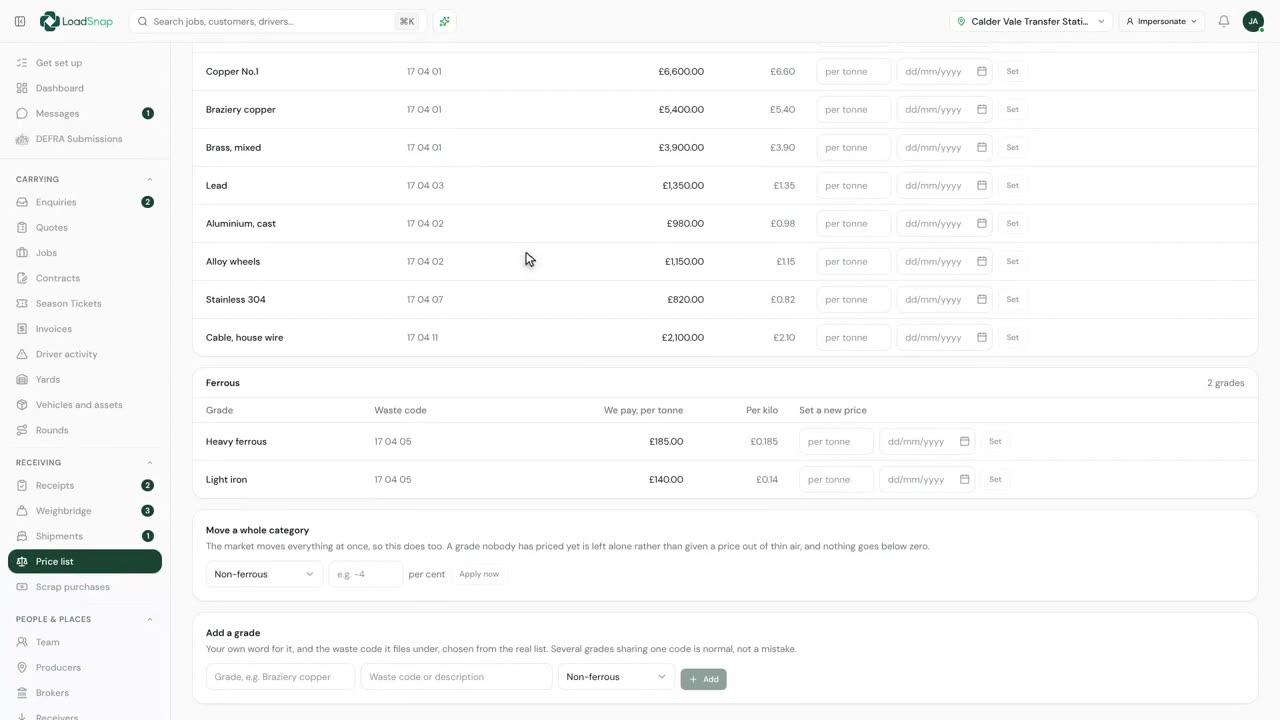
0:37Scrap metal prices and purchases
The price list is what your yard pays for metal, grade by grade.
Portals
 0:35
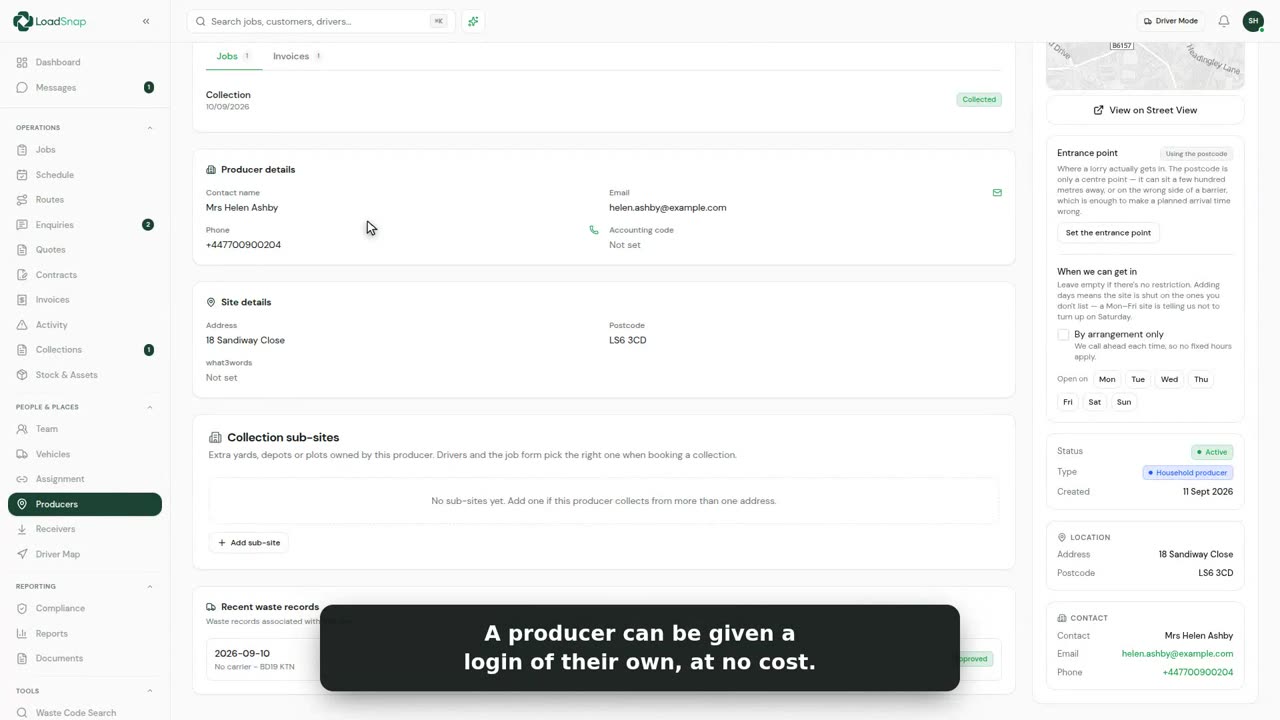
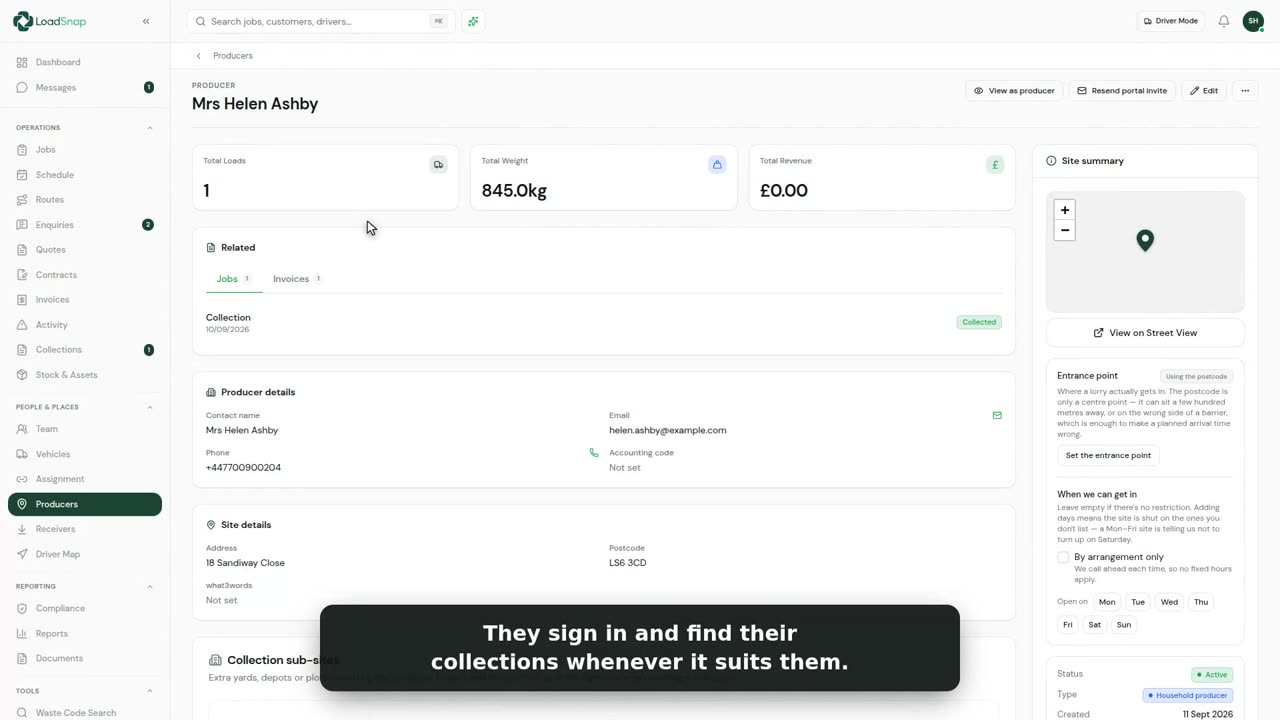
0:35The producer portal
Producers are the customers and sites you collect from.
 0:31
0:31The customer portal
The customer portal is your customer's own view of the work you do for them.
 0:23
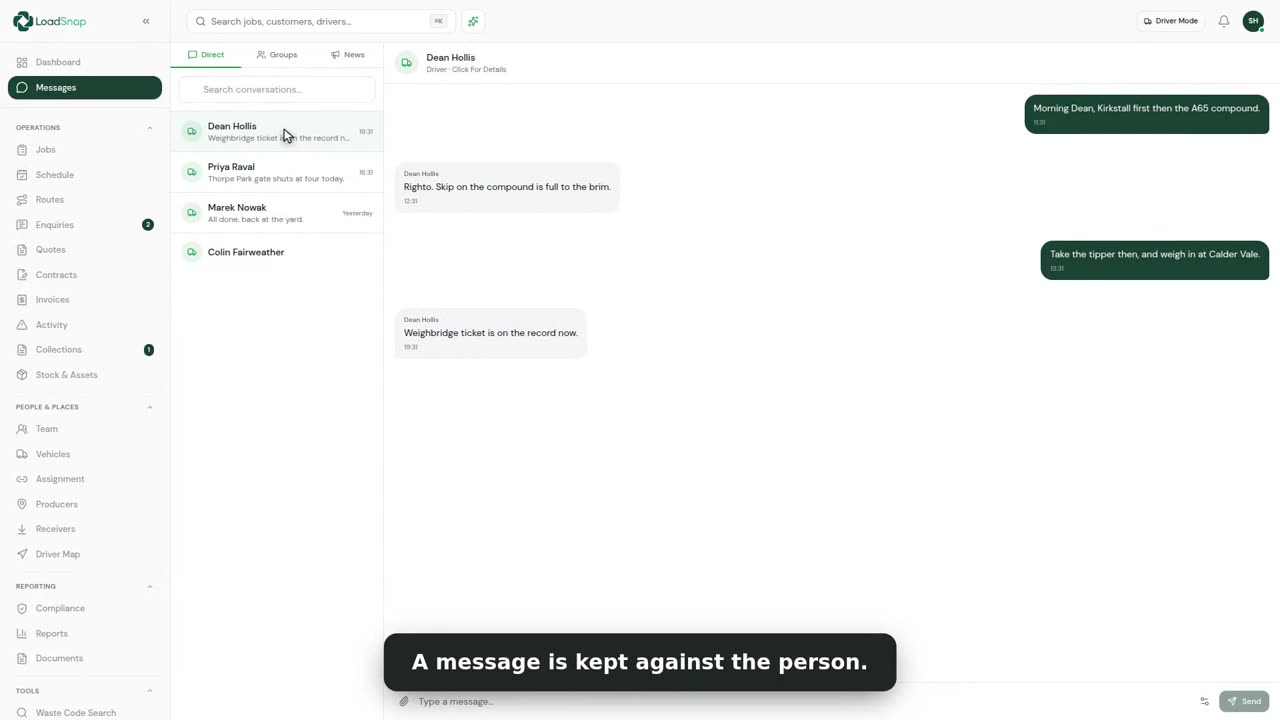
0:23Team chat
Messages keeps the office and the drivers talking inside LoadSnap, not on personal phones.
 0:31
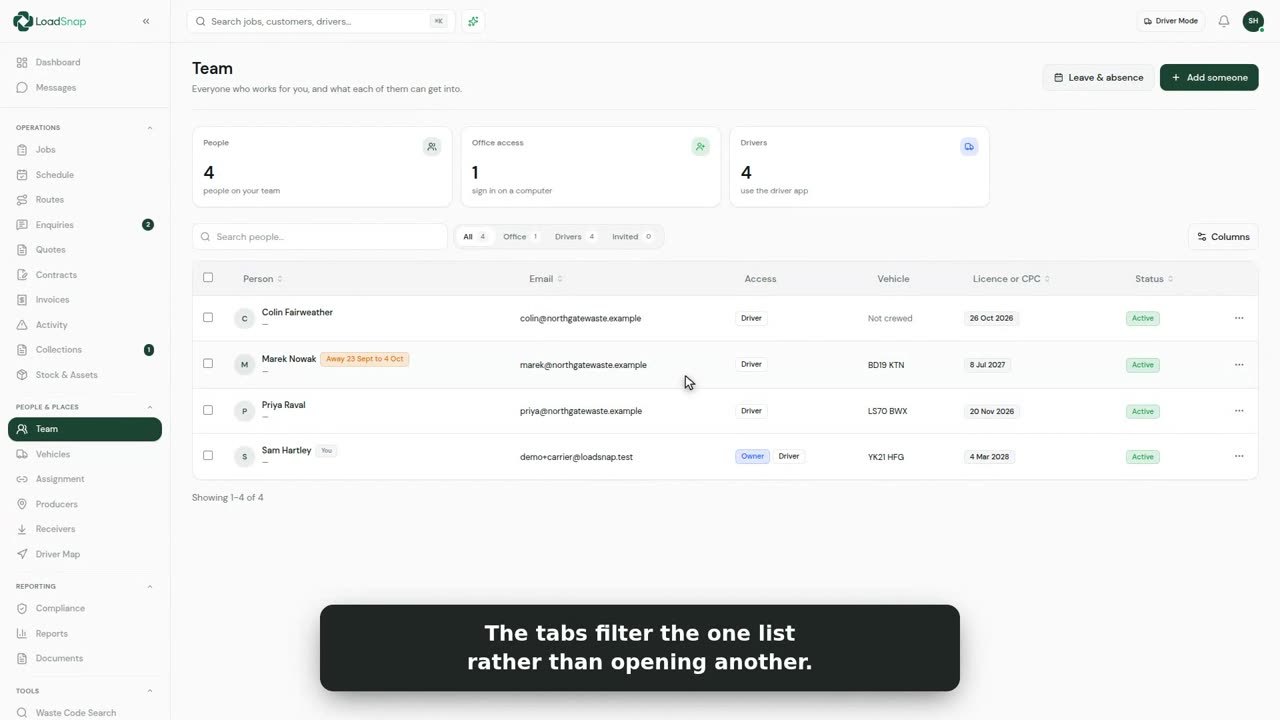
0:31Your team and roles
Everyone who works for you, in one list.
 0:32
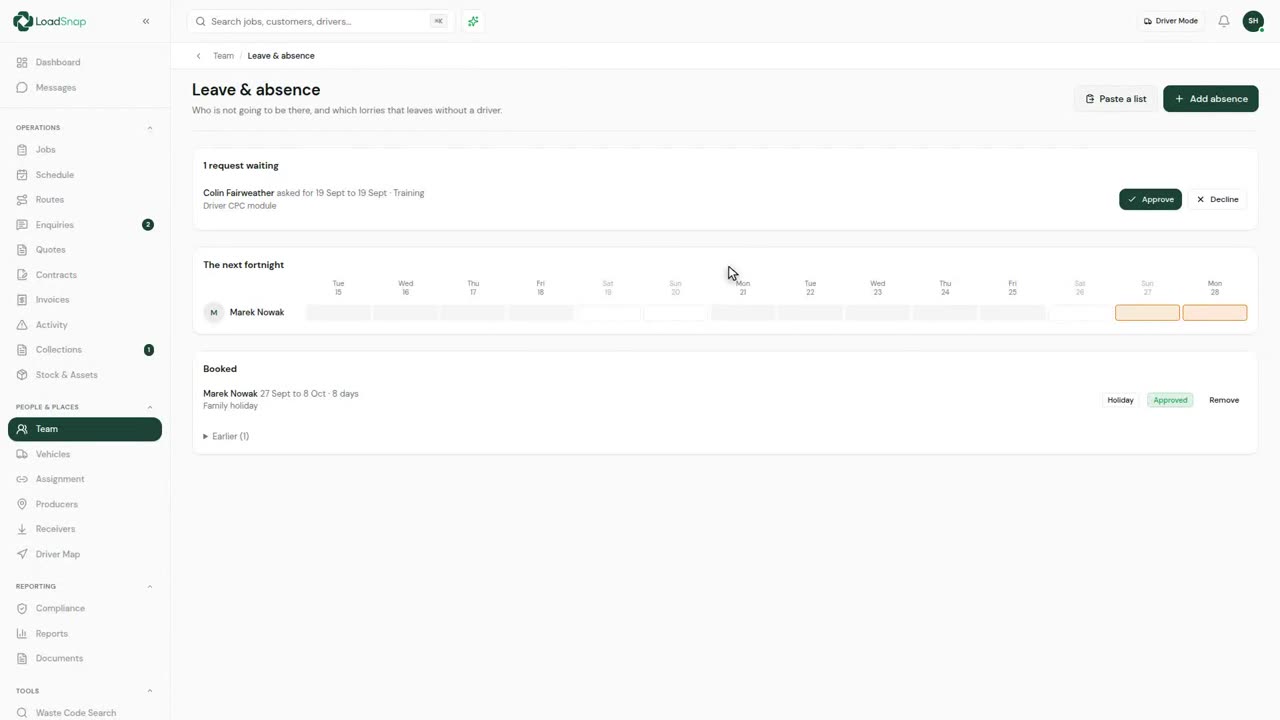
0:32Leave and absence
Leave and absence is on Team, one button along the top.
 0:28
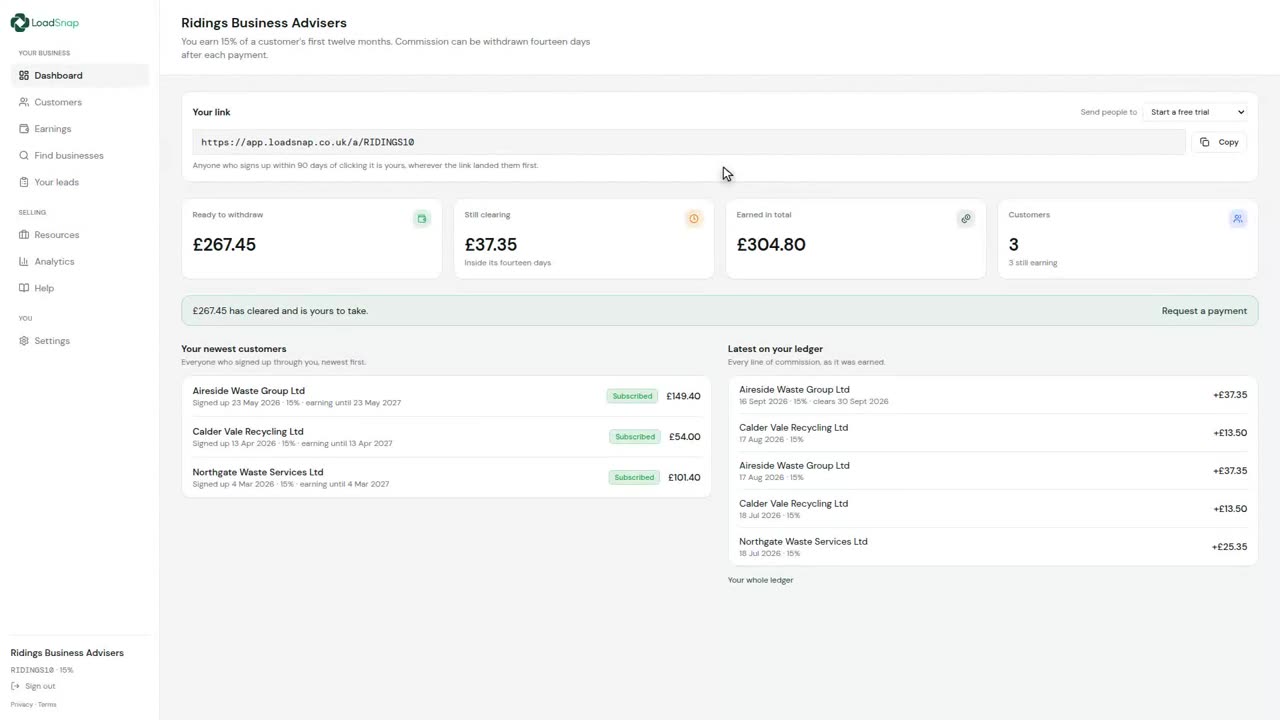
0:28The partner portal
The partner portal, for anyone who introduces customers to LoadSnap.
Insight
 0:28
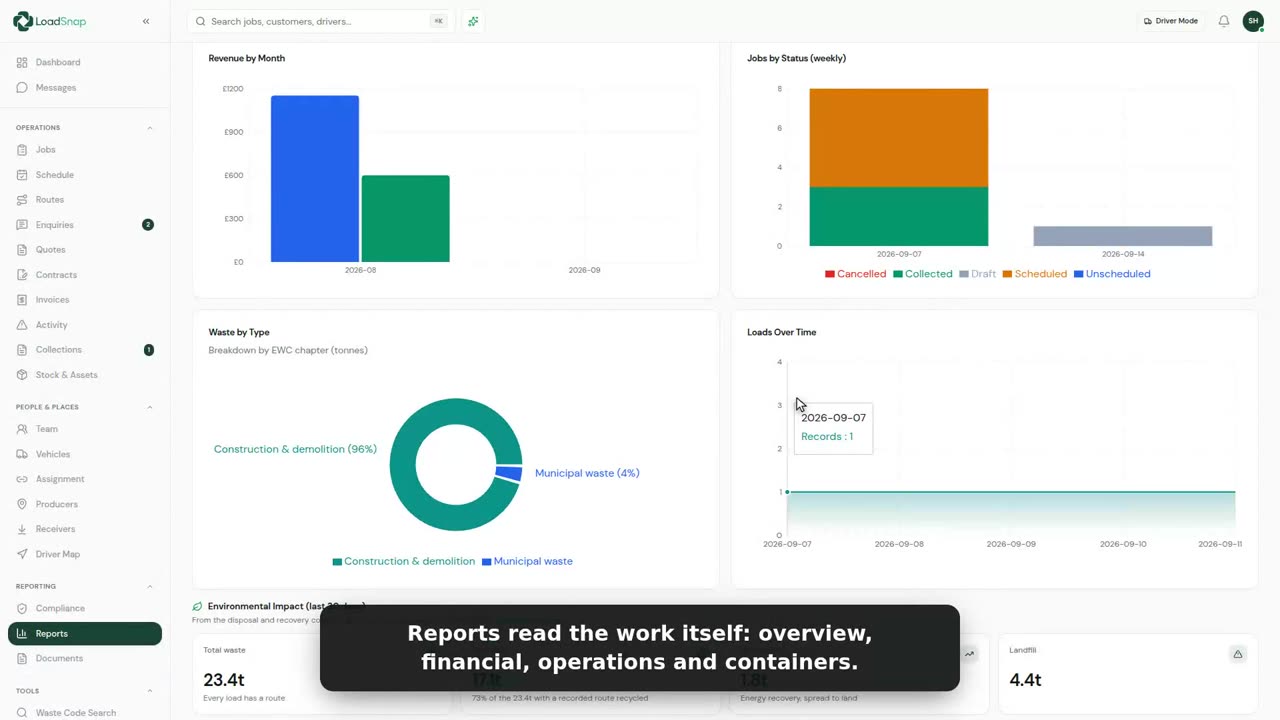
0:28Reports and analytics
Reports are worked out from the work already on the system.
 0:27
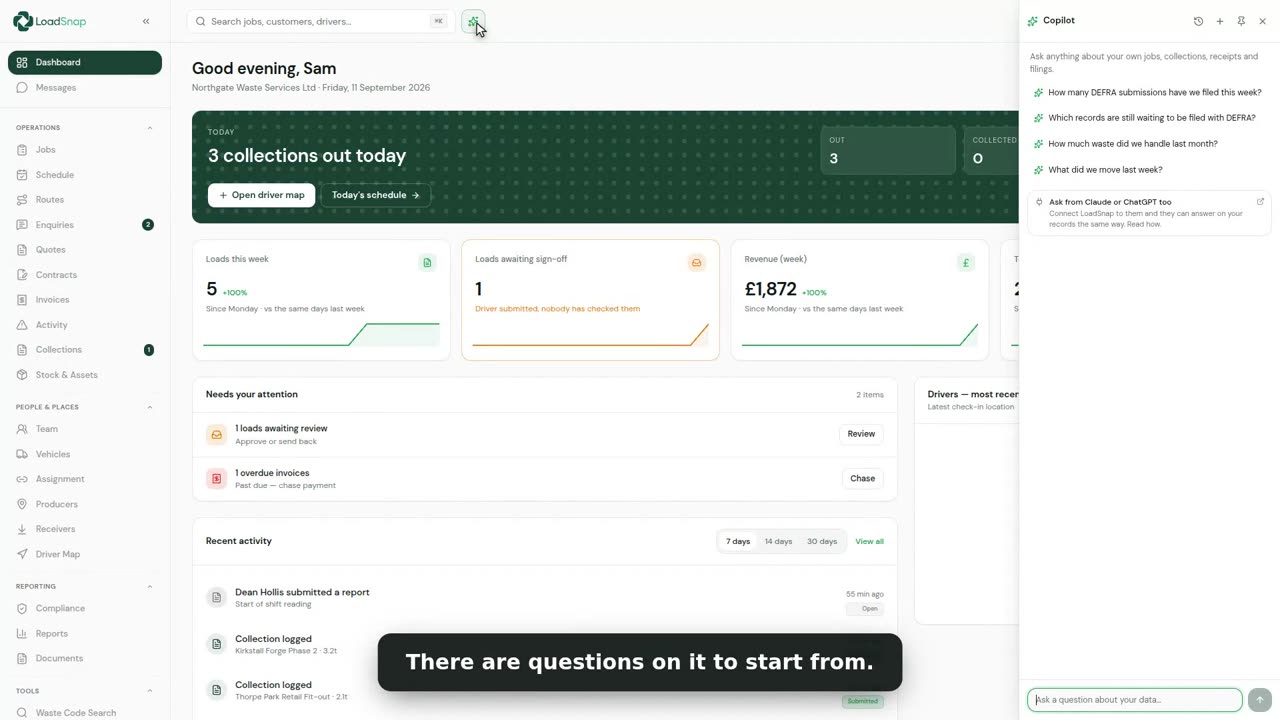
0:27Asking your records a question
Operator answers questions about your own records.
 0:34
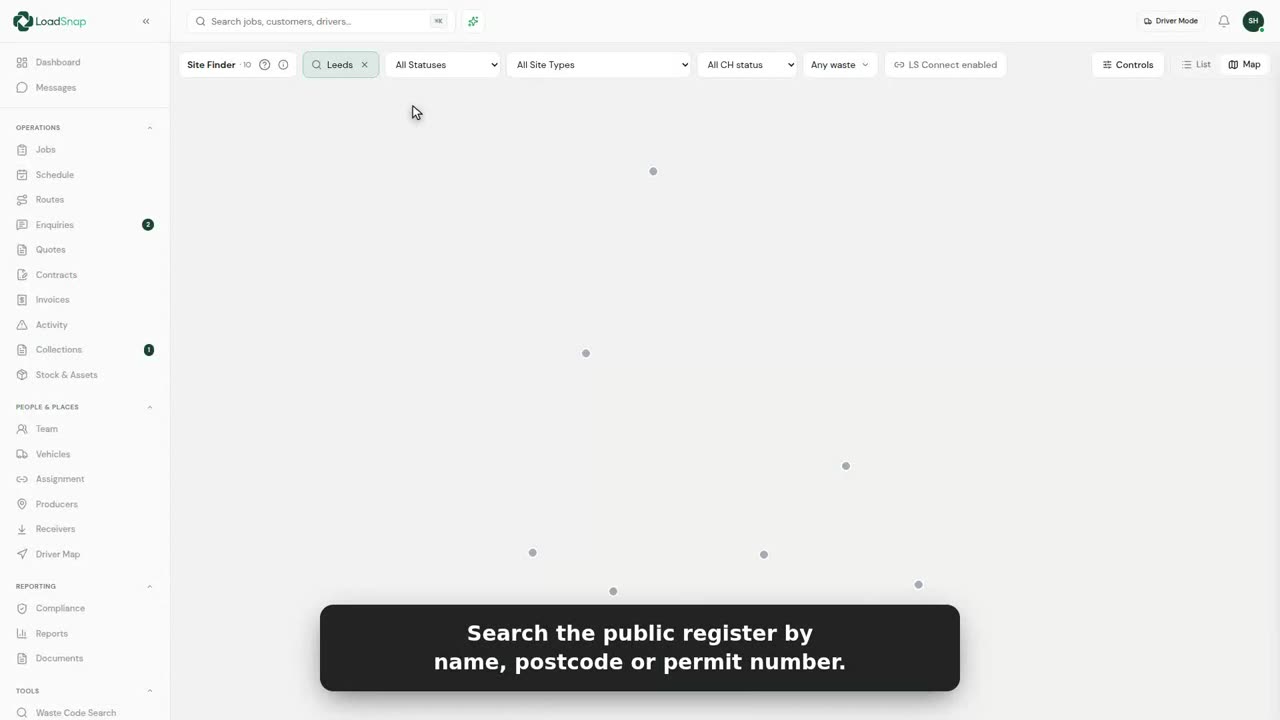
0:34Receiving site and carrier finder
A load has to go somewhere permitted to take it. Register search finds it.
 0:29
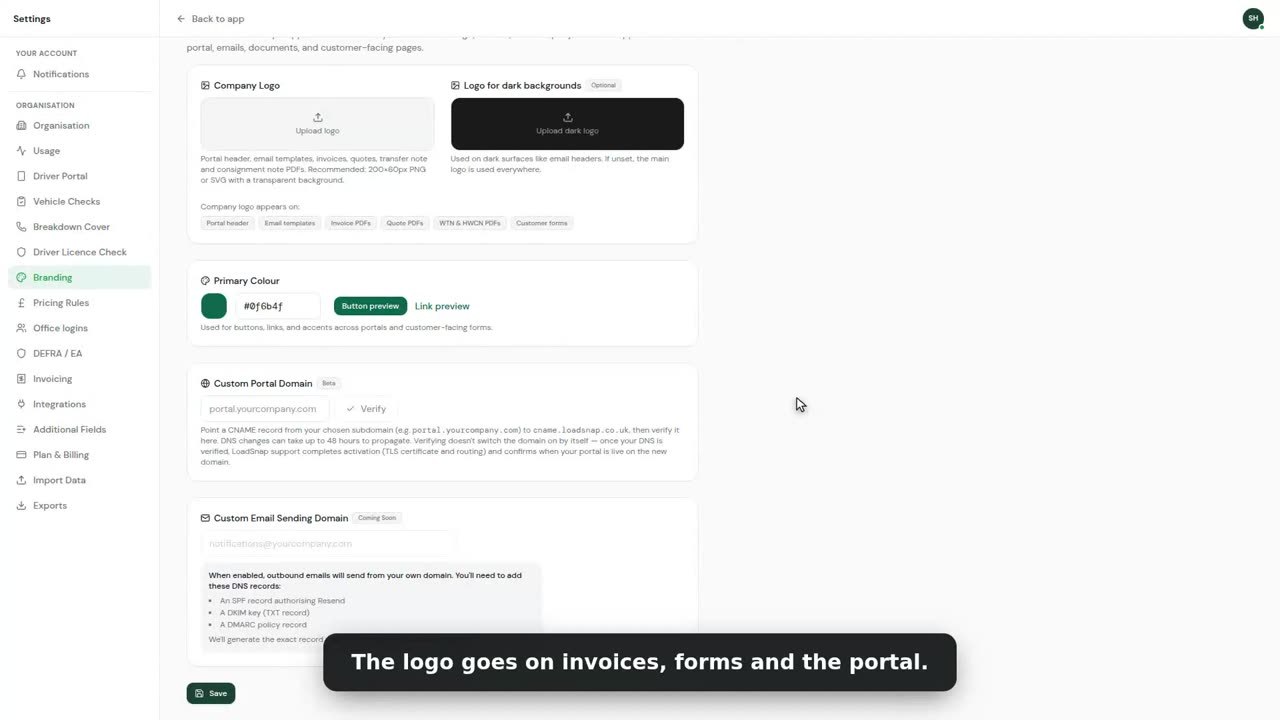
0:29White label
White label puts your name on everything your customers see.
 0:33
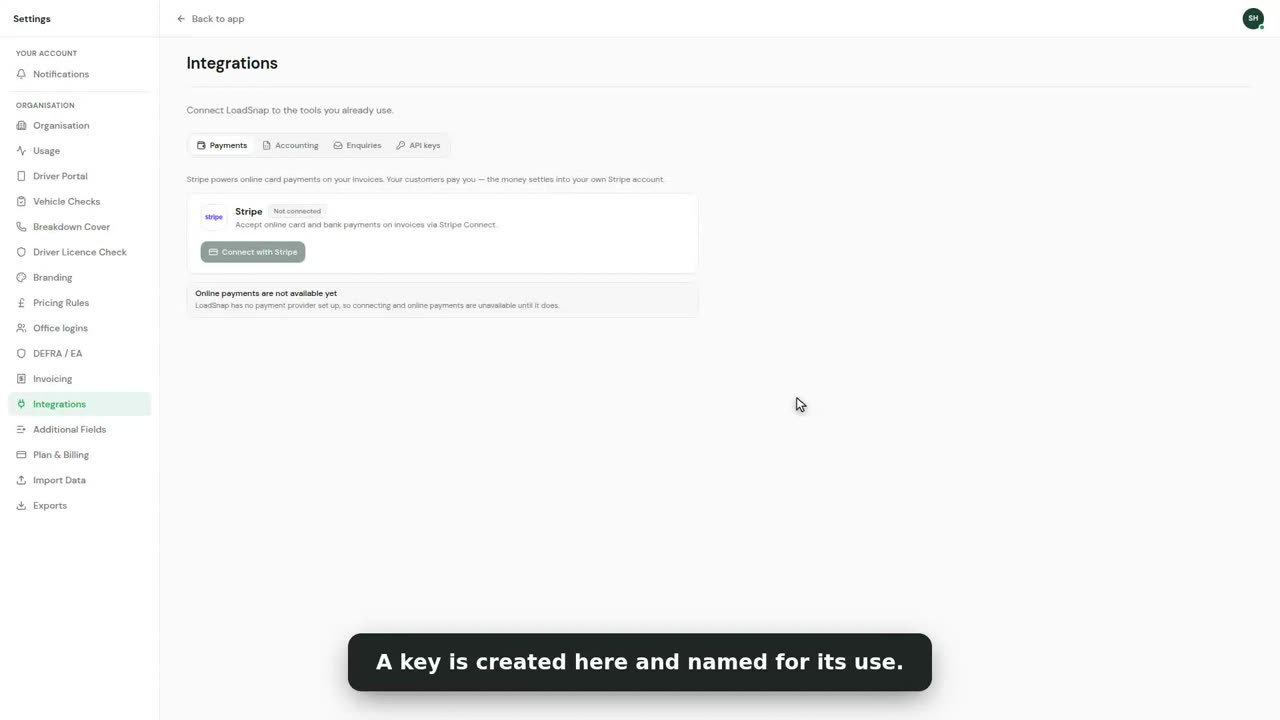
0:33API keys and integrations
Integrations connect LoadSnap to what you already run.
 0:33
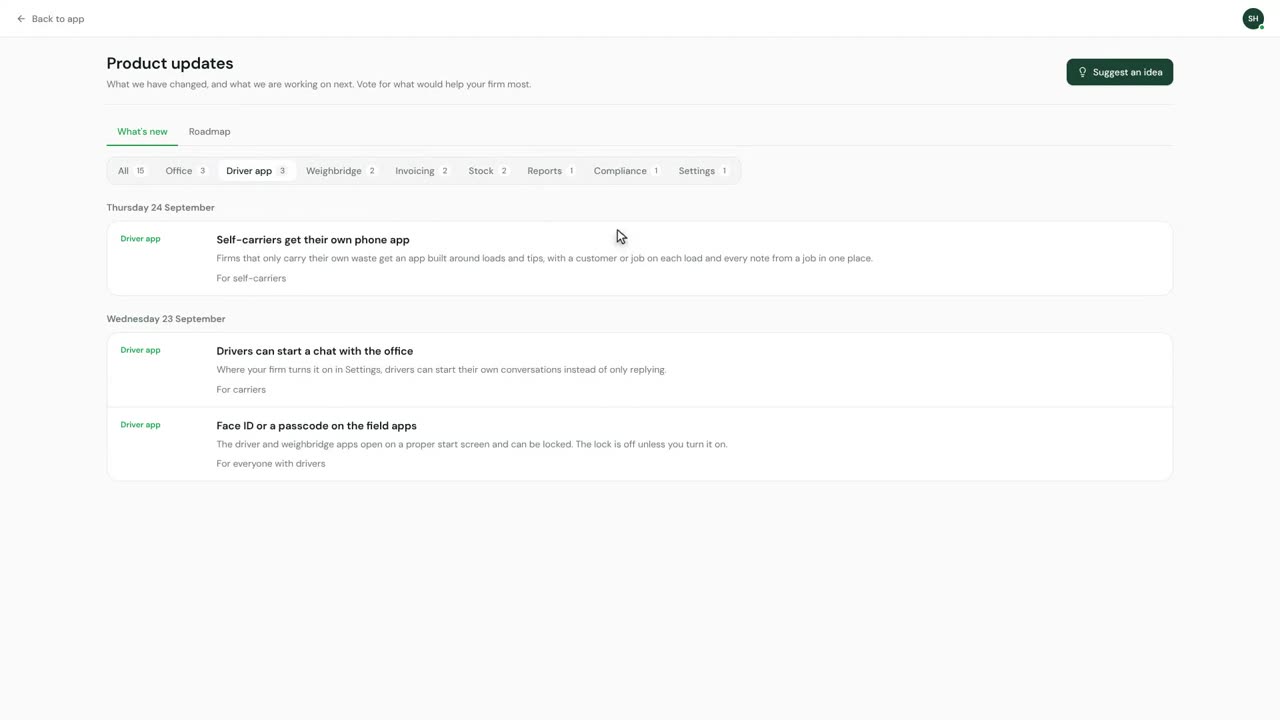
0:33What's new and the roadmap
What's new is in the account menu, under your initials at the top right.
Digital waste tracking is live
The mandate is here.
Automate compliance.
Receiving sites in England and Wales have had to record every load digitally since 1 October 2026. Start a 14-day free trial in minutes, cancel any time before it ends, and file every load from day one.
DEFRA API integrated · EA carrier verification · UK data residency