All videos
If you receive waste
The demo · Receiver only · 1:16
The three ways a receipt starts, a load the gate sent up being checked at a desk, the DEFRA filing and the quarterly return, carriers checked against the register, and the gate fee behind it.
In this film
›Read the film insteadevery line it says, 15 lines
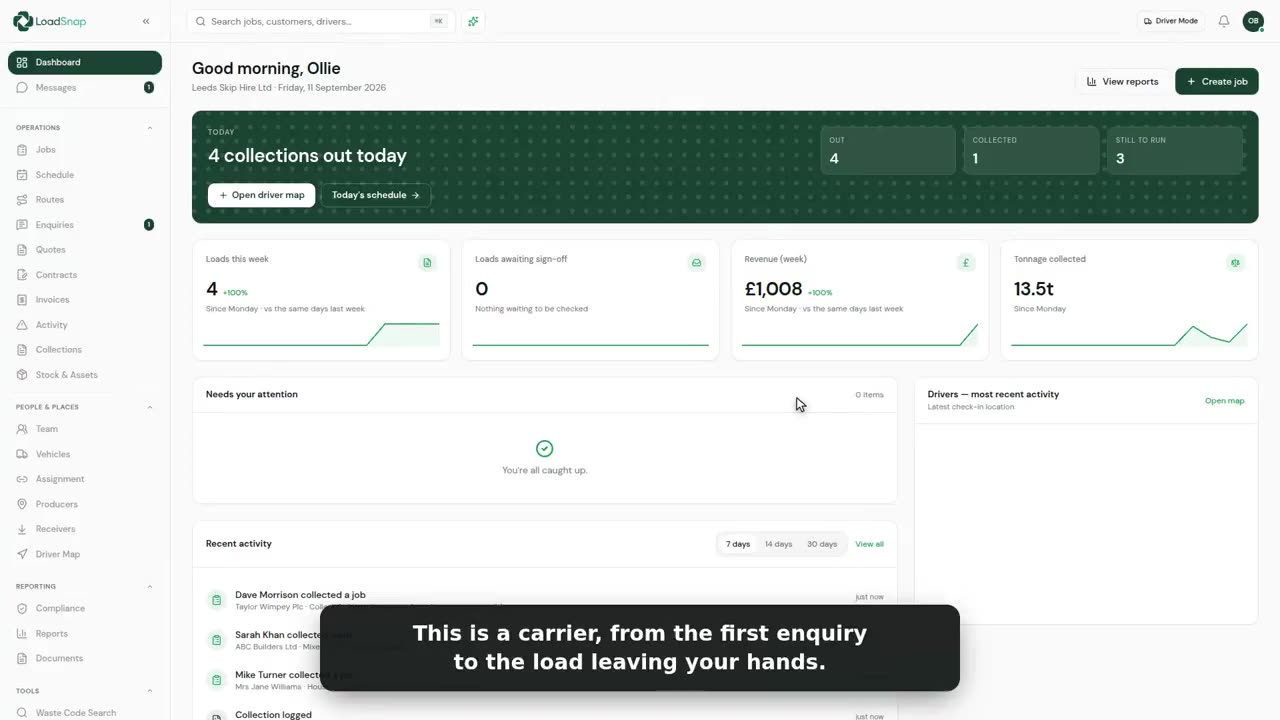
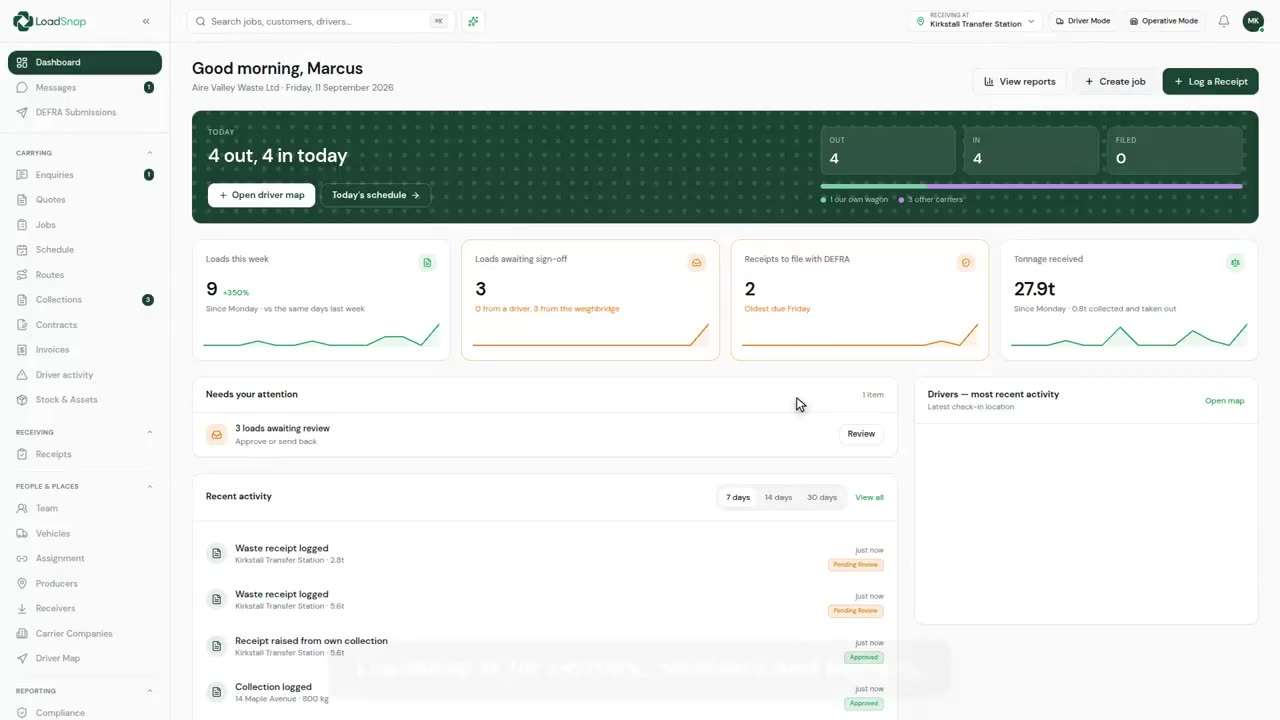
- This is a receiving site in LoadSnap, from the load on the weighbridge to the DEFRA filing.
- The dashboard tells you what needs doing. Here, three loads the gate has weighed in, waiting for the office to check them.
- Every load the site has taken in, whatever stage its paperwork is at.
- A receipt starts one of three ways.
- Type it in, scan the paper transfer note the driver handed you, or type the code the carrier gave you and the whole load comes through.
- This one came up from the gate. Open it, and the load, the carrier and the weight are all here.
- The checklist says what's still missing before DEFRA would. This one has no waste code.
- Click it, search by number or by name, and pick it.
- Saved as you go, and the checklist ticks it off.
- When it is right, one press sends it to DEFRA. Nothing goes until a person has checked it.
- Everything that has gone to DEFRA, with the tracking number they give back.
- And the quarterly return to the Environment Agency builds itself from the same loads.
- Every carrier that tips here is checked against the public register, so a lapsed licence shows up at the gate, not at an audit.
- Gate fees are invoiced from the loads you took in, so nothing is typed twice.
- Weighed once, checked once, filed once.
Digital waste tracking is live
The mandate is here.
Automate compliance.
Receiving sites in England and Wales have had to record every load digitally since 1 October 2026. Start a 14-day free trial in minutes, cancel any time before it ends, and file every load from day one.
DEFRA API integrated · EA carrier verification · UK data residency