’s records to DEFRA
in two clicks.
LoadSnap files live to DEFRA Digital Waste Tracking (DWT), and took part in its beta. We submit directly via the new API. Receiving sites go first - England and Wales since 1 October 2026, Scotland and Northern Ireland from January 2027 - with carriers and brokers following in a planned second phase from October 2027. We were live on day one - and you should be too.

Built for the mandate
The clock is already running.
Since 1 October 2026, waste receivers in England and Wales must record every movement digitally, with Scotland and Northern Ireland following in January 2027 and carriers planned for October 2027. LoadSnap took part in the DEFRA Digital Waste Tracking (DWT) Beta and was live on day one.
Apr 2026
DEFRA Digital Waste Tracking beta opened
LoadSnap has been filing movements on your behalf since the beta opened.
1 Oct 2026
Mandatory for receivers
Every transfer station, MRF, and treatment site in England and Wales now has to use the digital waste tracking service. Scotland and Northern Ireland follow in January 2027.
- 3
Now
Record every load today
File every load you take in to DEFRA as it happens. LoadSnap stores every WTN, photo, and signature.
- 4
Oct 2027
Carriers follow (planned)
Phase 2, planned from October 2027: registered carriers submit waste movements digitally - paper WTNs no longer compliant.
DEFRA digital waste tracking
Why the rollout runs backwards - and what it means for you
DEFRA is mandating the receiving side before the carrying side. LoadSnap is built for both phases, so you're ready whichever side of the gate you're on.
Receivers go digital while the carrier side is still on paper
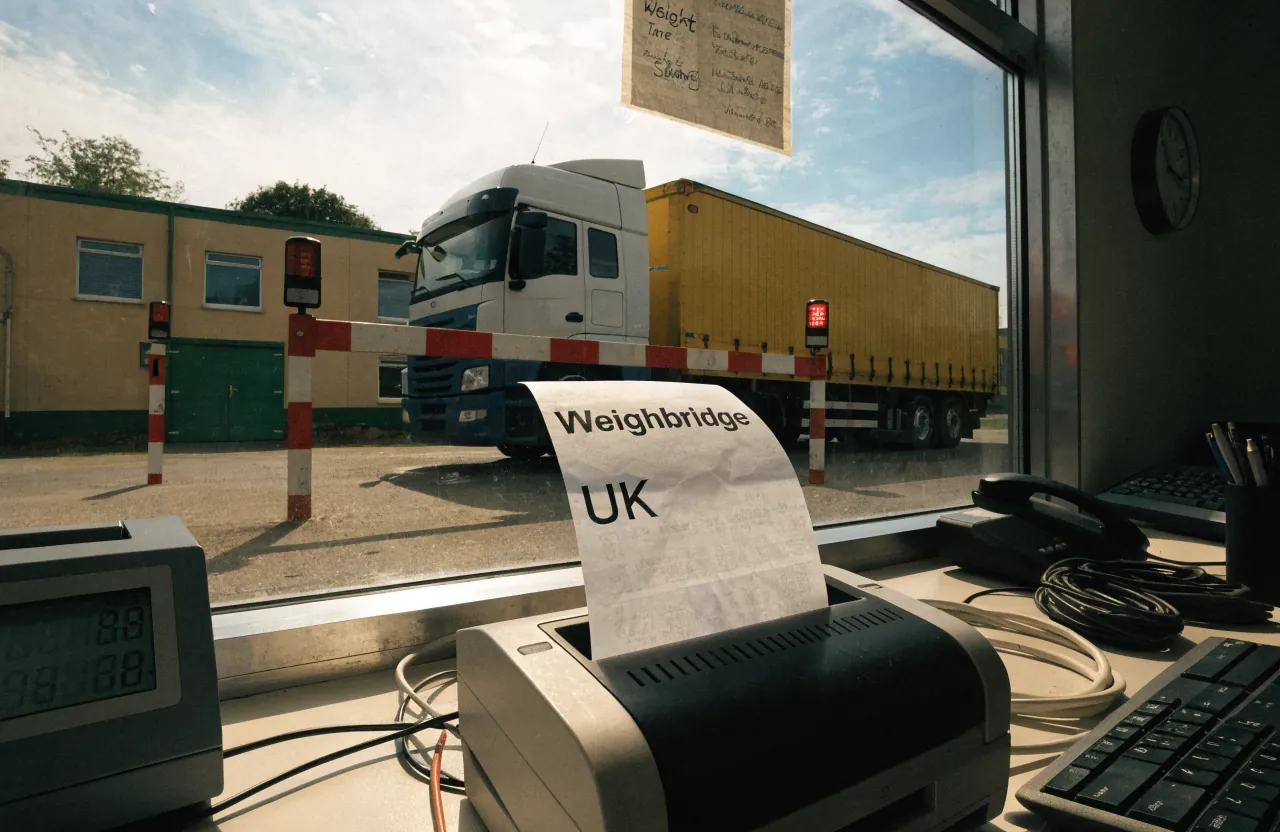
DEFRA has started with the people who receive waste, not the people who carry it. So for now the carrier still turns up with a paper transfer note, and the receiving site is the one that records the movement digitally and files it to DEFRA.
- Carrier arrives; the weighbridge operative selects them from the saved carrier library and adds the vehicle reg and driver
- Each waste item captured - a photo where the load's visible (LoadSnap's AI suggests the EWC code and description), manual entry for sealed containers; the operative can edit either way
- Container type, count and weight (estimated or actual) captured at the bridge
- Operative submits to the back office, who review and file the movement to DEFRA - a Waste Tracking ID comes back
The people moving and arranging the waste join in
Phase two brings in what DEFRA calls waste collectors: carriers, brokers and dealers. The regulations have not been made and the technical detail has not been published, so what any of them will actually have to record is not yet known. What is known is the timetable.
- A private beta for invited collectors from autumn 2026
- A public beta open to all collectors from spring 2027
- Mandatory for collectors from October 2027, on DEFRA's published plan rather than in law
- Nothing a carrier or broker can file today, and nothing LoadSnap or anyone else can file on their behalf
LoadSnap digitises the whole workflow and produces your WTNs and records on both sides today. DEFRA submission is live for receiving sites now, and switches on for carriers when their phase starts.
What we submit
Every field DEFRA's new API expects.
Producer, carrier, receiver, vehicle, EWC, weight, treatment code, signature. All pre-populated from the workflow. All retained for the statutory 3 years.
Producer & carrier IDs
Waste-producer codes, registered carrier numbers, broker IDs - all validated against the public register at submission.
Weight & method
Gross / tare / net, measurement source (weighbridge or estimate), method code.
EWC + treatment
EWC classification, hazardous flag, R/D code (recovery vs disposal), final destination.
Vehicle & journey
Plate, ARN, journey log. Every leg captured even on multi-stop runs.
Signature chain
Producer at handover, carrier on collection, receiver on tip. Each signature time-stamped, geo-stamped, archived.
Hazardous extras
HWCN, premises code, H-codes, SDS attachment where required.
What you get back
DEFRA tracking IDs. PDF receipts. Real audit trail.
Every submission returns a DEFRA tracking ID - your defence in any future dispute or audit. Attached to the load, surfaced on the customer's portal, downloadable as a PDF receipt.
DEFRA tracking ID on every load
Surfaced on the WTN, on the customer's producer portal, on the receiver's consignee return.
PDF receipts auto-generated
Branded with your company, downloadable from the customer's inbox. They never need to ask.
Auto-retry on transient failures
The API has bad days. We retry, exponential backoff, alert your admin if a load doesn't make it in.
Submission log, fully searchable
Filter by date, customer, EWC, vehicle. Re-fetch the DEFRA response in one click.
Getting connected
How setup actually works.
There are three steps between signing up and your first live submission, and only one of them involves DEFRA. Receiving sites need a Digital Waste Tracking code from DEFRA first - we've written a step-by-step guide to getting your DWT code. From there, LoadSnap handles the plumbing, whether you're a receiving site reporting from day one or a carrier getting ahead of phase 2.
1. Get your DWT code from DEFRA
Register your organisation on the Digital Waste Tracking service and add each permitted site. DEFRA issues the organisation an API code - a UUID - and the same code works for every site it operates. Registration is £26 a year per organisation.
2. Paste it in and test
Settings → DEFRA → Your Receiving Sites. Paste each site's code, save, press Test Connection - LoadSnap calls DEFRA and confirms the code is recognised before you ever submit a real movement.
3. Make your first submission
Log a load as normal and press Submit to DEFRA - the tracking ID comes back and attaches to the record. Auto-submission exists, but it's opt-in and off by default: you press the button until you decide to trust the automation.
Questions
DEFRA integration questions, answered.
01What happens if DEFRA's API is down?
02How quickly do receipts have to be filed?
03Is LoadSnap 'DEFRA approved'?
04What is a DWT code and where do I get one?
05When is digital waste tracking mandatory?
Digital waste tracking is live
The mandate is here.
Automate compliance.
Receiving sites in England and Wales have had to record every load digitally since 1 October 2026. Start a 14-day free trial in minutes, cancel any time before it ends, and file every load from day one.
DEFRA API integrated · EA carrier verification · UK data residency