All videos
If you do both
The demo · Carrier and receiver · 3:18
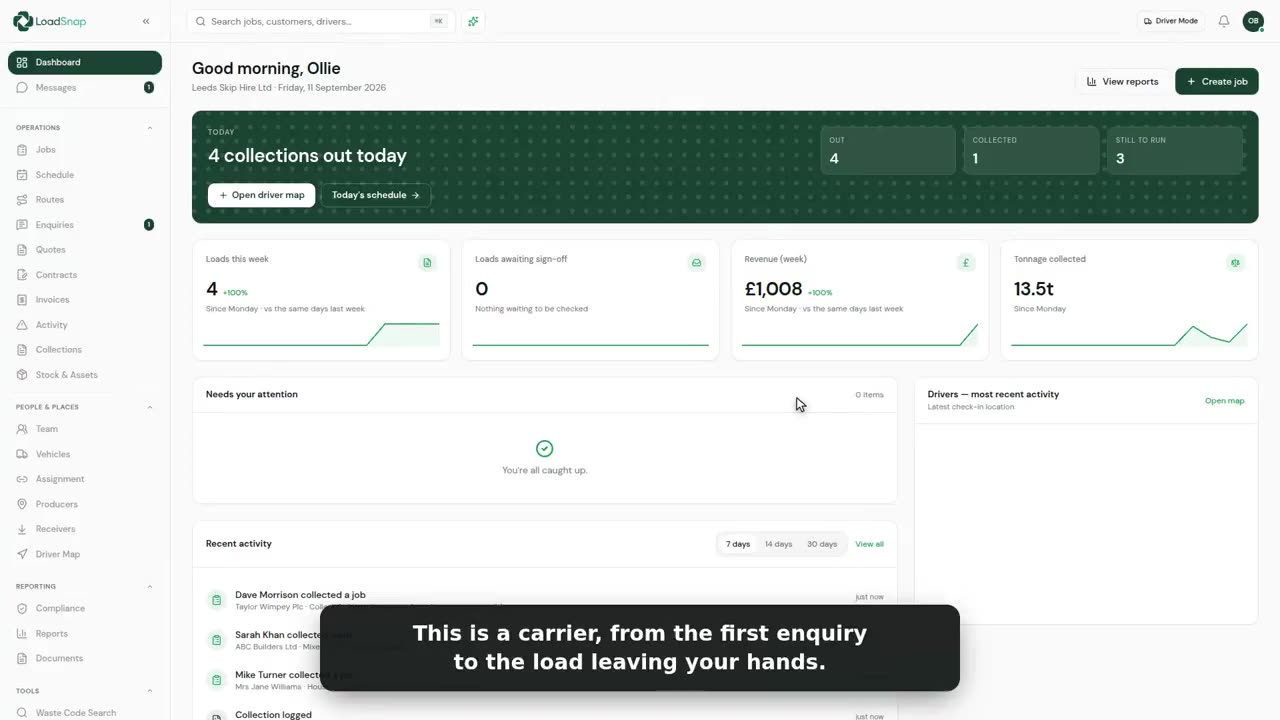
An enquiry turned into a job with its visits, planned on the board and the route, the load taken in at your own gate on the same app, checked in the office and filed to DEFRA, then invoiced. One record the whole way.
In this film
›Read the film insteadevery line it says, 39 lines
- LoadSnap is for carriers, receiving sites and brokers.
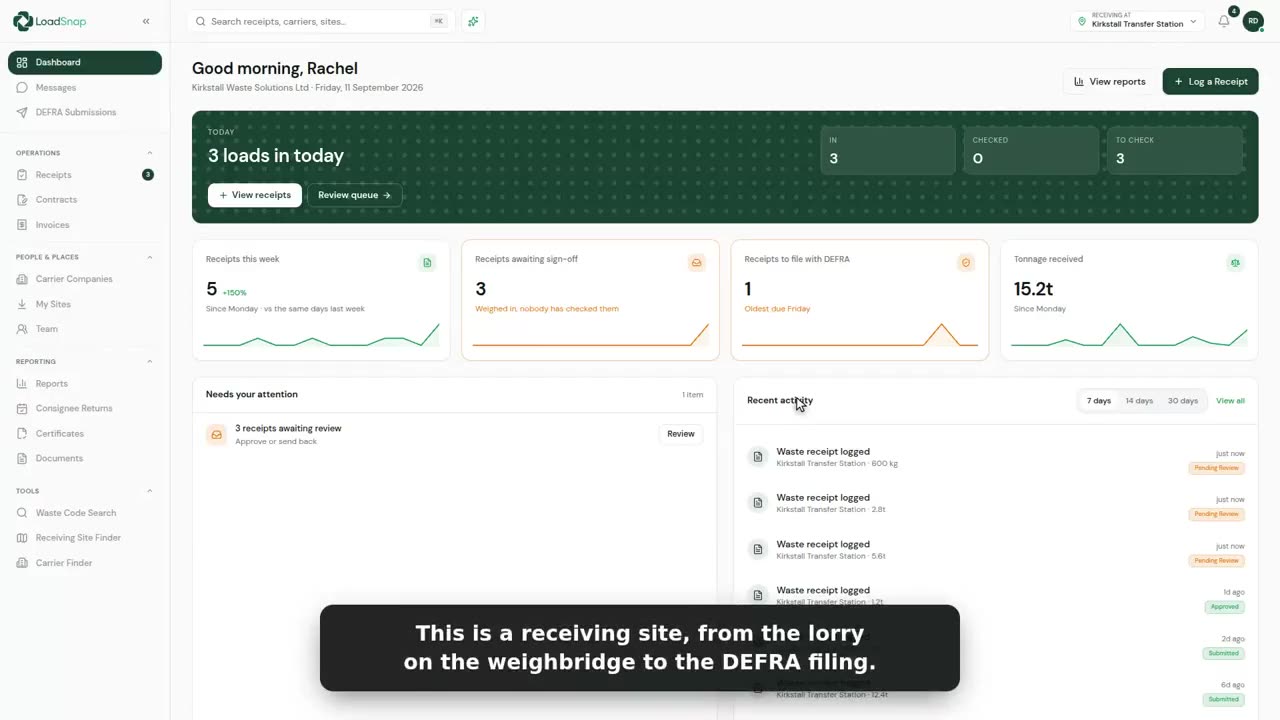
- This firm does both, so here is one load, from the first phone call to the DEFRA filing.
- Work comes in through your website, a booking link, or a phone call.
- Open one, and everything the customer told you is already here.
- One click turns it into a job, and a new customer is added on the way.
- Pick the kind of job: delivery and collection, a clearance, a wait while load, a service on site, or a collection only.
- This one is skips. Pick the day they go out.
- The customer and who to ring on the day came across from the enquiry.
- Three skips, and the waste code, searched by number or by name.
- Each skip gets its own visits. The three empties go out stacked on one vehicle.
- Full skips can't be stacked, so each one comes back on its own visit, on whichever day and vehicle suits.
- Want paying up front? Email them a payment link, and they pay by card.
- Create it, and the job and all its visits are booked.
- And there it is on the timeline, on the lorry you picked.
- The board shows every job by where it is up to.
- And the route view plans each round, tip included, before anyone sets off.
- Once they're out, you can see where every driver is without ringing round.
- When the load reaches your own yard, the gate is on the same app.
- A lorry pulls on. Take in asks how the load arrived.
- Scan the driver's code, pick one of your own collections, photograph the paper note, or type it in.
- By hand, it is three short steps. First, who brought it.
- And whose waste it is.
- Then what is on the lorry. The container, and the code, searched by number or by name.
- What it actually is, and the weight off the bridge.
- The summary adds itself up. If the load is not what was declared, this is where it is part-rejected or turned away.
- The driver gives their name and signs for what they brought.
- The operator signs for taking it, and between them that is the transfer note.
- Logged, and on the office screen before the lorry has pulled off the bridge.
- Every load weighed in at the gate lands here, in the office.
- This one came up from the gate. Open it, and the load, the carrier and the weight are all here.
- The checklist says what's still missing before DEFRA would. This one has no waste code.
- Click it, search by number or by name, and pick it.
- Saved as you go, and the checklist ticks it off.
- When it is right, one press sends it to DEFRA. Nothing goes until a person has checked it.
- Everything that has gone to DEFRA, with the tracking number they give back.
- The same job bills the customer, so the invoice, the transfer note and the DEFRA record never disagree.
- One button emails it, with your bank details on it.
- Compliance keeps an eye on MOTs, licences and permits, so nothing runs out without you knowing.
- One record, from the enquiry to the filing.
Digital waste tracking is live
The mandate is here.
Automate compliance.
Receiving sites in England and Wales have had to record every load digitally since 1 October 2026. Start a 14-day free trial in minutes, cancel any time before it ends, and file every load from day one.
DEFRA API integrated · EA carrier verification · UK data residency